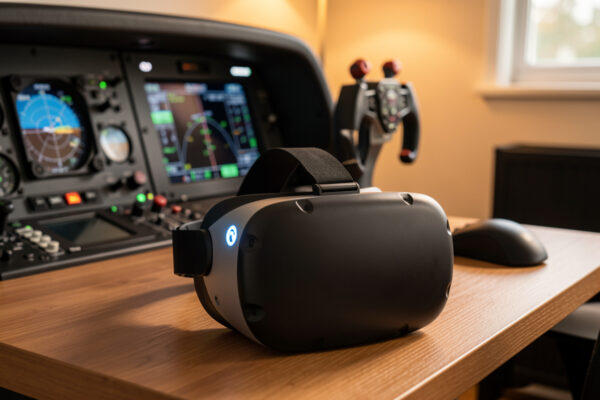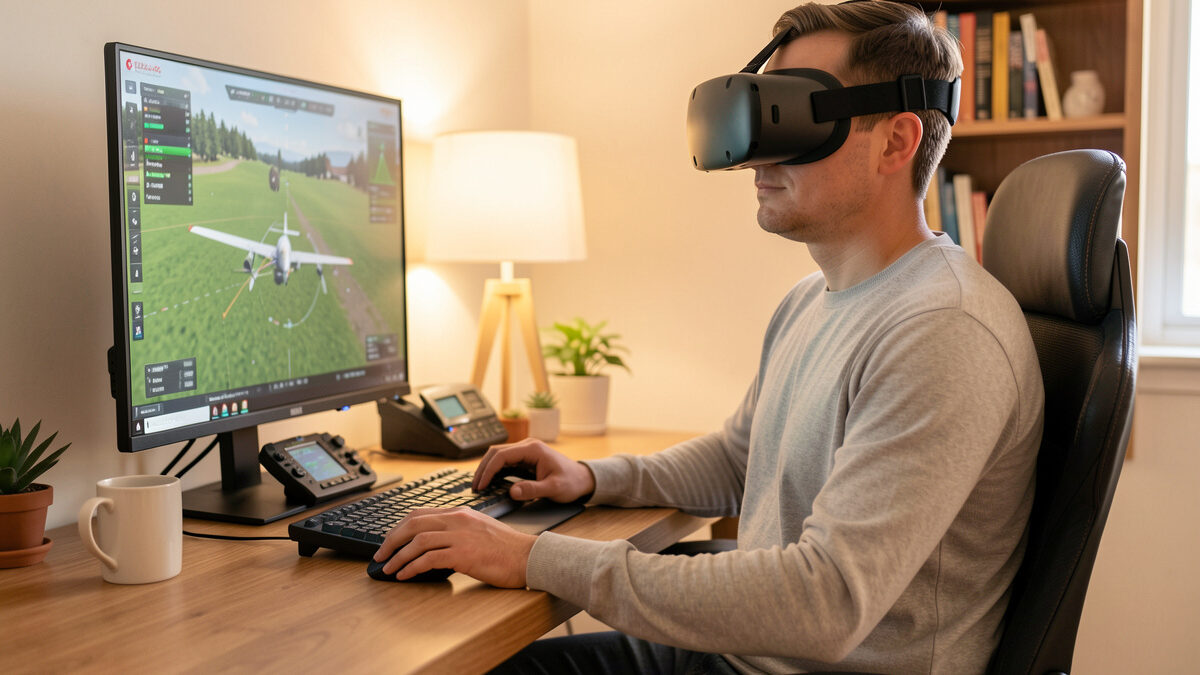
Most people who feel queasy in VR flight sim on day one adapt within a few short sessions, and flight sim is one of the gentler VR genres to adapt in. Motion sickness in VR flight sim comes from sensory conflict — your eyes report movement your inner ear doesn’t feel — and the research community consistently reports that gradual, repeated exposure is what builds tolerance. This guide is the sim-side ramp that worked on my deck, not medical advice.
I’ll be clear about what I can and can’t speak to. I’m a sim builder, not a clinician: I can tell you exactly which settings and flying habits made VR comfortable for me and what the research broadly reports about adaptation, but anything about your body’s limits is a question for a professional. If symptoms are severe, persistent, or come with anything beyond mild queasiness, stop and ask a doctor rather than a sim forum. With that said, here’s how to give yourself the best shot at flying VR comfortably.
Why VR Makes You Queasy
The accepted explanation is sensory conflict. Your eyes, immersed in the headset, tell your brain you’re banking, climbing, and accelerating, while your inner ear — sitting still in a chair — reports none of that motion. The brain dislikes the mismatch, and for many people the result is the classic cold-sweat, heady nausea. A related trigger is vection: the strong sense of self-motion you get when the whole visual field moves, like the ground rushing past in a low pass.
The good news in that mechanism is that it’s a learning problem, not a fixed limit for most people. The research community reports that the brain recalibrates with exposure, which is why the people who push through short, sensible sessions usually find the nausea fades over days or weeks. It’s also why brute-forcing a three-hour first flight is the worst thing you can do — you overload the conflict before your brain has adapted, and you teach yourself to dread the headset.
Flight Sim Is One of the Gentler VR Genres
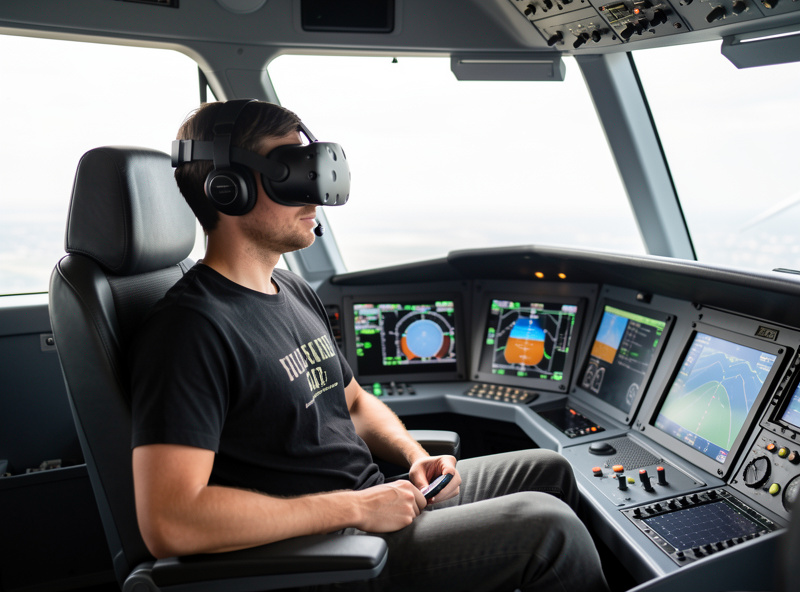
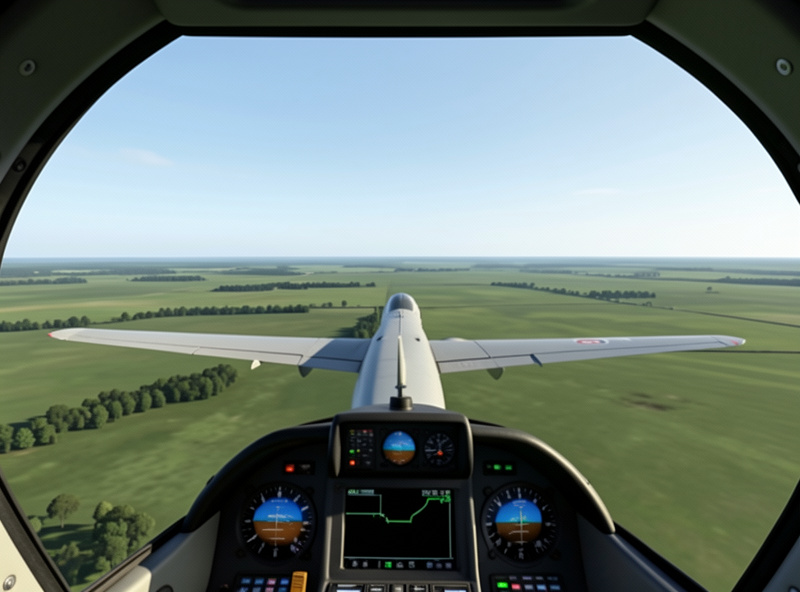
If you’ve heard horror stories about VR nausea, a lot of them come from fast, jerky games with artificial locomotion. Flight sim is kinder. You sit in a stable cockpit frame that fills your lower vision and gives your brain a fixed reference, your movements are mostly smooth and gradual, and straight-and-level cruising barely triggers conflict at all.
That stable cockpit reference is doing real work. Because the airframe around you stays put while the world moves outside, your brain has an anchor, much like looking at the horizon on a boat. The triggers in flight sim are the aggressive moments: steep turns, turbulence, aerobatics, and low-altitude bush flying where the ground fills your view with motion. Knowing that lets you choose your early flights deliberately rather than discovering your limits the hard way over a mountain range.
The Adaptation Ramp That Works
The approach that reliably works is simple and patient: short sessions, repeated often, building duration as comfort grows. Start with sessions measured in minutes, not hours, and end while you still feel completely fine — stopping before any queasiness is the entire point, because pushing into nausea sets your progress back rather than forward.
Fly straight and level first. Take off, trim for cruise, and just fly gentle headings for your first outings, saving steep turns and approaches until that feels boringly comfortable. Add a little more each session: a few more minutes, a gentle turn, eventually a full circuit. Most people find that what felt nauseating in week one feels like nothing by week three. The discipline is resisting the urge to do too much too soon — the same patience that the head tracking and VR guide argues makes view control worth easing into rather than rushing.
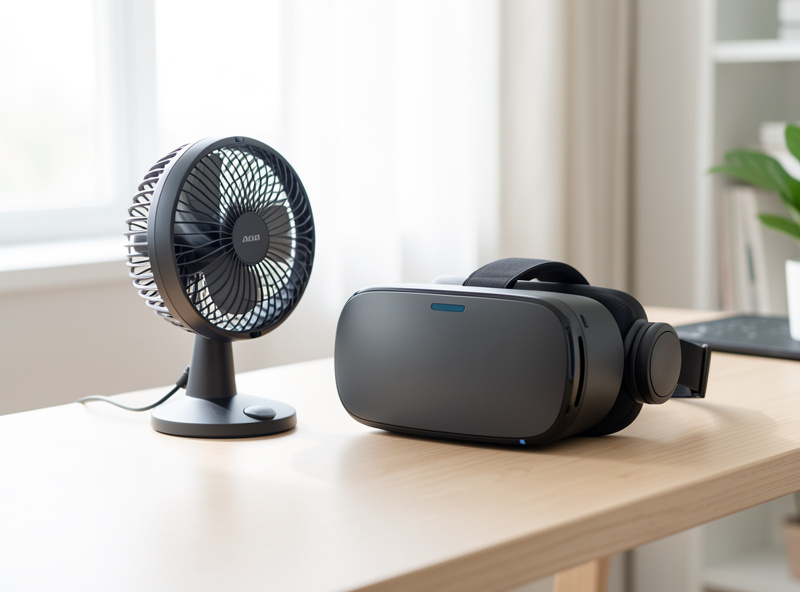
A schedule that has worked on my deck: ten-minute straight-and-level hops for the first three or four sessions, then fifteen to twenty minutes with one or two gentle turns added, and only by the second week do I fly a full traffic pattern with approaches. Two short sessions a day beat one long marathon for building tolerance, and taking a day off when you feel off is fine — adaptation banks the progress between sessions, not only during them. Keep a glass of water and that desk fan within reach. A few low-tech habits help on the margins too: rest your eyes on the instrument panel or the horizon rather than the rushing scenery during turns, chew gum to keep swallowing reflexes busy, and some simmers swear by ginger before a session — harmless old sailor’s tricks worth a try while your brain adapts.
Settings That Reduce the Conflict
Frame rate stability is the single most important setting for comfort. A dropped or stuttering frame in a headset reads to your brain as a jolt of motion that isn’t there, which is uniquely nauseating, so a steady frame rate matters more than a high one. This is why I tune render scale down until frame-times are smooth rather than chasing maximum sharpness — a stable, slightly softer image beats a crisp, stuttering one every time, and it’s the same lesson the VR PC requirements piece hammers on.
Beyond frame rate: keep the cockpit view stable and avoid camera shake effects that decouple the view from the airframe, make sure your headset’s lens spacing is set correctly for your eyes because a wrong setting causes eye strain that compounds nausea, and keep the room cool and well ventilated since heat makes everything worse. A small fan on your face is a genuinely effective, completely harmless trick that many simmers swear by. None of this is medical — it’s just removing the avoidable triggers so your natural adaptation has a clean run.
Who Should Be Cautious
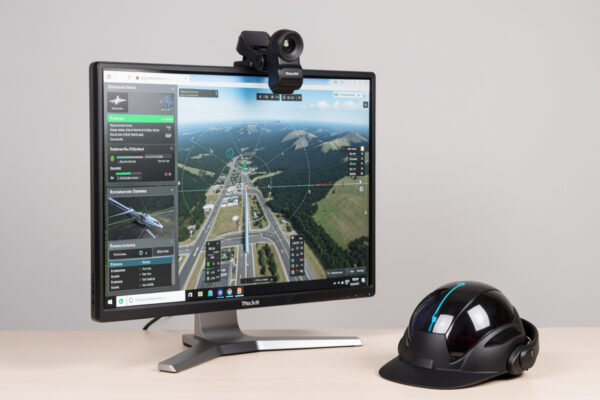
Adaptation works for most, but not everyone, and it’s worth being honest about that. If you get carsick reading in a moving vehicle or are strongly prone to motion sickness generally, VR may always be a struggle, and that’s a perfectly good reason to make head tracking on a flat monitor your default — it delivers the head-swivel reflex with zero sensory conflict, which is exactly why I recommend it first across this whole cluster.
There’s no realism prize for forcing a setup that makes you ill. If repeated, sensible sessions over a few weeks bring no improvement, or if VR causes anything more than mild, fading queasiness, that’s your answer — stop and consider a professional’s input rather than pushing harder. The deck should make you a better, happier sim pilot; a tool that makes you sick isn’t the right tool for you, and there’s a perfectly good monitor-and-tracker path waiting. Where that fits your other purchases is laid out in the upgrade order guide.
Frequently Asked Questions
Does VR motion sickness in flight sim go away?
For most people it fades with gradual, repeated exposure. The research community reports that the brain recalibrates to the sensory conflict over time, so short sessions built up slowly usually lead to comfortable flying within days or weeks. A minority remain sensitive, for whom a flat monitor with head tracking is the better path.
Why does VR flight sim make me feel sick?
It is sensory conflict: your eyes, immersed in the headset, report banking and climbing motion that your inner ear, sitting still, does not feel. The brain dislikes the mismatch and responds with nausea. Stuttering frame rates make it worse because dropped frames read as motion that is not there.
How do I start with VR flight sim without getting sick?
Keep first sessions to a few minutes and stop while you still feel completely fine. Fly straight and level before any steep turns or approaches, keep your frame rate stable, and build up duration gradually over many sessions. Ending before queasiness, not pushing through it, is what builds tolerance.
Does frame rate affect VR motion sickness?
Yes, significantly. A stable frame rate matters more for comfort than a high one, because a stuttering or dropped frame in a headset reads to your brain as a jolt of motion that is not real. Lowering render scale until frame-times are smooth is usually better for comfort than chasing maximum sharpness.
Is flight sim worse than other VR for motion sickness?
Generally no, it is gentler. You sit in a stable cockpit frame that gives your brain a fixed visual reference, and cruising flight is smooth and predictable. The harder moments are steep turns, turbulence, aerobatics, and low-altitude flying, which is why easing into those rather than starting with them helps.
Should I avoid VR if I get carsick easily?
If you are strongly prone to motion sickness, VR may always be a struggle, and head tracking on a flat monitor is the safer default since it has no sensory conflict. Try VR cautiously if you like, but stop if sensible sessions bring no improvement, and see a professional for anything beyond mild queasiness.