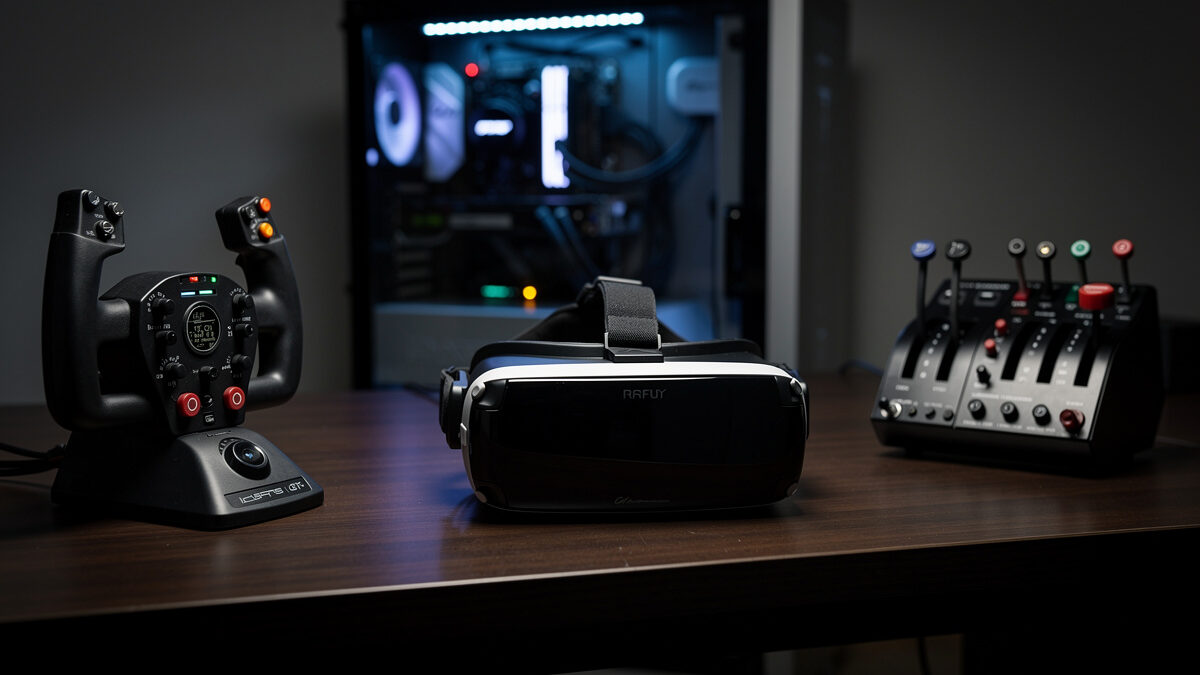
VR flight sim requirements are roughly double those of flat-screen flying, so a PC that runs MSFS 2024 smoothly on a monitor will struggle in a headset. The realistic entry point for comfortable VR is an RTX 4080-class GPU with 16GB of VRAM, because the card must render two high-resolution eye views many times per second with no tolerance for dropped frames.
This is the jump nobody warns you about. People build a happy 1440p deck, bolt on a headset, and discover the sim that flew beautifully on the monitor now stutters and makes them queasy. The bar for “smooth enough” is far higher in VR, and the hardware has to clear it. Below I explain why VR demands so much more, what GPU and CPU you actually need, and how to plan a build around the headset from the start. It is the VR tier of my full flight sim PC build guide; I write as a sim builder, not a pilot, and none of this transfers to real flight.
Why Does VR Need So Much More Power?
VR needs roughly double the GPU power because the card renders two separate high-resolution views, one per eye, at a high refresh rate with no room for stutter. Where a monitor shows one image, a headset shows two at headset-native resolution, so the rendering load multiplies and the margin for error collapses to near zero.
The brutal part is the consequence of a missed frame. On a monitor a dropped frame is a stutter you notice and shrug off; in a headset a dropped frame is a lurch your inner ear registers as nausea. That is why the smoothness bar is so much higher: the sim cannot just average a decent frame-rate, it has to hold a consistent one across both eye buffers. A build sized for “fine on a monitor” simply does not have that consistency in reserve.
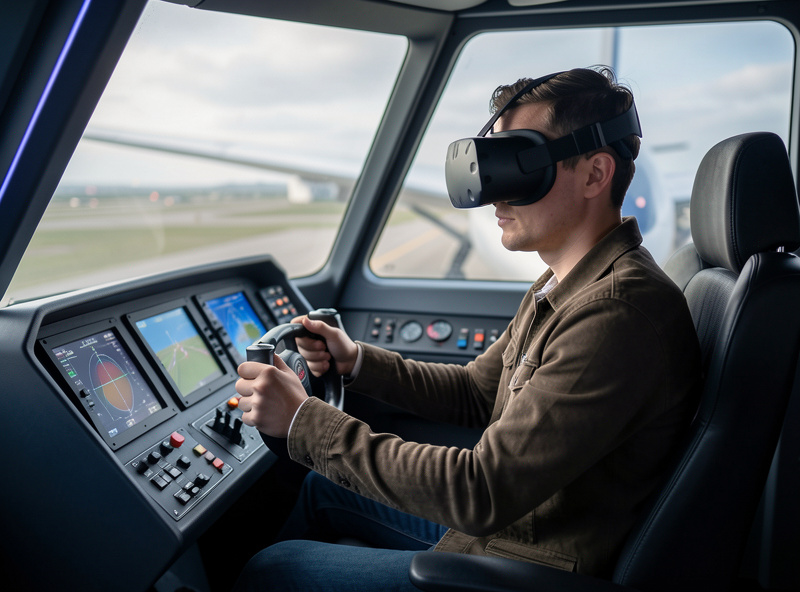
What GPU Do You Need for VR Flight Sim?
For comfortable VR flight sim, an RTX 4080-class GPU with 16GB of VRAM is the realistic entry point, and a 4090 or 5090-class card gives genuine headroom at higher headset resolutions. The card carries the doubled rendering load plus the VRAM demand of streaming detailed scenery into two eye buffers at once.
This is the one place in flight sim where I will tell someone to buy the strongest card they can. My VR flying lives on the most powerful GPU in the house, while my flat-screen deck is perfectly content a tier or two lower. The 16GB VRAM floor matters as much as the raw speed, because headset-resolution textures plus the sim’s terrain streaming fill memory fast, and a spill in VR is the worst kind of stutter. If VR is the goal, plan the GPU around it: a 16GB RTX 4080-class card on Amazon is where comfortable headset flying really begins.
As an Amazon Associate I earn from qualifying purchases. The links here point to the hardware classes I describe and run myself, never to a specific price.
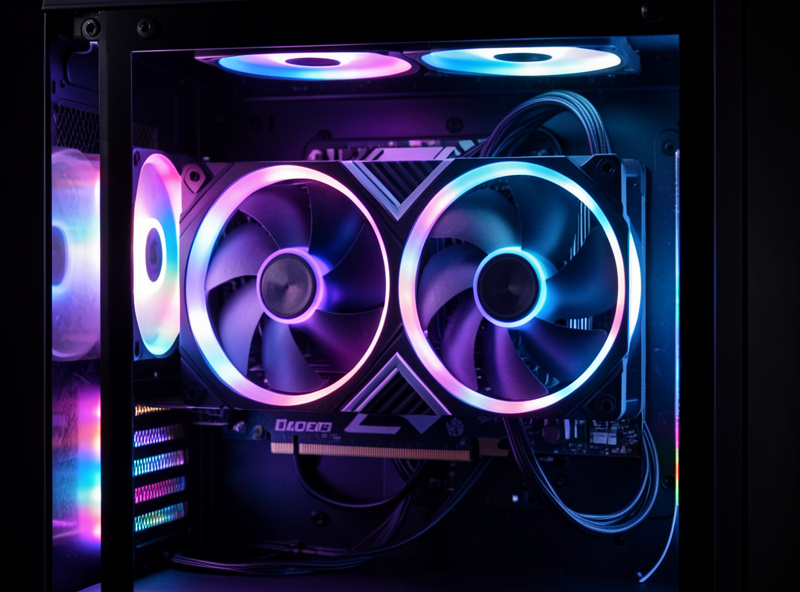
Does the CPU Still Matter in VR?
Yes, the CPU still matters in VR for the same reasons it matters on a monitor: complex airports, traffic, and study-level airliners load the simulation thread regardless of how you view the world. VR shifts the gating part to the GPU, but a weak CPU will still hitch at a busy hub, and in VR that hitch is far more punishing.
So a VR build is not “all GPU.” It is a strong GPU on top of the same cache-heavy 8-core CPU foundation a good flat-screen deck wants, the same balance I explain in why your stutter usually isn’t the graphics card. If anything the CPU requirement is less forgiving in VR, because the consistency demands are higher across the board. I would never pair a flagship card with a weak processor for headset flying and expect smoothness into a major airport. The card handles the doubled views; the processor still has to keep the world fed.
| Requirement | 1440p Flat | VR |
|---|---|---|
| GPU class | RTX 4070 Super 12GB | RTX 4080-class 16GB |
| VRAM floor | 12GB | 16GB |
| Stutter tolerance | Noticeable but livable | Causes nausea |
| CPU needs | Cache-heavy 8-core | Same, even less forgiving |
Should You Plan a VR Build From the Start?
Yes. If VR is your goal, plan the whole build around it from day one rather than bolting a headset onto a 1440p machine and hoping. Sizing the GPU, VRAM, and CPU for the headset’s demands upfront avoids the expensive disappointment of a deck that flies flat beautifully and falls apart the moment you put the headset on.
I have watched simmers do this the hard way: build for the monitor, add VR later, and immediately face a GPU upgrade they could have planned for. The headset is not an accessory you sprinkle on top; it changes the requirement tier of the entire machine. Decide early, size the GPU to 4080-class or above with 16GB minimum, keep the cache-heavy CPU, and you get a deck that handles both worlds instead of one that only ever flew flat.
Is VR Worth the Hardware Cost?
VR is worth the cost for the immersion if you value presence over peak visual sharpness, but it is the most demanding way to fly and the least forgiving of an underpowered build. The trade is real depth and a true sense of scale in the cockpit, paid for with a stronger GPU and a tighter performance budget than any monitor setup.
My honest take from owning both: VR gives an immersion nothing on a flat screen matches, the genuine feeling of sitting in the cockpit and judging height on the flare by eye. But it asks for the hardware to back it, and a half-measure build delivers the nausea without the magic. If you can fund the GPU it needs, it is the most immersive flying in the hobby, and a current PC VR headset on Amazon paired with the right card is the entry to it. If you cannot yet, a strong 1440p deck with head tracking gets you much of the situational awareness for far less, and you can step up to VR later when the budget is ready.
Frequently Asked Questions
How much more powerful does a VR flight sim PC need to be?
Roughly double the GPU power of a flat-screen build. The card renders two high-resolution eye views with no tolerance for stutter, so a comfortable VR deck needs an RTX 4080-class GPU with 16GB of VRAM rather than the 12GB card that suits 1440p.
Will my 1440p flight sim PC run VR?
Probably not smoothly. A build sized for comfortable 1440p flat flying lacks the consistency reserve VR demands, so it tends to stutter in a headset, which causes nausea. VR shifts the requirement up a tier, usually meaning a stronger GPU.
Does the CPU matter for VR flight sim?
Yes. Complex airports, traffic, and airliners load the simulation thread in VR just as on a monitor, so a cache-heavy 8-core CPU is still needed. VR makes the CPU even less forgiving because hitches in a headset are far more punishing.
How much VRAM do I need for VR flight sim?
16GB is the practical floor. Headset-resolution textures plus the sim’s terrain streaming fill memory fast across two eye buffers, and a VRAM spill in VR causes the worst kind of stutter. Plan for 16GB minimum on a VR-focused card.
Does flying in VR make me a real pilot?
No. VR flight sim is the most immersive way to fly the simulator, but it is still a hobby for enjoyment and presence. Nothing about it builds real piloting skill or counts toward training. Real flight requires a licensed flight instructor.
Keep Building
- The Flight Sim PC Build Guide: What MSFS 2024 Actually Needs
- The Best GPU for 1440p Flight Sim
- CPU vs GPU Bound in Flight Sim
- Head Tracking: The Best-Value Immersion Upgrade
More from This Cluster
- “The Budget Flight Sim PC Build That Actually Works”
- “32GB vs 64GB RAM for Flight Sim: The Honest Answer”
- “CPU vs GPU Bound in Flight Sim: Why Your Stutter Isn’t the Card”
- “The Best GPU for 1440p Flight Sim: VRAM Is the Real Decider”
- “MSFS 2024 System Requirements: The Real Numbers vs the Spec Sheet”
- “The Flight Sim PC Build Guide: What MSFS 2024 Actually Needs”