For almost every flight sim build, 32GB of RAM is the right amount and 64GB is wasted money, because MSFS 2024 typically uses 16 to 24GB even in heavy scenarios. 32GB leaves working headroom for the OS, charts, and tools, while 64GB only pays off in a specific kitchen-sink loadout that most simmers never run.
I run 32GB on my main deck and have never hit a memory wall in normal flying, and that is the honest answer most buying guides dodge because recommending more always sounds safer. Below I lay out exactly how much MSFS uses, the one loadout where 64GB genuinely helps, and why memory speed and dual-channel matter more than capacity for most people. It is the RAM chapter of my wider flight sim PC build guide; I write as a sim builder, not a pilot, and none of this concerns real flying.
How Much RAM Does MSFS 2024 Actually Use?
MSFS 2024 typically uses 16 to 24GB of system RAM in demanding flying: a detailed airliner, photogrammetry scenery, and traffic together push toward the top of that range. On a 32GB machine that leaves comfortable headroom for Windows, a browser of charts, and a moving-map app without the system swapping to disk.
This is the number that settles the debate. If the sim’s heaviest realistic demand lands around 24GB, then 32GB covers it with room to spare and 64GB sits half-empty during normal flying. I have watched my own memory usage across long airliner flights into busy hubs and it simply does not climb into 64GB territory unless I deliberately stack everything at once. Capacity beyond your real peak does nothing for frame-times.
It also helps to understand why the demand has crept up over the years. Newer scenery is far more detailed, photogrammetry cities pull in huge mesh and texture data, and modern airliners carry deep systems code, so a 16GB machine that was fine a few sim generations ago now feels cramped. That climb is exactly why 32GB became the sensible floor rather than 16GB. But the same trend does not justify 64GB, because the per-flight peak still lands comfortably under 32GB for a normal loadout. The requirement grew, then it plateaued for single-sim use, and 32GB sits right on top of that plateau with margin to spare.
When Is 64GB of RAM Actually Worth It?
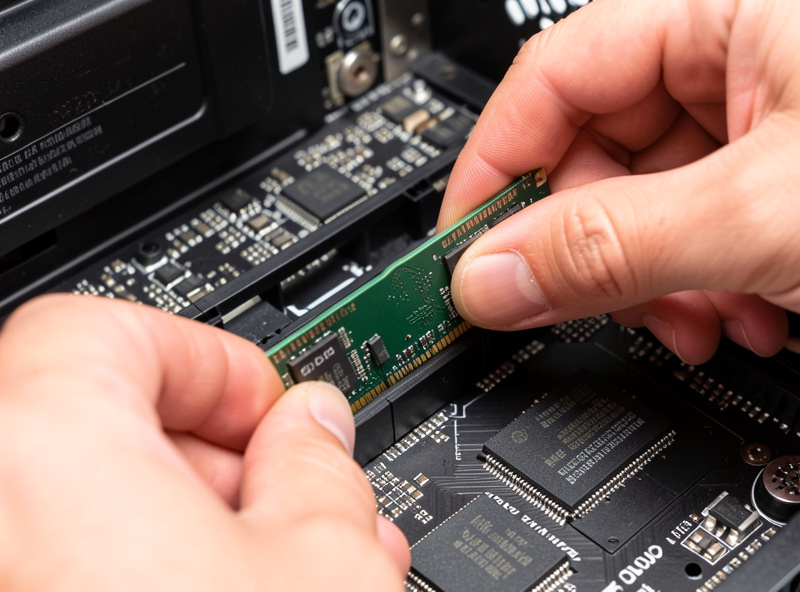
64GB is worth it only for the kitchen-sink loadout: a study-level airliner, a busy online network, photogrammetry scenery, a moving-map app, recording or streaming software, and a dozen browser tabs, all running at once. That combination can approach the limit of 32GB and start swapping, and 64GB stops it. For everyone else it is budget better spent on the GPU or CPU.
I keep this honest because it is the one scenario where the extra capacity earns its place. If your daily setup is a heavy airliner on a live network while you record video and run charts on a second screen, the headroom genuinely smooths things out. But notice how specific that is. It is not “serious simmers need 64GB”; it is “people who run six demanding programs simultaneously need 64GB.” If that is you, a 64GB DDR5 kit on Amazon is justified. If it is not, save the money.
As an Amazon Associate I earn from qualifying purchases. The links here point to the memory kit classes I describe and run myself, never to a specific price.
Does RAM Speed Matter More Than Capacity?
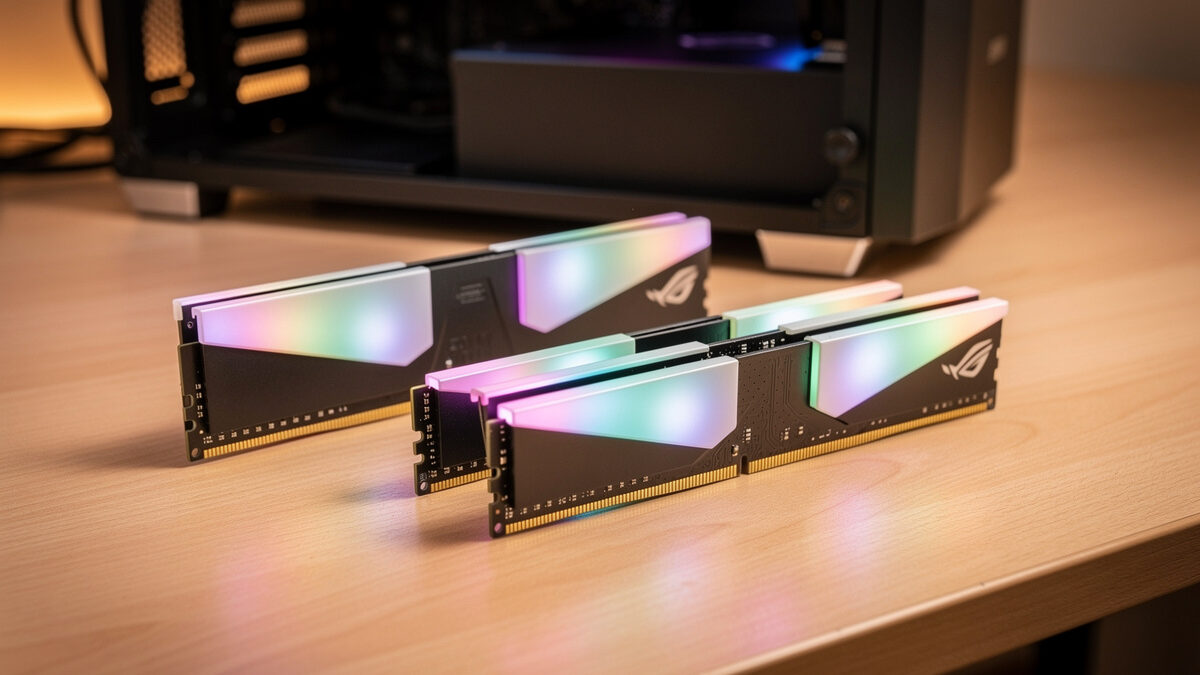
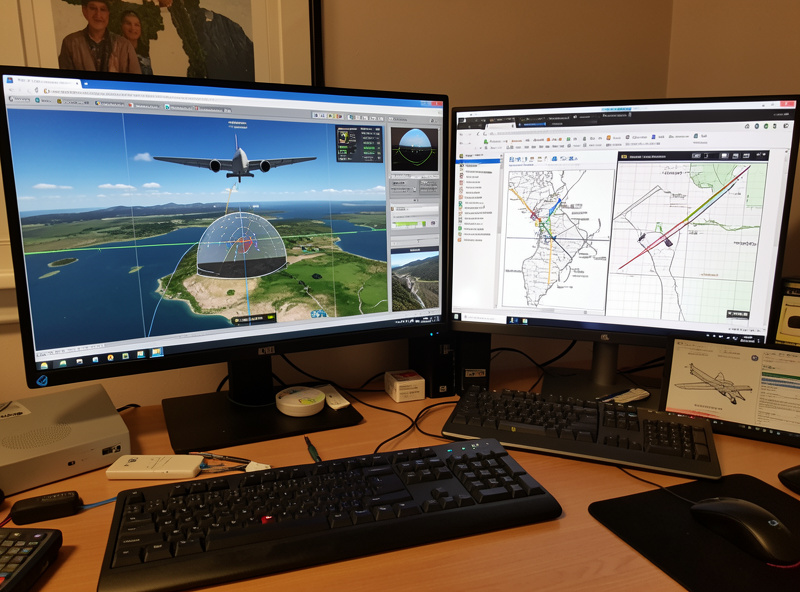
For most flight sim builds, RAM speed and running in dual-channel matter more than going from 32GB to 64GB. On the Ryzen X3D platform, fast DDR5 in a matched two-stick kit feeds the cache-hungry simulation thread, and a mismatched single stick quietly costs you minimums regardless of total capacity.
This is where I see people get the priorities backwards. They spend on 64GB at a mediocre speed in a single stick, then wonder why the sim is no smoother. The simulation thread cares about being fed quickly, not about having vast headroom it never uses, the same cache-sensitivity I cover in why your stutter usually isn’t the graphics card. A matched 32GB kit at a good rated speed, running in dual-channel with the profile enabled in BIOS, beats a sloppy 64GB install for actual flight sim performance. A solid choice is a matched 32GB DDR5 kit on Amazon.
| Aspect | 32GB | 64GB |
|---|---|---|
| Normal flying | Plenty of headroom | Half unused |
| Kitchen-sink loadout | Can approach the limit | Stops swapping |
| Cost vs benefit | Best value for most | Niche multitaskers only |
| Better spent elsewhere? | No, this is the target | Often yes (GPU/CPU) |
How Should You Configure RAM for Flight Sim?
Configure 32GB of DDR5 as a matched two-stick kit, enable the rated speed profile in BIOS, and confirm it actually applied. Many boards default to a slower speed until you turn the profile on, so a fast kit can quietly run slow out of the box. The matched dual-channel setup is what feeds the simulation thread properly.
The check takes thirty seconds and people skip it constantly. After building, I open the BIOS, enable the memory profile, boot, and verify the reported speed matches the kit’s rating. I have caught more than one build running its expensive RAM at a fraction of its capability because nobody turned the profile on. Buy a matched 32GB kit, enable the profile, verify it, and you have done more for performance than doubling to 64GB would.
One last practical note on future-proofing, since that is the usual argument for 64GB. If you genuinely expect your loadout to grow into the kitchen-sink territory described above, it is cheaper and cleaner to buy a 64GB kit up front than to add sticks later, because mixing kits can hurt stability and force the memory to run slower. But that is a planning decision for a known heavy use case, not a blanket recommendation. For the simmer flying a single sim with a normal stack of tools, 32GB is not a compromise you will outgrow; it is simply the right amount.
Frequently Asked Questions
Is 32GB of RAM enough for MSFS 2024?
Yes. MSFS 2024 typically uses 16 to 24GB even in heavy scenarios, so 32GB leaves comfortable headroom for the OS, charts, and tools. It is the correct amount for almost every flight sim build and the level I would not go below.
Is 64GB of RAM worth it for flight sim?
Only for a specific kitchen-sink loadout: a study-level airliner, online network, photogrammetry, a moving-map app, recording software, and many browser tabs at once. For everyone else, 64GB is money better spent on the GPU or CPU.
Does RAM speed matter for flight sim?
Yes, often more than capacity. On the X3D platform, fast DDR5 in a matched dual-channel kit feeds the cache-hungry simulation thread. A matched 32GB kit at a good rated speed beats a slow or single-stick 64GB install for flight sim.
Why does my fast RAM run slow by default?
Many motherboards boot at a conservative speed until you enable the memory profile in BIOS. A fast kit can quietly run slow out of the box, so after building you should enable the rated profile and confirm the reported speed matches the kit.
Does more RAM make me a better sim pilot?
No. RAM only affects how the flight simulator runs on your PC. Flight sim is a hobby for immersion and enjoyment, and nothing about hardware improves real piloting skill. Real flight requires training with a licensed flight instructor.
Related Guides
- The Flight Sim PC Build Guide: What MSFS 2024 Actually Needs
- MSFS 2024 System Requirements: The Real Numbers
- CPU vs GPU Bound in Flight Sim
- What a $200 vs $600 Hardware Budget Buys
More from This Cluster
- “The Budget Flight Sim PC Build That Actually Works”
- “VR Flight Sim PC Requirements: The Jump Nobody Warns You About”
- “CPU vs GPU Bound in Flight Sim: Why Your Stutter Isn’t the Card”
- “The Best GPU for 1440p Flight Sim: VRAM Is the Real Decider”
- “MSFS 2024 System Requirements: The Real Numbers vs the Spec Sheet”
- “The Flight Sim PC Build Guide: What MSFS 2024 Actually Needs”