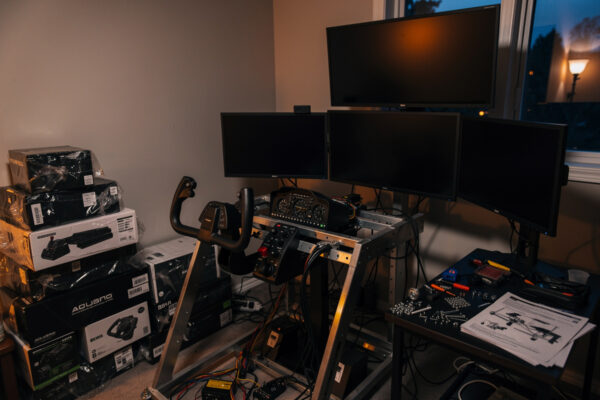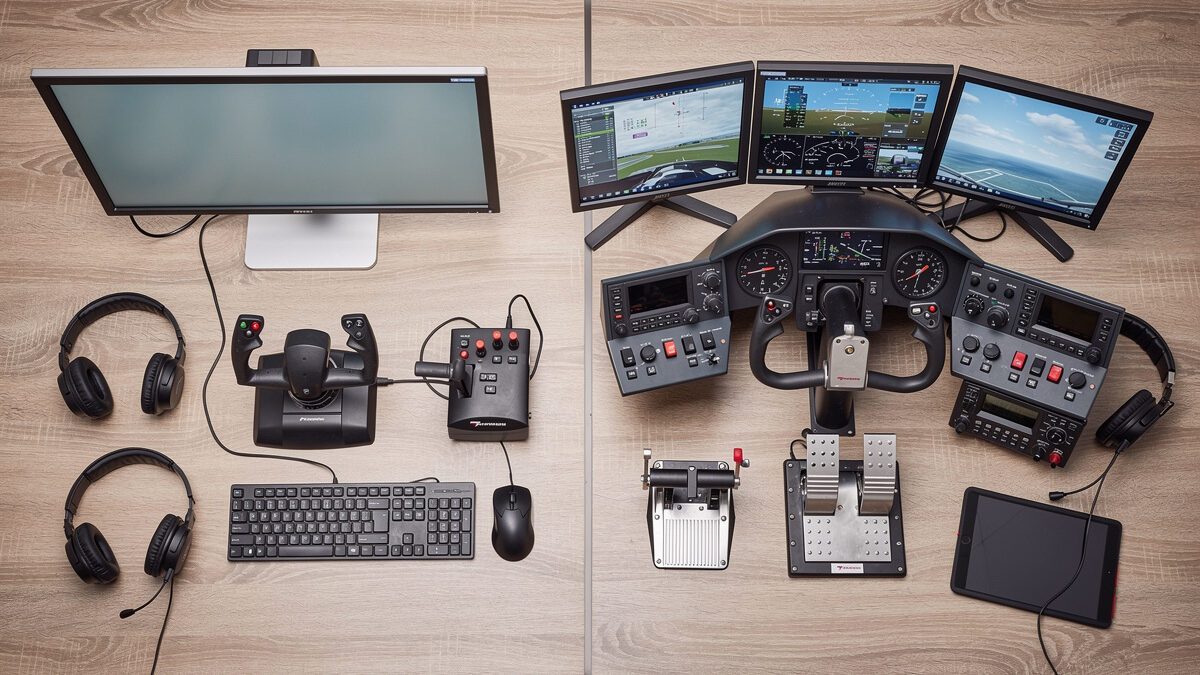
“How much do I need to spend to get into flight sim hardware?” is the question I get most, and the honest answer is: less than you think, if you spend it in the right order — and a lot more than you think if you spend it in the wrong one. So let me do the thing the shopping guides never do and actually build two real budgets, roughly $200 and roughly $600, purchase by purchase, in the order that buys the most realism per krona. These are the decks I would build at each tier if I were starting over today.
The whole point of a budget here is not to find the cheapest gear — it is to make sure each tier of spending crosses as many realism cliffs as possible instead of polishing one box. The mistake that wastes the most money is spending the entire budget on a single premium controller and skipping the upgrades that actually move immersion. Both budgets below are built to avoid exactly that.
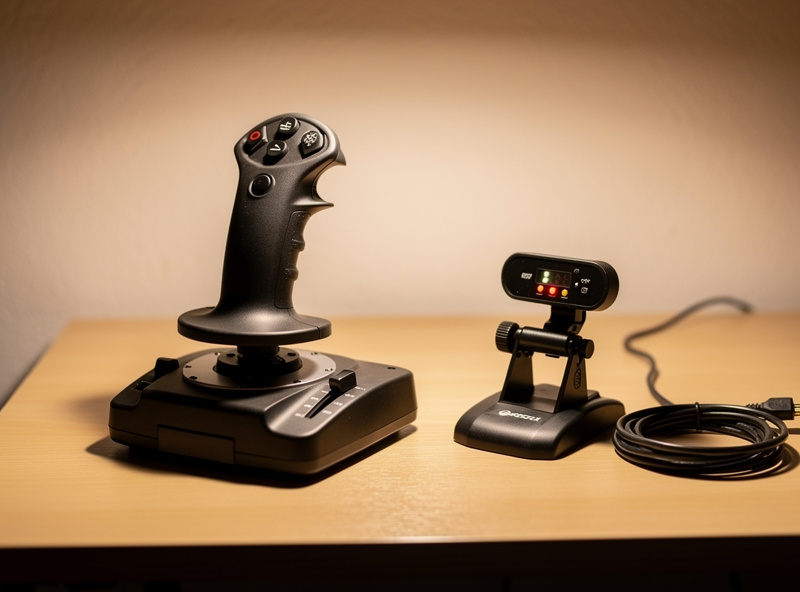
The ~$200 budget: cross the two biggest cliffs
Two hundred dollars, spent right, does not buy you a fancy version of one thing — and however you spend it, the first session after you plug in any analog stick or yoke should include tuning control curves and deadzones so the hardware actually responds the way the aircraft should — it buys you the two single biggest realism jumps in the whole hobby. Here is the priority order:
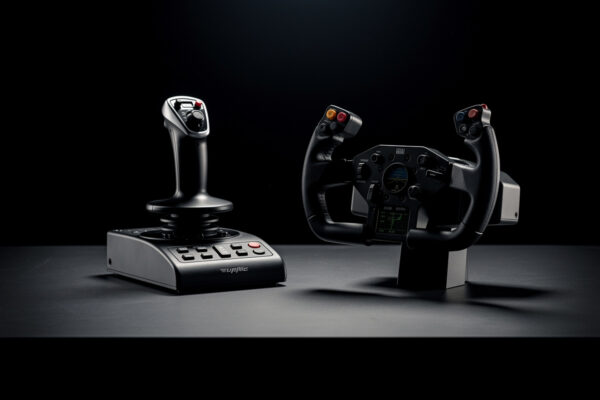
- An entry analog controller (yoke or stick). This crosses the keyboard-to-analog cliff: continuously variable pitch and roll instead of the keyboard’s all-or-nothing. It is the foundation, and an entry unit does the job completely. If GA, a yoke (often with integrated throttles); if military, a bare stick. If you are flying MSFS 2024 and still deciding which side fits your flying style, yoke or stick in MSFS 2024 covers the simulator-specific nuances.
- Entry rudder pedals. If any budget is left, pedals are next, because going from no pedals to any pedals unlocks coordinated turns, crosswind landings, and proper taxiing — a whole axis of the aircraft.
At this tier the controller takes the lion’s share and pedals fill the rest, or pedals wait for next month. Either way, the $200 deck crosses the two realism cliffs that matter most. Notice what is not here: no second monitor, no premium anything, no PC upgrade. None of those would buy as much realism as the analog axis and the rudder do. This is the deck that turns typing back into flying, and it is startlingly capable for the money. The full reasoning behind this ordering is the upgrade-order doctrine the whole site runs on.
The ~$600 budget: a genuinely complete foundation
Six hundred dollars is where it gets exciting, because it buys the entire immersion foundation rather than just the first rungs. Spent in order:
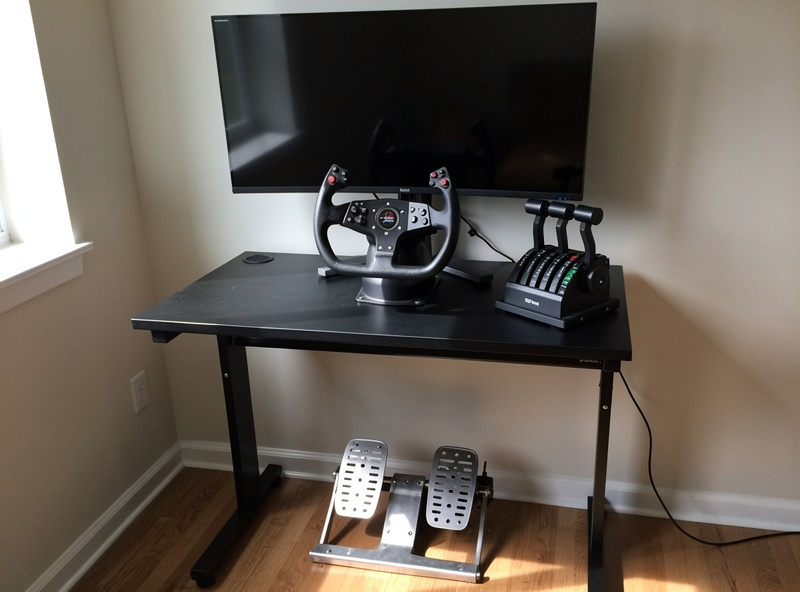
- A solid (not premium) primary controller. Yoke or HOTAS to match your flying, a good mid-tier unit rather than the absolute entry one.
- Rudder pedals. Still the highest-value purchase after the controller; at this budget you can afford a better spring set or step toward load-cell.
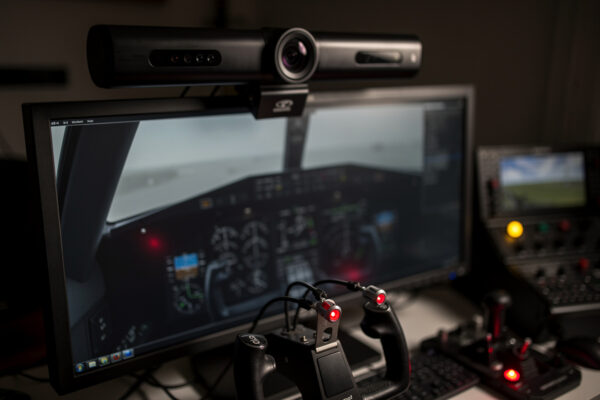
- Head tracking. An infrared tracker, the best money-per-immersion upgrade there is, for roughly the price of a midrange controller. This is the purchase that makes the deck feel like a cockpit.
- A throttle quadrant if anything is left, especially for twin and airliner flyers who want separate levers and reverse-thrust detents.
That is a remarkably complete deck: analog control, rudder, natural look-around, and tactile power. A simmer flying that setup is not missing anything fundamental — everything beyond it is refinement and personalization. The $600 deck is, honestly, where most people could happily stop forever and never feel short-changed.
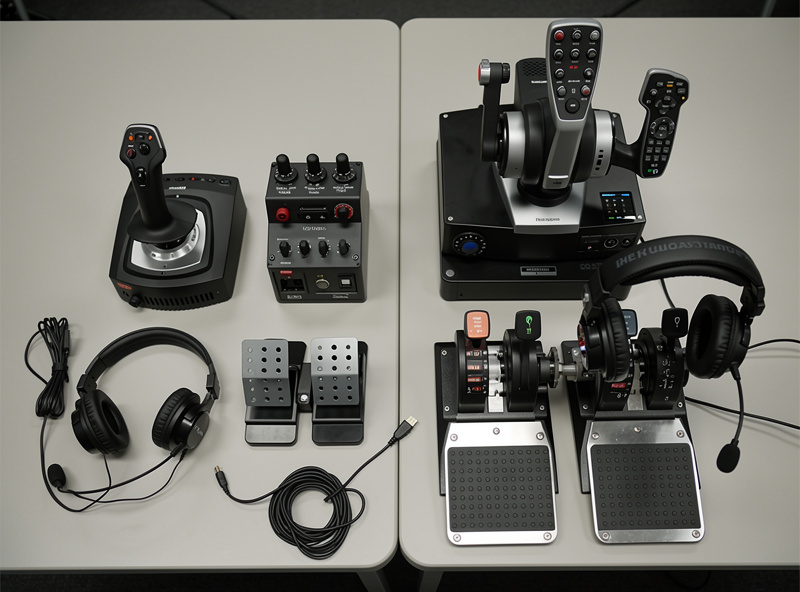
$200 vs $600 at a glance
| ~$200 deck | ~$600 deck | |
|---|---|---|
| Primary controller | Entry yoke or stick | Solid mid-tier yoke or HOTAS |
| Rudder pedals | Entry spring (if budget allows) | Better spring or entry load-cell |
| Head tracking | Not yet — later upgrade | Yes — infrared tracker included |
| Throttle quadrant | No | Yes, if budget remains |
| Realism cliffs crossed | Analog control + rudder | Analog + rudder + look-around + tactile power |
| Who it suits | Every new simmer, on a real budget | Anyone who wants a deck they can stop at |
The key insight is in that “realism cliffs crossed” row. The extra $400 does not buy you a nicer version of the $200 deck — it buys two more realism cliffs: head tracking and tactile power. That is a far better use of money than spending the same $400 making your one controller premium. Spread across rungs, every dollar pulls its weight.
The trap at both budgets: spending up one rung
Whatever your budget, the failure mode is identical: pouring it all into the most expensive version of a single thing. A $600 study-level yoke in front of a keyboard-flown rudder and a fixed forward view is a worse deck than the balanced $600 build above, even though it cost the same and the box is more impressive. I have watched people do exactly this — drop the whole budget on one premium controller — and then wonder why the experience still feels flat. It feels flat because they bought depth in one axis and skipped breadth across the rest.
So the rule for any budget is the same: buy across the rungs, in order, until the money runs out, then resume next month from where you stopped. The order is fixed and immersion-ranked, which also means you always know exactly what your next purchase is — no agonizing, no comparison spirals. Spend to the order, not to the spec sheet, and both the $200 and the $600 deck punch far above their price.
Stretching either budget further
Both numbers go further than the sticker prices suggest if you are a little patient. The used market is kind to flight sim hardware, because the people selling are usually upgrading from perfectly good gear, not getting rid of broken gear — a second-hand entry yoke or a set of spring pedals from a simmer who moved up a tier is often half price and barely flown. I would happily buy used controllers and pedals; they are simple, robust devices with little to go wrong. The one thing I would think twice about used is anything with delicate electronics or a worn potentiometer, but for the entry tier the savings are real and low-risk.
The other lever is bundles. A yoke that ships with integrated throttle levers is doing two jobs for one price, and a starter set that pairs a controller with pedals often costs less than the two bought separately. At the $200 tier especially, an integrated-throttle yoke is how you afford to reach the pedal rung sooner. Spend the saved money on the next cliff up the order, not on a fancier version of what you already bought.
To build the foundation in order: a flight sim yoke or joystick as the primary controller, a set of rudder pedals as the next cliff, and — at the $600 tier — an infrared head tracker and a throttle quadrant to complete it. Buy them in that order whatever your number is.
Frequently Asked Questions
What flight sim hardware can I get for $200?
Around $200, spent in the right order, buys the two biggest realism cliffs: an entry analog controller (yoke or stick) to get off the keyboard, and entry rudder pedals if budget allows. That is far more immersion than spending the same money on one premium controller and skipping the rest.
What does a $600 flight sim budget buy?
About $600 buys a genuinely complete foundation: a solid mid-tier primary controller, rudder pedals, an infrared head tracker, and a throttle quadrant if budget remains. That deck crosses every fundamental realism cliff — analog control, rudder, look-around, and tactile power — and is a setup most people could happily stop at.
Is it better to buy one premium controller or several cheaper pieces?
Several pieces, almost always. A single premium controller in front of a keyboard-flown rudder and a fixed view is a worse deck than a balanced build at the same price. Spending across the rungs — controller, pedals, head tracking — crosses more realism cliffs than polishing one box ever does.
In what order should I spend a flight sim budget?
Analog primary controller first, then rudder pedals, then head tracking, then a throttle quadrant. The order is fixed and ranked by immersion-per-krona, so whatever your budget you buy down the list until the money runs out and resume from there next month.
Should part of my hardware budget go to a PC upgrade?
Not at the $200 or $600 tier, in most cases. A PC upgrade only earns its place when frame-time logs show the computer is the bottleneck at the settings you actually fly. Until then, that money buys more realism spent on controllers, pedals, and head tracking.
Related Guides
- The Flight Sim Hardware Upgrade Order — the doctrine these budgets are built on.
- Rudder Pedals Before a Better Yoke — why pedals come before premium.
- Head Tracking: The Best-Value Upgrade — the star purchase of the $600 deck.
- HOTAS vs Yoke: Your First Purchase — choosing your primary controller.
More from This Cluster
- “The Flight Sim Upgrade Procrastination Trap: When Buying Gear Becomes the Hobby”
- “Head Tracking: The Best-Value Flight Sim Upgrade Nobody Talks About First”
- “HOTAS vs Yoke: Which Should Be Your First Flight Sim Purchase?”
- “First Flight Sim Hardware After the Keyboard: What to Buy Before Anything Else”
- “Rudder Pedals Before a Better Yoke: The Upgrade Most Simmers Get Backwards”
- “The Flight Sim Hardware Upgrade Order: Where Every Krona Buys the Most Realism”