You have the sim installed, you have flown a few circuits with the keyboard and mouse, and you have hit the wall every new simmer hits: this does not feel like flying, it feels like typing. Good. That wall is the best thing that can happen to you, because it means you are ready for your first real hardware — and the first purchase sets the tone for everything after it. Get it right and the hobby opens up. Get it wrong and a lot of people quietly uninstall. So let me tell you exactly what to buy after the keyboard, in what order, and why.
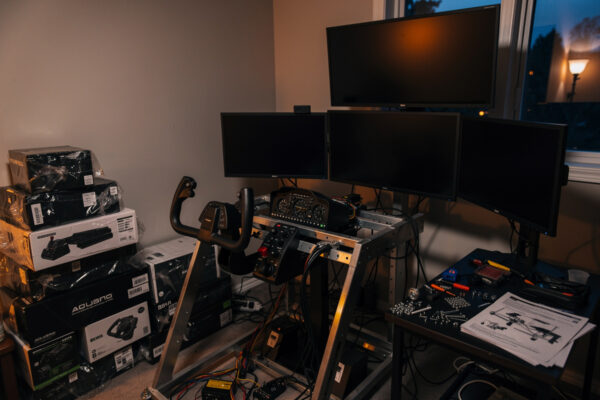
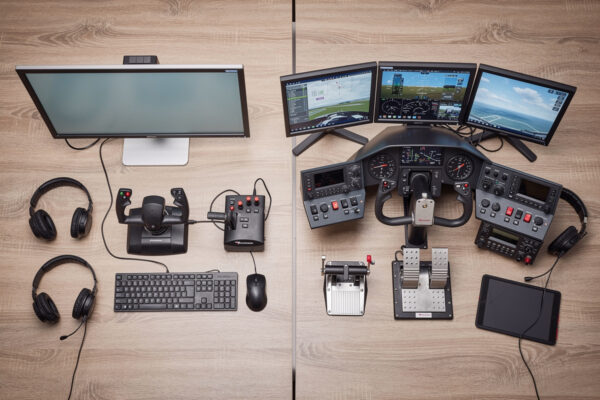
I have built my home deck up through every tier over the years — two yokes, a HOTAS, pedals, a throttle quadrant, head tracking, button boxes I wired myself — and I did not buy them in a smart order. The first thing I wish someone had told me is that the first purchase is not about chasing the best gear. It is about crossing one specific line.
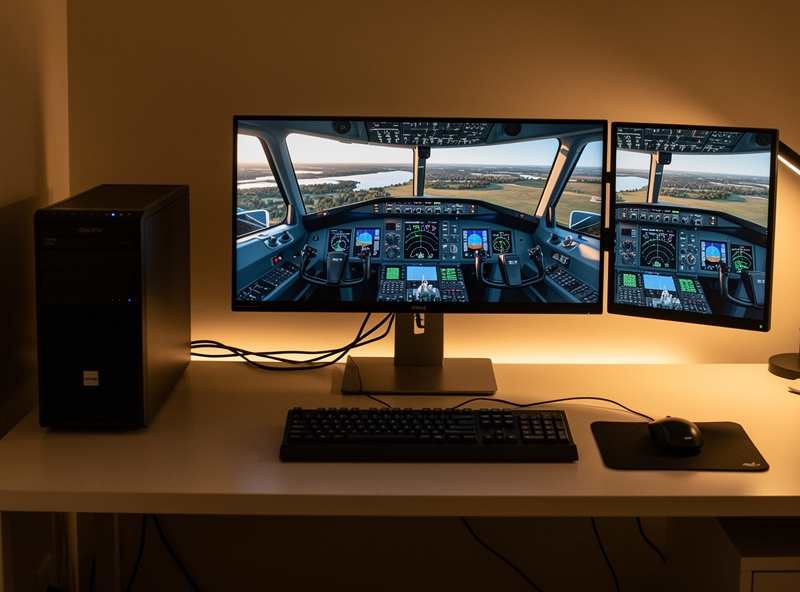
The one line that matters: analog control
Keyboard control of an aircraft is binary. Tap the key and the control surface slams to full deflection; release it and it snaps back. There is no 30 percent aileron, no gentle back-pressure on the yoke as you round out, no holding a tiny bank to track a radial. The aeroplane is either doing nothing or doing everything, and you spend the whole flight overcorrecting because you have no fine control to correct with.
An analog primary controller — a yoke or a stick with real, continuously variable axes — fixes that in the first thirty seconds. Suddenly you can hold a precise pitch attitude, roll into a 15-degree bank and stop there, ease the nose up in the flare. The aircraft becomes something you fly rather than fight. This is the single biggest realism jump in the entire hobby, bigger than any monitor, any PC, any premium upgrade you will make later. Crossing from binary to analog control is the whole point of your first purchase.
That is also why I tell people not to agonize over brand and price at this stage. The entry-level yoke I learned on — a Logitech G-class unit I know down to its detents — is nobody’s idea of premium hardware, and it still transformed every flight over the keyboard. The realism cliff is keyboard-to-analog. Everything finer than that is a detail you can chase later, once you know what you actually want.
Yoke or stick first? Decide by what you fly
The fork in the road is yoke versus stick, and the honest answer is: buy the kind of controller the aircraft you actually fly uses. This is the one decision worth thinking about before you spend, because buying the wrong side means buying twice.
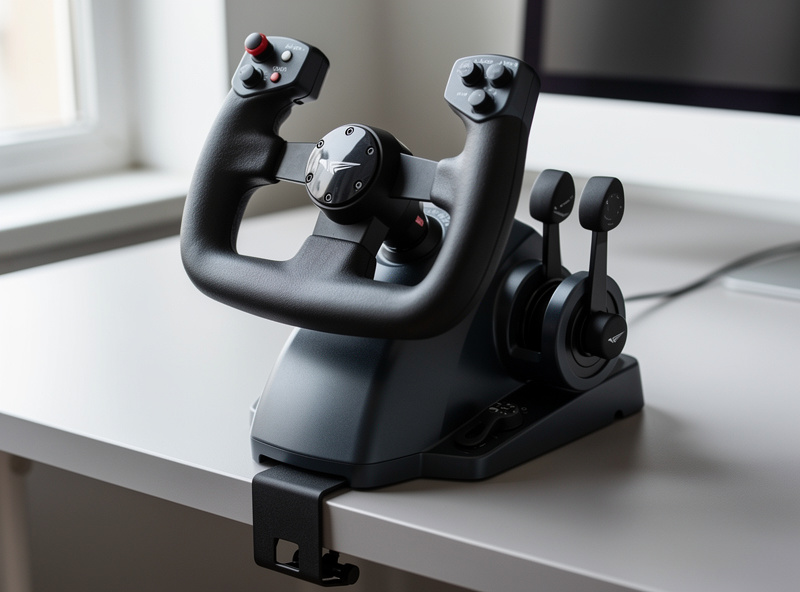
If you spend your time in Cessnas, Pipers, Barons, or airliners, you want a yoke. That is the control those aircraft use, and a yoke also typically comes with integrated throttle levers, so a single entry purchase gets you pitch, roll, and power all at once. For a brand-new GA simmer, an entry yoke is the most complete first buy there is.
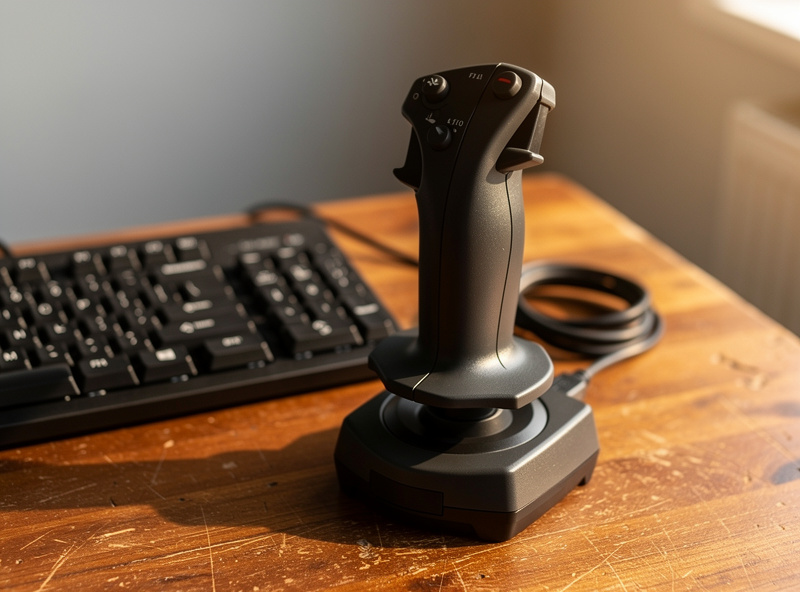
If you already know you are here for fast jets, warbirds, or aerobatics, you want a stick — and probably, eventually, a HOTAS, which pairs the stick with a dedicated throttle. A stick on the desk with a twist-grip for rudder is a complete, compact starting point for military flying. The decision really does come down to the cost of switching sides later, so be honest with yourself about what you will actually fly before you click buy. The short version: match the hardware to the hours you will actually log.
What NOT to buy first
Here is where new simmers burn money, because the marketing pushes hard in the wrong direction. After the keyboard, do not make your first purchase a second monitor, a premium study-level yoke, a fancy chair, or a PC upgrade. None of those cross the analog line, and several of them are rungs you should be climbing much later. A second monitor adds field of view to a setup you cannot yet fly precisely. A premium yoke refines a feel you do not have yet. A PC upgrade buys frame-time headroom you may not even need. Each is a real upgrade in its place, and its place is not first.
I lay the whole sequence out in the flight sim hardware upgrade order — the doctrine this entire site is built on — but the headline for your first purchase is simple: spend on the analog controller that matches what you fly, and nothing else, until you have flown it enough to name the next thing you want.
How to set up your first controller so it actually feels right
Buying the controller is half the job. The other half is the setup, and this is where a surprising number of people give up on good hardware because it felt twitchy out of the box. Two settings do most of the work.
The first is the deadzone — the small range of stick or yoke movement around center that the sim ignores. A tiny deadzone stops a controller’s natural center slop from making the aircraft wander, but too much deadzone makes fine control feel dead and disconnected. I set mine just large enough to kill the wander and no larger; you want the aircraft to respond to your smallest deliberate input.
The second is the response curve — how aggressively the aircraft responds as you move toward full deflection. A linear curve maps input straight to output. A gentler curve softens the center so small movements give small responses, which makes precise work like holding altitude or flying an approach far calmer, while still letting you reach full deflection at the edges. For most aircraft I fly a mild softening curve, and it is the difference between an aircraft that feels nervous and one that feels planted. Spend ten minutes on deadzone and curve the day your controller arrives; it changes the device more than the next 200 kronor of hardware would.
The honest gear note
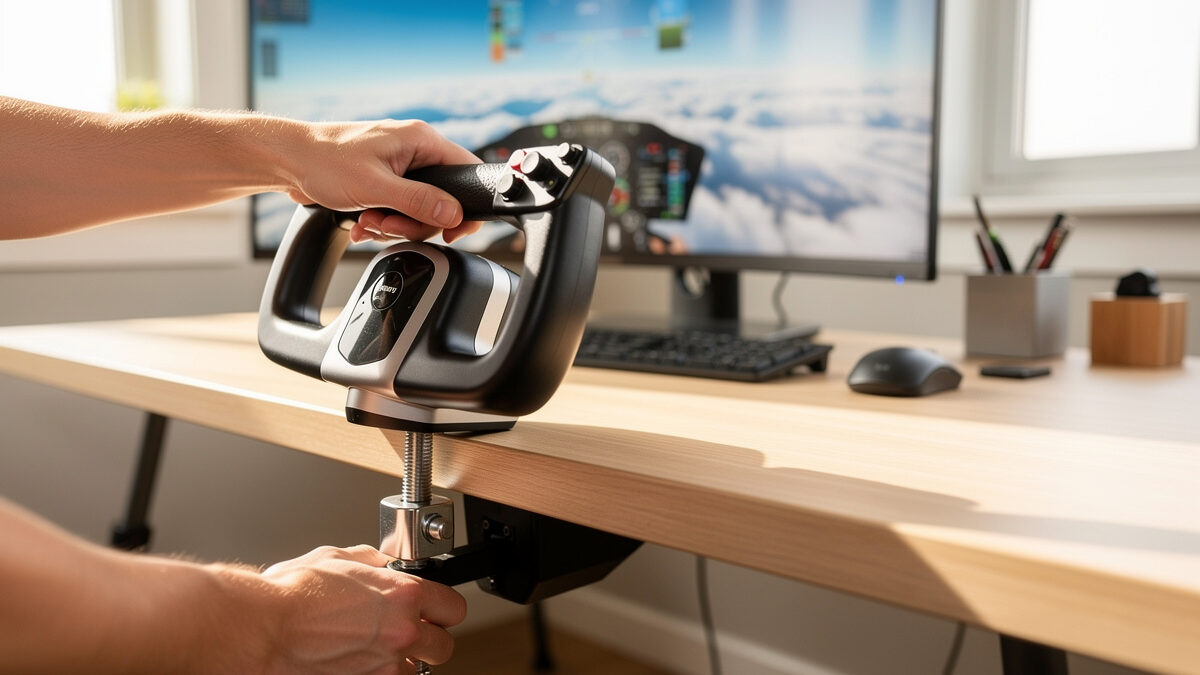
For a GA-leaning first purchase, an entry flight sim yoke with integrated throttle is the most complete single buy — it is the class of device I started on. If you are leaning military, a twist-grip flight sim joystick covers pitch, roll, and rudder in one compact unit. And whichever you choose, a small desk clamp or mount that stops the controller sliding when you pull on it is the cheapest upgrade to feel that there is. Buy the controller, mount it solid, set the deadzone and curve, and go fly.
Frequently Asked Questions
What is the first flight sim hardware I should buy after the keyboard?
An analog primary controller — a yoke or a stick. Crossing from the keyboard’s binary control to a continuously variable analog axis is the single biggest realism jump in the hobby. Pick a yoke for general aviation and airliners, a stick for military and aerobatic flying, and do not over-spend on your first one.
Is a cheap entry controller good enough to start?
Yes. The realism cliff is keyboard-to-analog, not cheap-to-expensive. An entry yoke or stick transforms every flight over the keyboard, and it lets you learn what you actually want before you spend on premium hardware. I started on an entry yoke and it changed everything.
Should I buy a second monitor before a controller?
No. A second monitor adds field of view to a setup you cannot yet fly precisely. The controller crosses the analog line that makes the aircraft flyable; the monitor does not. Buy the controller first and add screens much later if you decide you want them.
Why does my new controller feel twitchy?
Almost always it is the deadzone and response curve. Set a small deadzone to kill center wander, and a mild softening curve so small inputs give small responses. Ten minutes on those two settings the day your controller arrives changes how the device feels more than the next hardware purchase would.
Will an entry yoke help me learn to fly a real aircraft?
This is desktop flight-sim hardware for home use, and the value here is immersion and sim handling, not real-world training. Anyone asking about transfer to actual flying should talk to certified instructors and real-world pilots, not judge it from a home sim setup.
Related Guides
- The Flight Sim Hardware Upgrade Order — the full doctrine this first purchase fits into.
More from This Cluster
- “The Flight Sim Upgrade Procrastination Trap: When Buying Gear Becomes the Hobby”
- “Flight Sim Hardware Budget: What $200 vs $600 Actually Buys You”
- “Head Tracking: The Best-Value Flight Sim Upgrade Nobody Talks About First”
- “HOTAS vs Yoke: Which Should Be Your First Flight Sim Purchase?”
- “Rudder Pedals Before a Better Yoke: The Upgrade Most Simmers Get Backwards”
- “The Flight Sim Hardware Upgrade Order: Where Every Krona Buys the Most Realism”