The real MSFS 2024 system requirements for a smooth experience are higher than the official spec sheet implies: plan for an 8-core CPU with large cache, a 12GB GPU, and 32GB of DDR5, not the published 6-core, 8GB, 16GB minimum. The gap exists because the official numbers describe “launches and runs,” while real flying loads airliners, traffic, and photogrammetry all at once.
I have built and rebuilt my sim machines around this gap, and the lesson keeps repeating: the published recommended spec gets you a sim that technically works and stutters exactly where you do not want it to. Below I lay out what the spec sheet says, what actually keeps frame-times smooth in my logs, and how to read the requirement for the way you really fly. This is the spec companion to my full flight sim PC build guide; I write it as a sim builder, not a pilot, and none of it has anything to do with real-world flying.
What Does the Official MSFS 2024 Spec Sheet Say?
The official MSFS 2024 requirements list a Ryzen 5 3600 or Core i5-class CPU, an RTX 2070 or RX 6700-class GPU, and 16GB of RAM as recommended, stepping up to a Ryzen 7 / RTX 3080-class machine with 32GB for the ideal tier. Microsoft and Asobo publish these as broad guidance, and they are honest about being floor markers rather than promises of smoothness.
The trouble is what a spec sheet cannot encode. The recommended tier assumes a fairly modest loadout, and the moment you add the things people actually install, the published numbers stop describing your experience. A spec sheet is a starting point for the store shelf, not a frame-time guarantee for a busy approach.
Why Are the Real Requirements Higher Than the Spec Sheet?
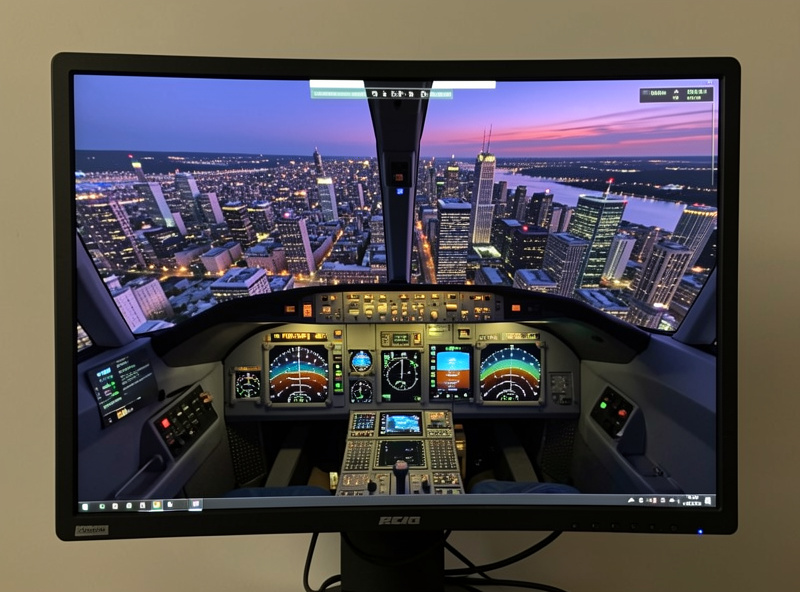
The real requirements run higher because the demanding parts of flying are not in the benchmark scene the spec sheet imagines. Detailed airliners, dense AI and online traffic, photogrammetry cities, and live weather each add load, and they stack. A machine that holds 60fps over countryside in a light aircraft can drop into the 20s on an airliner descending into a photogrammetry hub.
In my frame-time logs the difference is dramatic. The same RTX 4070 Super that sails through a GA flight over open terrain has to fight to hold smooth frame-times into a hand-crafted major airport with traffic on. The spec sheet never sees that scenario, so it never sizes for it. That is the whole reason builders feel cheated by “recommended” hardware: they bought for the easy case and fly the hard one.
The CPU is usually where the real gap shows first, because the simulation thread that handles all that traffic and airport complexity is the thing that runs out of room. A bigger graphics card does little when the processor is the wall, which is the same reason the PC sits at the foundation of my flight sim hardware upgrade order: get the machine right before you spend on controllers.
What CPU Does MSFS 2024 Really Want?
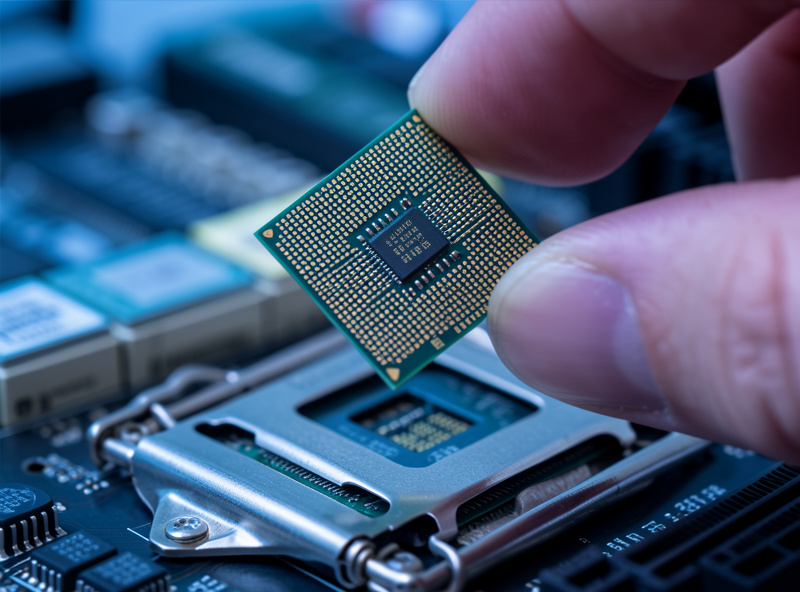
For smooth flying, MSFS 2024 really wants a modern 8-core CPU with a large L3 cache, such as a Ryzen 7 7800X3D, rather than the 6-core minimum. The simulation thread is sensitive to cache, so the stacked-cache X3D chips consistently deliver the best minimums in heavy airports, often beating nominally faster non-cache chips in this one application.
I learned this the practical way by swapping from a capable 6-core to an 8-core X3D part and watching my airport minimums climb without touching the GPU. The cache is doing the work: the sim thrashes a lot of small data as it builds the world around you, and keeping that data close to the core is what stops the hitching. If you are choosing one part to overspend on for flight sim, this is it.
How Much VRAM and GPU Do You Actually Need?
You really need a 12GB GPU minimum for comfortable 1440p flying, not the 8GB the spec sheet allows. The terrain and texture streaming routinely fills 10GB and spills past it with high render scaling and ultra textures, and a spill turns into the exact stutter you were trying to avoid. VRAM capacity matters here as much as raw GPU speed.
This is the single most common way I see builds disappoint. Someone buys an 8GB card that benchmarks beautifully in generic games, then watches MSFS micro-stutter the instant its streaming fills the buffer. A 16GB card a tier lower will often fly the sim better than a faster 8GB one. If you want the headroom built in, a 12GB-class card like the one I run as my reference is the honest floor, and you can compare options here: 12GB-class flight sim GPUs on Amazon.
Is 16GB or 32GB of RAM Enough?
16GB is the technical minimum but 32GB is the real requirement, because MSFS 2024 commonly uses 16 to 24GB in heavy scenarios. With only 16GB the OS, browser charts, and the sim fight over memory and you get swapping-induced hitches. 32GB of DDR5 in a matched dual-channel kit is the amount I would not go below for a smooth deck.
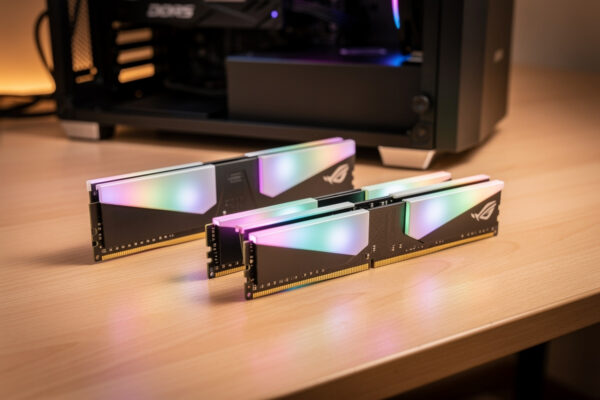
The capacity is only half the story; speed and channel configuration matter too. On the X3D platform a matched two-stick DDR5 kit running its rated profile feeds the cache-hungry simulation thread, while a single mismatched stick quietly costs you minimums. I run a matched 32GB kit and verify the rated profile actually applied in BIOS, because the default is often slower. A solid starting point is a matched 32GB DDR5 kit on Amazon.
As an Amazon Associate I earn from qualifying purchases. The links above point to the classes of parts I describe and run myself, never to a specific price.
| Component | Official Recommended | Real Smooth Target |
|---|---|---|
| CPU | Ryzen 5 3600-class | 8-core X3D (e.g. 7800X3D) |
| GPU | RTX 2070-class | RTX 4070 Super 12GB+ |
| RAM | 16GB | 32GB DDR5 matched kit |
| Storage | HDD allowed | NVMe SSD required |
How Should You Read the Requirement for How You Fly?
Read the requirement against your worst-case flight, not your average one. If your honest flying is GA touring over scenery, the recommended spec sheet is close enough and you can lean toward the GPU. If it is study-level airliners into big airports with traffic, ignore the spec sheet’s CPU and RAM numbers and size up, because that is the scenario that will define your smoothness.
The discipline that has never failed me is to recreate the hardest thing I fly, watch the frame-time graph, and let that decide the build. The spec sheet is a marketing floor. Your own logs are the truth. Decide where you fly, size for the hard case, and the easy flights take care of themselves. If you are working to a fixed budget, my breakdown of what a $200 versus $600 hardware budget buys shows how to spend it without overshooting the spec you need.
Frequently Asked Questions
Can MSFS 2024 run on the minimum spec?
Yes, but expect stutter in busy scenarios. The minimum 6-core CPU, 8GB GPU, and 16GB RAM launch and fly the sim, but airliners, traffic, and photogrammetry cities will drop frame-times where it hurts most. For smooth flying, size higher.
Is the RTX 2070 still enough for MSFS 2024?
It meets the recommended spec but its 8GB of VRAM is the weak point at 1440p. The sim’s streaming fills 8GB and spills, causing stutter. A 12GB card like an RTX 4070 Super is the honest floor for smooth 1440p flying.
Why is MSFS 2024 so CPU heavy?
The single simulation thread handles airports, AI and online traffic, and aircraft systems, and it is sensitive to CPU cache. Complex airports overwhelm weaker CPUs while the GPU sits idle, which is why cache-heavy 8-core chips outperform the spec-sheet minimum.
Do I need an SSD for MSFS 2024?
Yes, an NVMe SSD is effectively required for smooth flying even though the spec sheet allows a hard drive. The sim streams scenery from disk constantly, so a slow drive causes pop-in and micro-stutter on approach. A 1TB or 2TB NVMe is the fix.
Does meeting the requirements mean I can fly a real plane?
No. Meeting MSFS 2024 hardware requirements only means the sim runs well. Flight simulation is a hobby for immersion and enjoyment, and nothing about it transfers to real piloting. Real flight requires training with a licensed flight instructor.
Related Guides
- The Flight Sim PC Build Guide: What MSFS 2024 Actually Needs
- The Flight Sim Hardware Upgrade Order
- What a $200 vs $600 Hardware Budget Buys
- Head Tracking: The Best-Value Immersion Upgrade
More from This Cluster
- “The Budget Flight Sim PC Build That Actually Works”
- “VR Flight Sim PC Requirements: The Jump Nobody Warns You About”
- “32GB vs 64GB RAM for Flight Sim: The Honest Answer”
- “CPU vs GPU Bound in Flight Sim: Why Your Stutter Isn’t the Card”
- “The Best GPU for 1440p Flight Sim: VRAM Is the Real Decider”
- “The Flight Sim PC Build Guide: What MSFS 2024 Actually Needs”