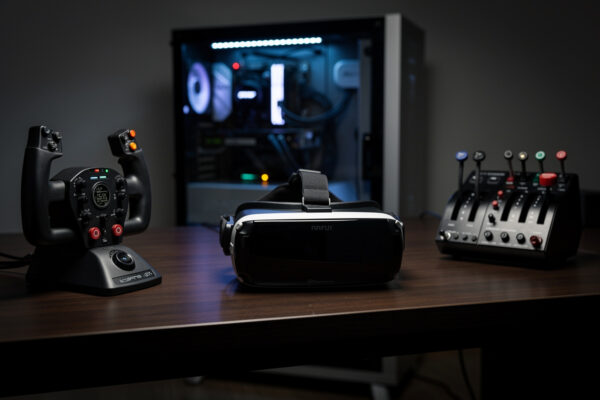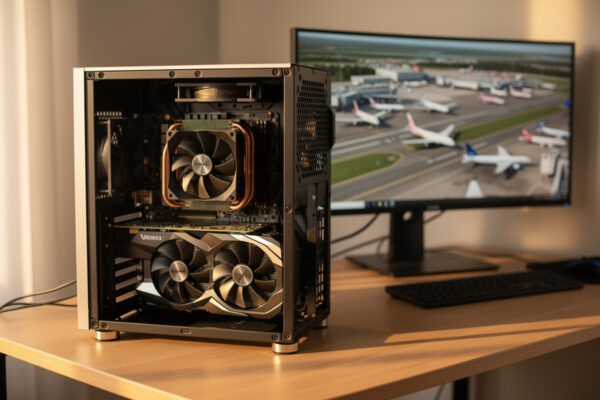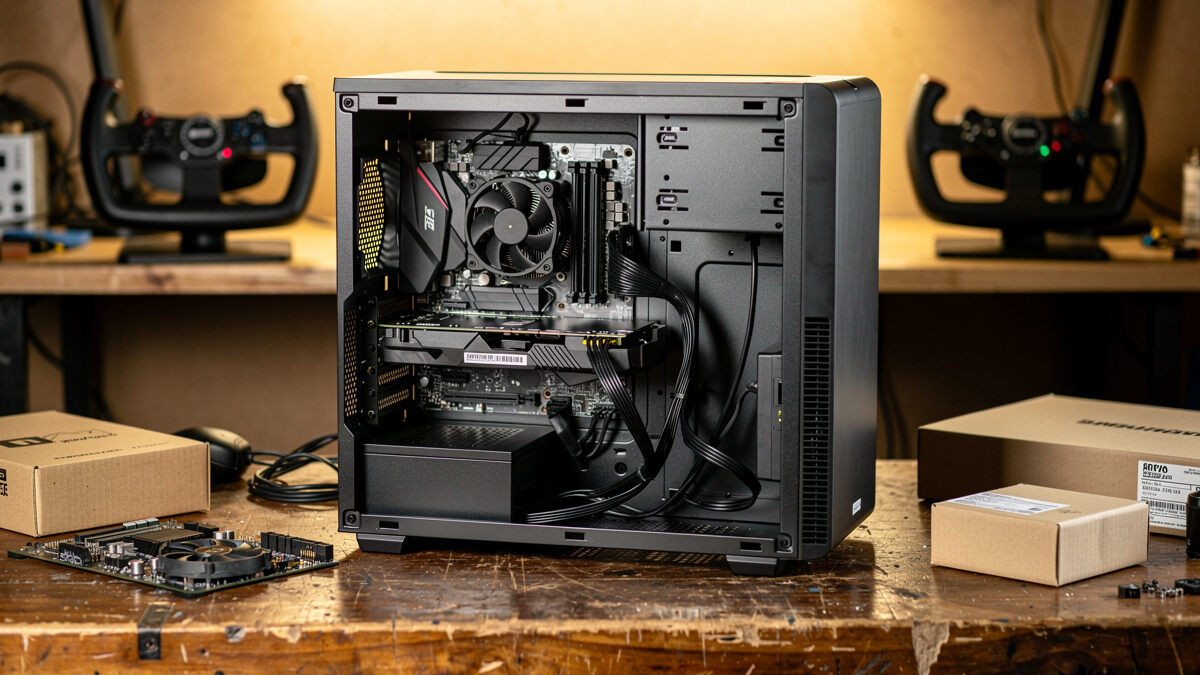
A budget flight sim PC built around a Ryzen 5 7600, an RTX 4060 Ti 16GB, 32GB of DDR5, and a 1TB NVMe SSD flies MSFS 2024 well at 1080p high and 1440p medium for roughly half the cost of an enthusiast deck. The trick is spending the limited money where the sim actually feels it, in that order: cache-capable CPU, enough VRAM, fast storage.
I have built lean sim machines for exactly this brief, and the difference between a budget build that flies and one that stutters is never the total spend, it is where the spend lands. Below is the parts logic that works, the single mistake that wrecks most budget builds, and the order in which to compromise when the money runs short. It is the budget chapter of my full flight sim PC build guide; I write as a sim builder, not a pilot, and none of this has anything to do with real flying.
What Does a Budget Flight Sim PC Cost?
A capable budget flight sim PC lands at roughly half the cost of an enthusiast 1440p deck while still flying MSFS 2024 smoothly at 1080p high and 1440p medium. You reach that by choosing a mid-range 6-core CPU, a 16GB mid-tier GPU, and 32GB of RAM rather than chasing the top of any single category.
The reason the budget build works at all is that flight sim does not need a flagship of anything; it needs balance and enough VRAM. A sensible 6-core, a 16GB card, and a matched memory kit clear the sim’s real demands at modest settings, and the money you save by not buying an 8-core flagship and a 4080 goes straight into the parts that matter most. This is a build defined by smart allocation, not raw budget.
Which GPU Should a Budget Build Use?
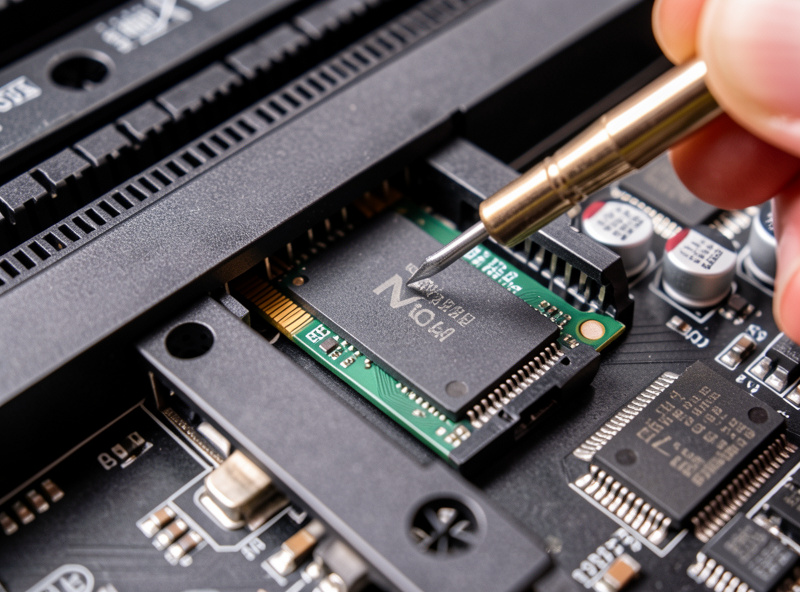
A budget flight sim build should use the RTX 4060 Ti 16GB, not the 8GB version, because flight sim’s terrain streaming overruns 8GB and stutters where the 16GB card stays smooth. The two cards share a core and benchmark almost identically in generic games, but for this sim they behave like different products.
This is the single most important budget decision and the one people get wrong most often, and I unpack the VRAM cliff in full in my guide to the best GPU for 1440p flight sim. They see the cheaper 8GB card with the same name and identical gaming-benchmark numbers and buy it, then watch MSFS micro-stutter the instant terrain streaming fills the buffer over a city. The small premium for the 16GB version buys smoothness the faster-on-paper 8GB card simply cannot deliver in this sim. If you take one part recommendation from this build, take this one: a 16GB RTX 4060 Ti on Amazon is the budget card that actually flies the sim.
As an Amazon Associate I earn from qualifying purchases. The links here point to the part classes I describe and build with, never to a specific price.
What CPU and RAM Fit the Budget?
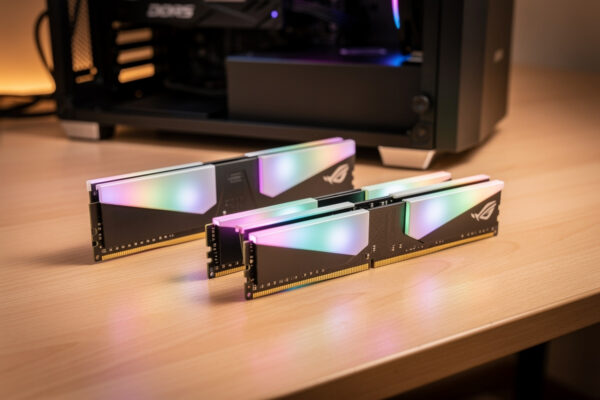
A Ryzen 5 7600 or similar modern 6-core paired with a matched 32GB DDR5 kit is the right budget core for flight sim. It gives most of the simulation-thread performance of pricier chips at modest settings, and 32GB covers the sim’s real memory demand with headroom for charts and tools.
The budget compromise here is going 6-core instead of an 8-core X3D, and it is the right compromise to make because the GPU and VRAM come first for a build flying mostly GA and scenery. If your flying leans heavily toward busy airliner hubs you would feel the cache-heavy 8-core, but on a budget the 6-core handles modest-setting flying well. Keep the RAM as a matched two-stick kit and enable the profile in BIOS so it runs at rated speed: a modern 6-core CPU on Amazon anchors the build without overspending.
Why Is Storage a Budget Non-Negotiable?
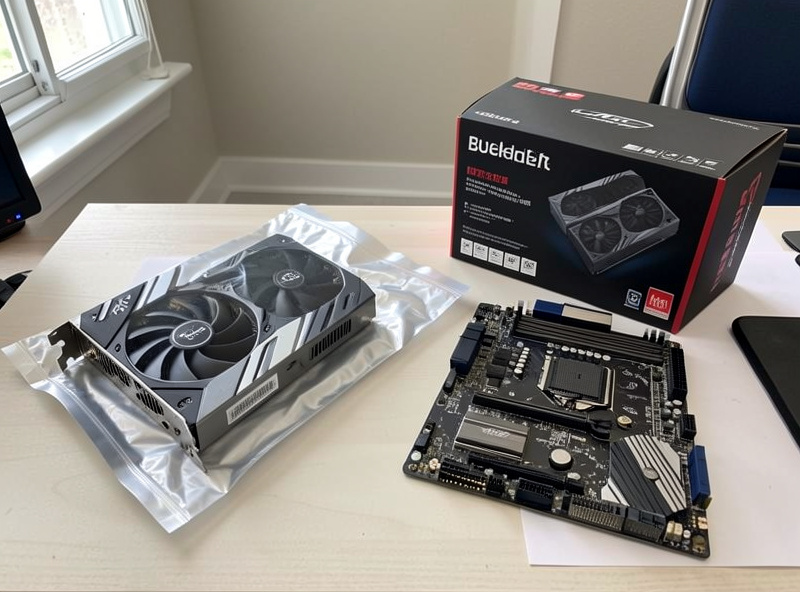
A fast NVMe SSD is a budget non-negotiable because MSFS 2024 streams scenery from disk constantly, and a slow drive turns into pop-in and micro-stutter on the very approaches you care about. Even on a tight budget, the sim must live on a 1TB or 2TB NVMe, not a hard drive or a slow SATA SSD.
This is the cheapest part that has an outsized effect on smoothness, which is why I never let it get cut. A budget builder will sometimes try to save by reusing an old hard drive for the sim install, and the result is constant terrain pop-in that no GPU upgrade fixes. The drive is the streaming pipe, and a narrow pipe starves the whole experience. Put the sim on a 1TB NVMe SSD on Amazon and you have removed one of the most common causes of budget-build stutter for very little money.
| Part | Budget Pick | Why |
|---|---|---|
| CPU | Ryzen 5 7600 (6-core) | Most sim-thread performance per krona |
| GPU | RTX 4060 Ti 16GB | VRAM avoids streaming stutter |
| RAM | 32GB DDR5 matched kit | Covers real demand with headroom |
| Storage | 1TB NVMe SSD | Fast scenery streaming, no pop-in |
What Else Does the Budget Build Need?
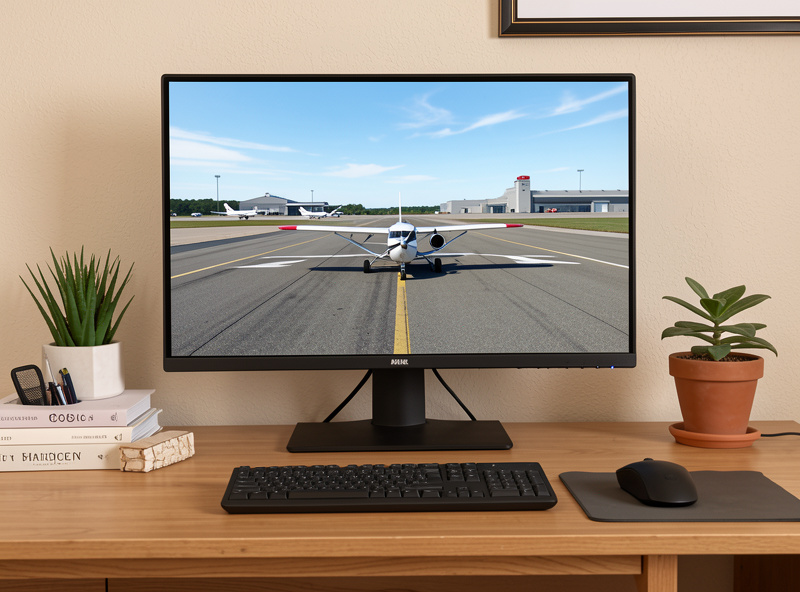
Beyond the four core parts, a budget flight sim build needs only a reliable power supply, a basic B-series motherboard with the rated memory profile, and a case with decent airflow. None of these should eat into the GPU, CPU, RAM, or storage budget, because they do not affect frame-times the way those four do.
The temptation on a tight budget is to spend up on flashy extras, RGB everything, a premium board with features the sim never touches, or an oversized cooler for a 6-core that runs cool anyway. I steer that money back to the parts that matter. A solid mid-wattage power supply with a little headroom for a future GPU, a sensible B-series board that supports your memory speed, and a case that moves air are all you need. The 6-core does not demand exotic cooling, and the motherboard’s job here is simply to run the RAM at its rated speed and not get in the way. Spend the minimum that is genuinely reliable on these, and keep the rest of the budget on the streaming-and-simulation parts.
One real future-proofing move that is worth a few extra kronor is the power supply. Buying one with enough wattage headroom to drop in a stronger GPU later means your first upgrade is a single card swap rather than a card plus a power supply. That is the one place where spending slightly above the strict minimum on a budget build pays off down the line, because the GPU is the part you are most likely to upgrade as your flying gets more demanding.
What Should You Compromise on First?
On a budget, compromise on resolution and settings before you compromise on VRAM or storage. Drop to 1080p high or 1440p medium, pull terrain LOD and render scaling back from ultra, and the budget parts deliver a smooth, good-looking sim. What you must not cut is the 16GB GPU or the NVMe SSD, because those cause stutter no setting recovers.
The order of compromise is the whole skill of a budget build. Settings are free to dial down and the sim still looks great at 1080p high; an 8GB card and a slow drive are problems you bought into permanently. So accept slightly lower resolution and detail, keep the parts that prevent stutter, and you end up with a deck that flies clean rather than one that looks impressive on a spec list and hitches in the air. That trade is the difference between a budget build that works and one that disappoints.
The Build That Actually Flies
If I were handing someone a budget today, here is exactly what I would tell them: buy the 6-core CPU, the 16GB mid-tier GPU, a matched 32GB kit, and a 1TB NVMe, then fly it at 1080p high or 1440p medium and dial terrain and render scaling to taste. That machine flies MSFS 2024 smoothly, leaves nothing critical cut, and costs about half what the enthusiast forums will tell you is the minimum.
The lesson under all of it, the one my racing rig taught me before the flight deck ever existed, is that a great build is about allocation, not spend. Put every limited krona where the sim feels it, refuse the false economy of the 8GB card and the recycled hard drive, and you will out-fly people who spent twice as much in the wrong places. Start here, fly it for a month, read your own frame-times, and let your real flying tell you what to upgrade next.