Flight sim is CPU-bound in the scenes that cause stutter and GPU-bound in the scenes that already run fine, which is why a bigger graphics card so often fails to fix the hitching. Complex airports, dense traffic, and study-level airliners lean on the CPU’s main simulation thread, and in my frame-time logs a faster CPU lifts those minimums far more than a faster card does.
This single misunderstanding wastes more money than anything else in the hobby. People feel stutter, assume the GPU is too weak, buy a tier up, and watch the same airport hitch exactly as before. The card was never the limit. Below I explain how to tell which part is actually capping you, why MSFS leans on the CPU, and how to spend so the fix lands where the problem really is. It is the diagnostic companion to my flight sim PC build guide; I write as a sim builder, not a pilot, and none of this transfers to real flight.
What Does CPU-Bound vs GPU-Bound Actually Mean?
CPU-bound means the processor cannot prepare frames fast enough, so the graphics card sits partly idle and your frame-rate stalls regardless of how powerful the card is. GPU-bound is the reverse: the card is the limit and a stronger one raises your frames. In MSFS 2024 you flip between the two depending entirely on what you are flying and where.
The reason this matters is that the fix is different for each. When you are GPU-bound, a better card helps. When you are CPU-bound, a better card does almost nothing while a better processor transforms the experience. Buying the wrong part for your actual limit is how simmers end up with expensive hardware and the same stutter they started with.
When Is Flight Sim CPU-Bound?
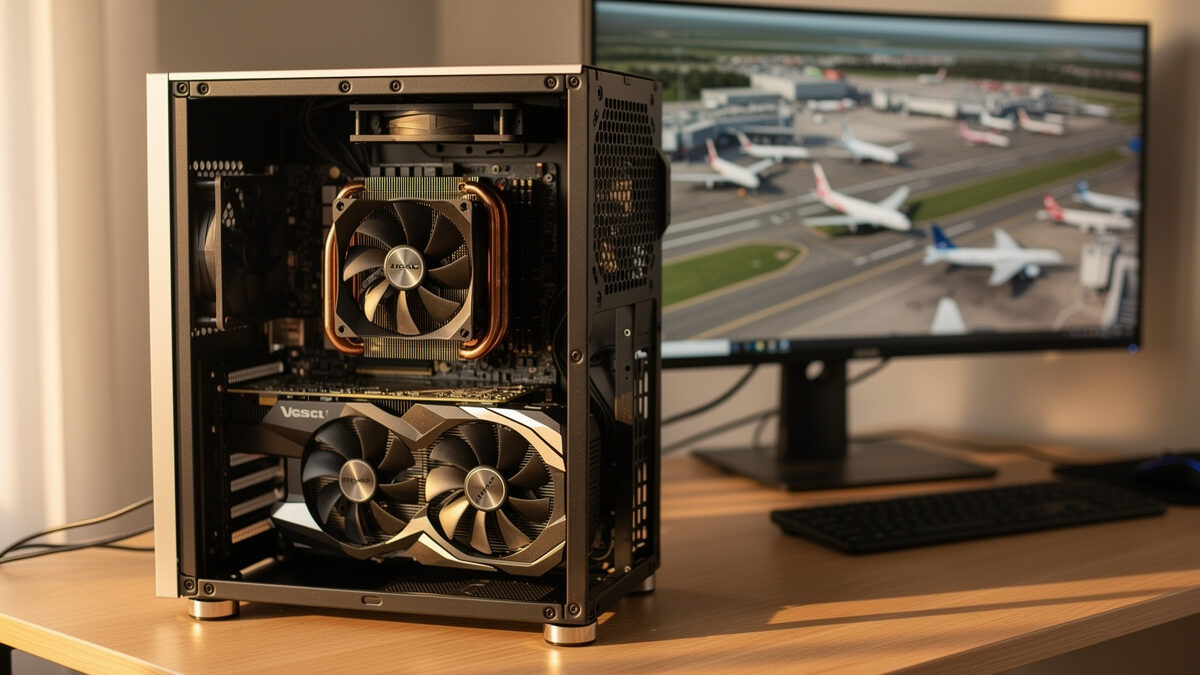
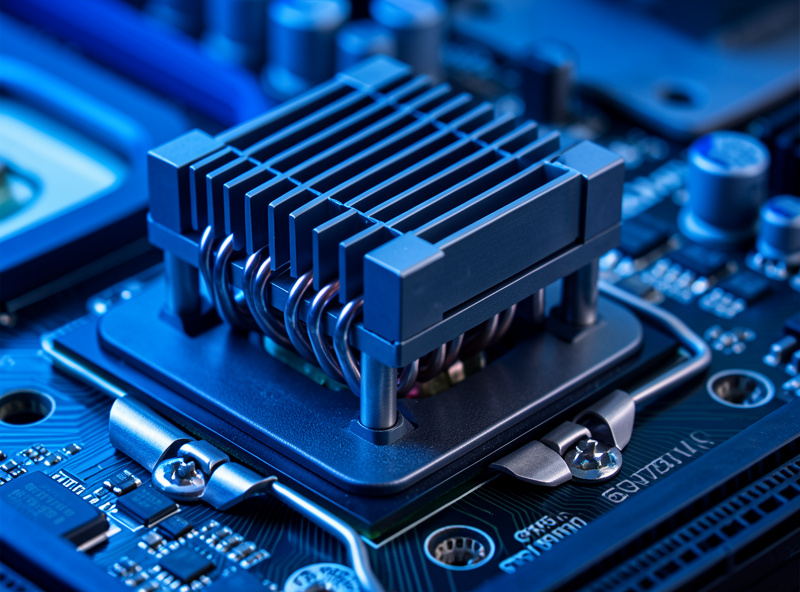
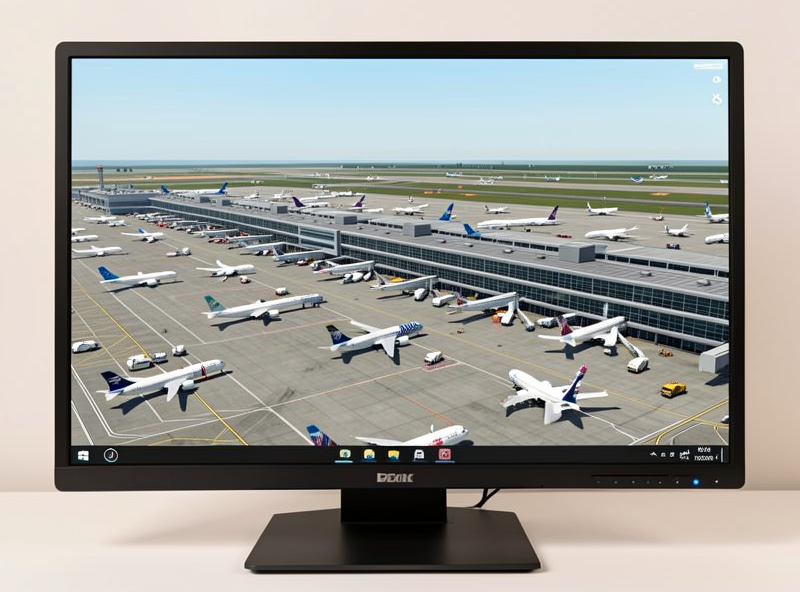
Flight sim is CPU-bound at complex hand-crafted airports, with dense AI or online traffic, and in study-level airliners with deep systems simulation. These all load the single main simulation thread, and when it saturates your frames drop while the GPU coasts. This is exactly where most people feel the stutter that ruins an approach.
I see it most clearly descending into a busy hub with traffic on. The frame-time graph climbs, the card’s usage actually falls because it is waiting on the processor, and no graphics setting recovers it cleanly. The lever that works is reducing CPU load: cutting traffic density, simplifying the airliner, or moving to a stronger CPU. On my own deck, swapping to an 8-core stacked-cache chip lifted those airport minimums more than any card ever did, which is why I rate a cache-heavy X3D CPU on Amazon as the highest-impact part for airliner-and-airport flying.
As an Amazon Associate I earn from qualifying purchases. The link above points to the class of CPU I describe and run myself, never to a specific price.
When Is Flight Sim GPU-Bound?
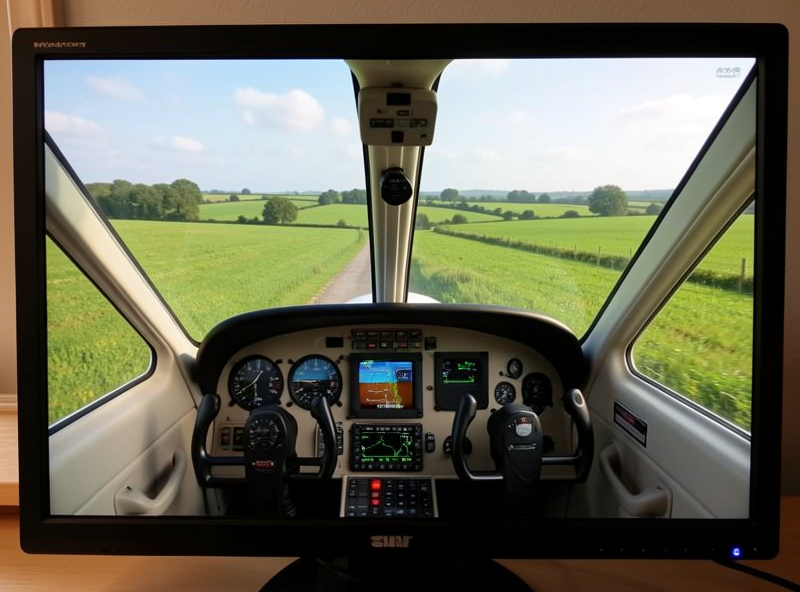
Flight sim is GPU-bound flying default GA aircraft over open scenery at high resolution, render scaling, or in VR. With light CPU demand, the card becomes the limit, so a faster GPU or more VRAM directly raises your frames. This is the scenario where the usual “buy a bigger card” advice is actually correct.
The countryside hop in a light aircraft is the clean example: simple systems, little traffic, and the processor has plenty of room while the GPU draws all that terrain. Crank resolution or render scaling here and the card is what gives. If this is most of your flying, weight the budget toward the GPU and you will feel every tier, which is where my guide to the best GPU for 1440p flight sim earns its keep. The mistake is assuming this scenario describes your flying when your real logbook is full of busy airports.
Why Is MSFS 2024 So CPU-Heavy?
MSFS 2024 is CPU-heavy because its core simulation, including aircraft systems, AI traffic, and airport complexity, runs largely on one main thread that is sensitive to CPU cache. When that thread saturates at a busy airport, extra GPU power cannot help, which is why cache-rich 8-core chips top the frame-time charts in this sim.
The cache angle is the practical key. The simulation thread thrashes a lot of small data as it builds the world around you, and keeping that data close to the core, in a large L3 cache, is what prevents hitching. That is the whole reason the stacked-cache X3D processors punch above their raw clock speed here: they feed that hungry thread better than nominally faster chips without the cache. It is the rare application where I tell people to buy the cache, not the gigahertz.
How Do You Tell Which One Is Limiting You?
Watch GPU usage while you fly the scene that stutters. If GPU usage drops well below full while frames fall, you are CPU-bound and need a better processor or lighter CPU settings. If GPU usage pins near 100% as frames fall, you are GPU-bound and a stronger card or lower graphics settings is the fix. The card’s own usage telltale is the cheapest diagnostic you have.
This is the habit that has saved me the most money. Before buying anything, I recreate the exact scene that bothers me, watch the usage and the frame-time graph, and let the data name the bottleneck. Most simmers who think they are GPU-limited discover their card is coasting at a busy airport, which means the upgrade they were about to buy would have changed nothing. Diagnose first, then spend.
How Should You Spend Based on Your Bottleneck?
Spend where your real flying is limited. If you mostly fly airliners into hub airports with traffic, you are usually CPU-bound, so prioritize a cache-heavy 8-core CPU and fast RAM. If you mostly tour scenery in light aircraft at high settings, you are usually GPU-bound, so prioritize the graphics card and its VRAM. Match the spend to the limit, not to the marketing.
The balanced build is the goal, but balance is defined by your flying, not by a generic parts list. I have watched simmers pour a flagship-GPU budget into a machine whose processor was the wall, then wonder why nothing improved at the big airport. Decide where you fly, diagnose the bottleneck with GPU usage, and put the money there. That order beats any single expensive part chosen blind.
Frequently Asked Questions
Is MSFS 2024 CPU or GPU bound?
Both, depending on the scene. MSFS 2024 is CPU-bound at complex airports, with dense traffic, and in study-level airliners, and GPU-bound flying light aircraft over open scenery at high resolution. The stutter most people feel is CPU-bound, so a bigger card rarely fixes it.
Why does a better graphics card not fix my flight sim stutter?
Because the stutter is usually CPU-bound. At busy airports the main simulation thread saturates while the GPU coasts, so a faster card cannot help. A cache-heavy CPU, lighter traffic settings, or a simpler airliner is what raises those minimums.
How do I know if I am CPU or GPU limited?
Watch GPU usage in the scene that stutters. If usage drops below full while frames fall, you are CPU-bound. If usage pins near 100% as frames fall, you are GPU-bound. The card’s own usage reading is the simplest, cheapest diagnostic.
Why is a cache-heavy CPU better for flight sim?
The main simulation thread thrashes a lot of small data and is sensitive to CPU cache. A large L3 cache keeps that data close to the core, preventing hitching, which is why stacked-cache X3D chips top MSFS frame-time charts despite lower raw clocks.
Does understanding bottlenecks help with real flying?
No. This is purely about how the flight simulator performs on your PC. Flight sim is a hobby for immersion and enjoyment, and nothing about hardware tuning transfers to real piloting. Real flight requires training with a licensed flight instructor.
Further Reading
- The Flight Sim PC Build Guide: What MSFS 2024 Actually Needs
- The Best GPU for 1440p Flight Sim
- MSFS 2024 System Requirements: The Real Numbers
- The Flight Sim Hardware Upgrade Order
More from This Cluster
- “The Budget Flight Sim PC Build That Actually Works”
- “VR Flight Sim PC Requirements: The Jump Nobody Warns You About”
- “32GB vs 64GB RAM for Flight Sim: The Honest Answer”
- “The Best GPU for 1440p Flight Sim: VRAM Is the Real Decider”
- “MSFS 2024 System Requirements: The Real Numbers vs the Spec Sheet”
- “The Flight Sim PC Build Guide: What MSFS 2024 Actually Needs”