If you want plug-and-play polish and you’ll pay for it, buy TrackIR. If you’ll spend an evening tinkering to get the same six-degrees-of-freedom result for the price of a cheap camera, OpenTrack is the DIY answer. That’s the TrackIR vs OpenTrack DIY comparison in one line — both put your real head movement into the sim; one charges roughly $150 for the camera to do it without thinking, the other is free software that asks you to supply and tune the hardware.
I’ve run both on my deck. The IR tracker is my daily driver because it never makes me think, but I built an OpenTrack rig first, back when I was deciding whether head tracking was worth a single krona, and it absolutely was. This is the honest builder’s breakdown of which route fits which person — not a one-size verdict, because the right answer genuinely depends on whether you enjoy the bench work or just want to fly.
As an Amazon Associate I earn from qualifying purchases.
What Each System Actually Is
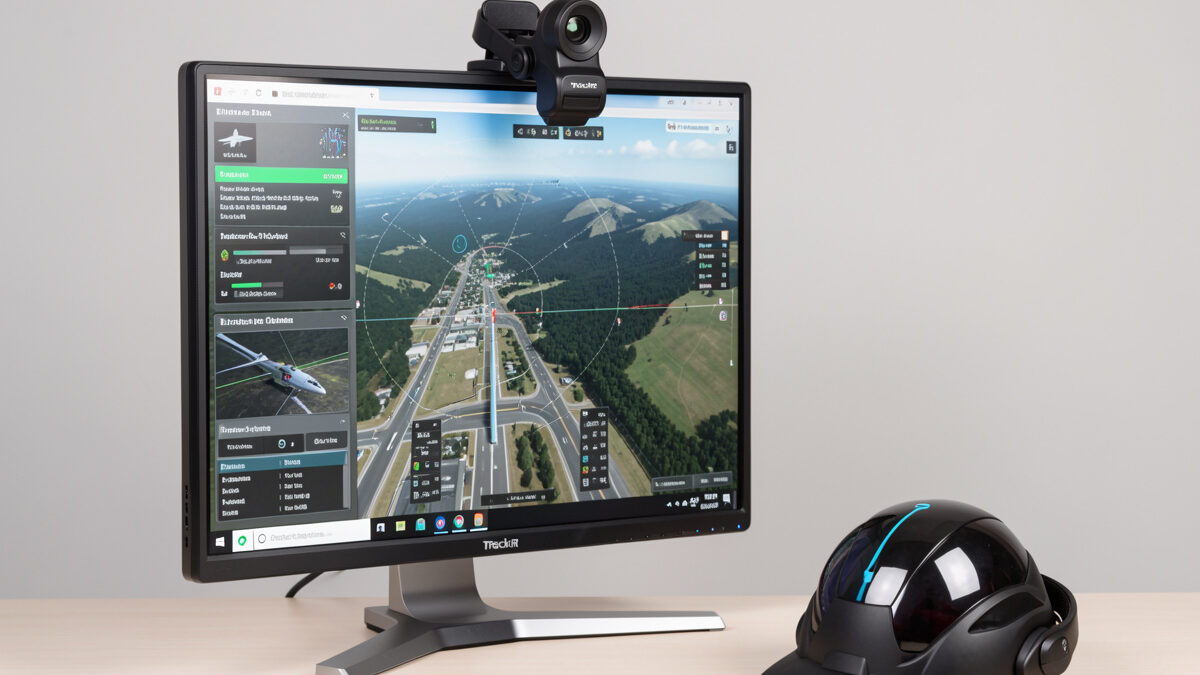
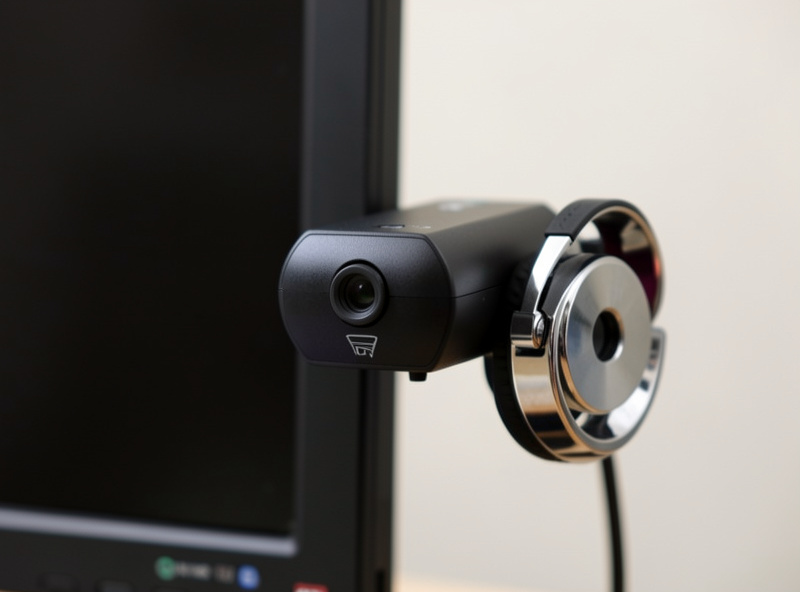
TrackIR is a complete commercial product from NaturalPoint: a small infrared camera that clips to your monitor, plus a reflector clip you wear, plus the software that ties it to the sim. It tracks six degrees of freedom — yaw, pitch, roll, and the three lean translations — and the major flight sims support it natively, so setup is mostly plugging it in and centering.
OpenTrack is free, open-source software that does the same job of feeding head-position data to the sim, but it doesn’t include hardware. You bring the input — an IR camera watching an LED or reflector clip, or even just a webcam doing face tracking — and OpenTrack maps it to the in-sim view. It outputs through the same protocols the sims already understand, so to MSFS or X-Plane an OpenTrack rig can look just like a TrackIR device. The difference isn’t the result; it’s how much assembly and tuning you do to get there.
The DIY Routes Inside OpenTrack
OpenTrack isn’t one thing — it’s a hub with several input options, and which you choose decides how good and how cheap the result is. The three that matter for flight sim are the IR-clip route, the webcam face-tracking route, and the phone route.
The IR-clip route is the one that actually rivals TrackIR. You pair OpenTrack’s point-tracker input with a camera that sees infrared and a clip carrying three IR LEDs (or reflectors), and you get true, low-latency 6DOF. Purpose-built OpenTrack clips like the DelanClip-style IR clips exist exactly for this, often bundled with a filtered camera. The webcam route uses AITrack, which reads your face with a neural model and needs no special hardware — impressively clever, but it’s effectively three degrees of freedom with more latency, fine for casual GA, not for precision. The phone route straps your smartphone’s gyro to your head; it works in a pinch but the drift annoyed me within a session. If you go OpenTrack, go IR-clip or don’t bother comparing it to TrackIR.
TrackIR vs OpenTrack: The Comparison Table
Here’s how the two stack up across the factors that actually decide the purchase, based on running both on the same rig.
| Factor | TrackIR | OpenTrack (IR clip) |
|---|---|---|
| Up-front cost | ~$150 (camera + clip) | ~$20–60 (camera + clip) |
| Software cost | Included | Free, open source |
| Degrees of freedom | 6DOF | 6DOF (IR clip) |
| Setup effort | Plug and play | Tinkering required |
| Native sim support | Broad, official | Via protocol emulation |
| Tracking quality | Excellent, polished | Excellent once tuned |
| Profile management | Slick GUI | Functional, fiddly |
| Support if it breaks | Official support | Forums and yourself |
| Best for | Want it to just work | Enjoy the build, save money |
The table makes the split obvious: TrackIR sells you convenience and a safety net, OpenTrack sells you the same flying for a tenth of the cost if you supply the patience. Neither is wrong. I keep a TrackIR-class camera on the deck now because my time is worth more than the saving, but I’d never tell a tinkering beginner on a budget that they “need” to spend $150 to get into head tracking — that’s the gear-hoarder reflex this site exists to push back on.
Where OpenTrack Costs You Hidden Hours
The free price tag has a tax, and it’s honesty time. OpenTrack’s settings are a wall of options the first time you open it: input source, output protocol, point model, mapping curves per axis, filtering. Getting smooth, drift-free tracking means understanding which output protocol your sim wants and tuning each axis curve, and the first evening is genuinely a project, not a setup.
The IR-clip hardware adds its own gotchas. A standard webcam can’t see IR LEDs well until you remove its IR-cut filter or add an IR-pass filter, which is either a mod or a reason to buy a camera already set up for it. LED clips need power, usually USB, and positioning matters. None of this is hard for anyone who’s wired a button box — it’s the same competence — but if your idea of a good evening is flying, not soldering and tweaking config files, those hours are a real cost that TrackIR’s price buys away.
If you want the shortest path through that first evening: buy a camera that already ships filtered for IR tracking rather than modding a webcam, start OpenTrack on the point-tracker input with the freetrack or TrackIR output your sim expects, and leave filtering at a moderate setting before you touch the per-axis curves. That combination gets you a usable rig in well under an hour, and the fine-tuning becomes an enjoyable tweak over later sessions rather than a frustrating wall on night one. The DIY route only punishes the unprepared — go in with the right camera and a known-good output protocol and the saving over TrackIR costs you an evening, not a weekend.
Tuning Either One So It Disappears
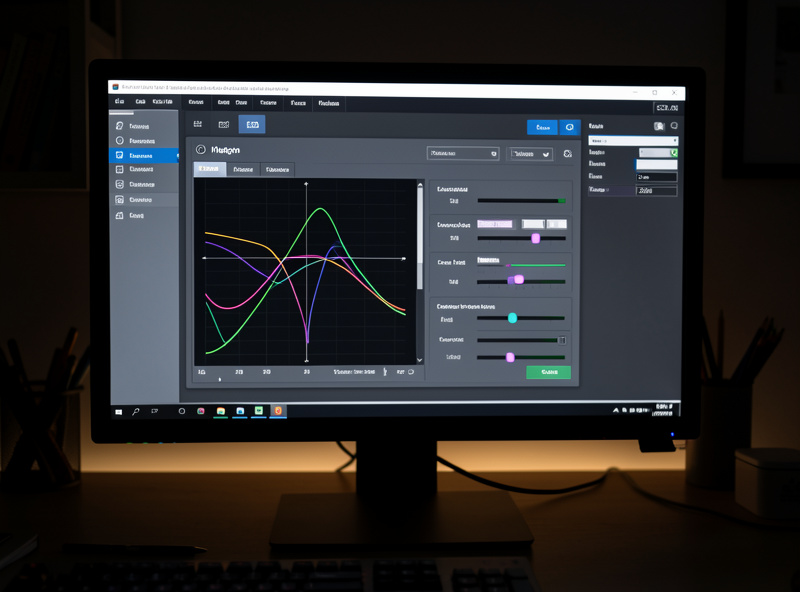
Whichever you pick, the hardware is only half the result — the curves are the other half, and this is where most people quit too early. Out of the box both feel twitchy because the default mapping over-rotates the view for a small head turn. The fix is the same exponential-curve thinking I apply to a yoke: shallow and precise near center for reading gauges, steeper at the extremes so a modest neck turn still swings you far enough to clear a turn or check final.
Map a one-button recenter to your yoke or stick so you can reset the view mid-flight, and treat IR interference as a real variable — sunlight and some room lighting will confuse the camera. The goal, identical to the one in curves and deadzones, is a setup you stop noticing. A perfectly tuned OpenTrack rig disappears exactly as well as TrackIR; an untuned TrackIR feels as bad as untuned anything. The tuning is the product.
Which Should You Buy?
Buy TrackIR if your budget has room and your patience doesn’t: you want to plug in, center, and fly tonight, with official support if anything goes wrong. It is the lower-friction path and there’s no shame in paying for friction removal — that’s most of what good hardware is.
Build an OpenTrack IR rig if money is the constraint, if you genuinely enjoy the bench, or if you’re not yet sure head tracking is for you and want to test the concept for $30 before committing. For a first-timer testing the waters, OpenTrack is the smart risk-controlled entry, and you can always graduate to TrackIR later if the tinkering wears thin. Either way you’ll end up agreeing with the core head tracking and VR guide: view control is the best immersion-per-krona upgrade on the deck, and it’s worth getting into by whichever door fits your wallet and temperament. If you’re still mapping out where this sits among your purchases, the upgrade order puts it right after pedals for a reason.
Frequently Asked Questions
Is OpenTrack as good as TrackIR for flight sim?
With an IR-clip input, OpenTrack delivers the same true six-degrees-of-freedom tracking as TrackIR once it is tuned. The gap is not quality, it is convenience: TrackIR is plug and play with official support, while OpenTrack needs you to supply hardware and tune the settings yourself.
Can OpenTrack work in MSFS 2024 and X-Plane 12?
Yes. OpenTrack outputs through the same protocols the major sims already understand, so it can present itself as a TrackIR-style device. You enable TrackIR or freetrack support in the sim and point OpenTrack at it. Both MSFS and X-Plane work this way.
What is the cheapest way to get head tracking?
AITrack with OpenTrack and any webcam costs nothing in hardware and gives basic head tracking, though with limited precision and more latency. For a proper experience, an IR clip plus a filtered camera runs roughly $20 to $60, far below TrackIR’s price.
Do I need a special camera for OpenTrack?
For the good IR-clip route, yes: the camera must see infrared, which usually means removing its IR-cut filter or adding an IR-pass filter, or buying a camera already set up for tracking. The webcam face-tracking route needs no special camera but tracks less precisely.
Why does my head tracking feel twitchy?
Almost always the response curve, not the hardware. The default linear mapping over-rotates the view for a small head turn. Set a gentle exponential curve, shallow near center for gauge reading and steeper at the edges, and map a one-button recenter. Both TrackIR and OpenTrack need this tuning.