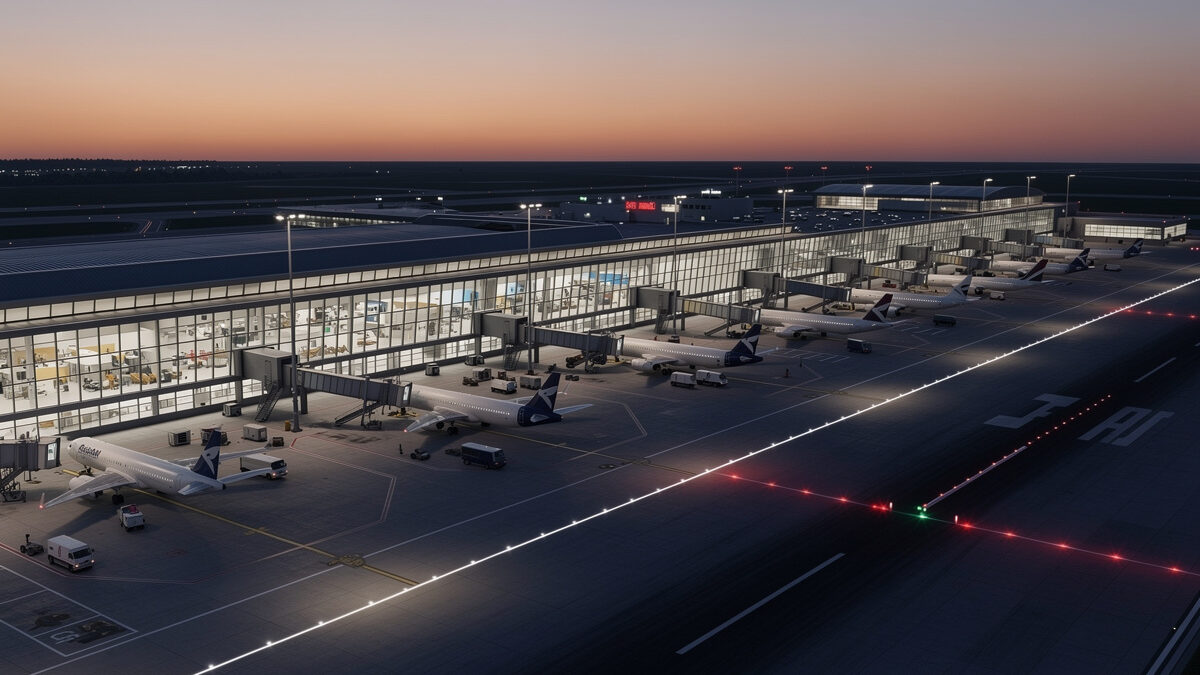
The best free airports in MSFS 2024 come from three places: handcrafted airports bundled with the sim, airports inside free World Updates, and thousands of community freeware fields on flightsim.to. The top free ones reach 80-90% of payware quality, enough to cover most simmers entirely.
I have flown into more free airports than I can count while building out my deck, and the honest takeaway is that a new simmer should not spend a single krona on scenery for the first six months. The free coverage is that good. Before we go further: flight simming is for immersion and enjoyment — none of this is real-world airport operations or pilot training. It is about where you choose to land in the virtual world.
Where Do You Find Free Airports for MSFS 2024?
Free airports come from three sources: the in-sim Marketplace’s free section, the free World Updates in the Content Manager, and the community site flightsim.to, which hosts the largest freeware library with thousands of airports. The community site is where the genuinely impressive free work lives.
The in-sim sources are the painless start. Open the Content Manager and you will find free World Updates waiting to download, each bundling detailed airports for its region. The Marketplace also has a free filter that surfaces no-cost add-ons that install and update automatically. These cost you nothing and require zero file management, so they are the first thing I tell anyone to grab — they sit at the top of my recommended order in the complete scenery guide.
flightsim.to is the deeper well. It is a free community repository where modders upload their work, complete with screenshots, reviews, and download counts. Sort by rating and download count for any region and you will find the airports the community has blessed. The only cost is that you manage these manually in the Community folder, which I will cover below.
One habit that saves grief: read the comments on a freeware airport before downloading, not just the star rating. The comments are where people report whether a package survived the latest sim update, whether it conflicts with a popular city mod, and whether the frame-rate hit is reasonable. I have skipped airports with gorgeous screenshots because the recent comments were full of crash reports after a patch — the community tells you what the screenshots cannot.
How Good Are Free Airports Compared to Payware?
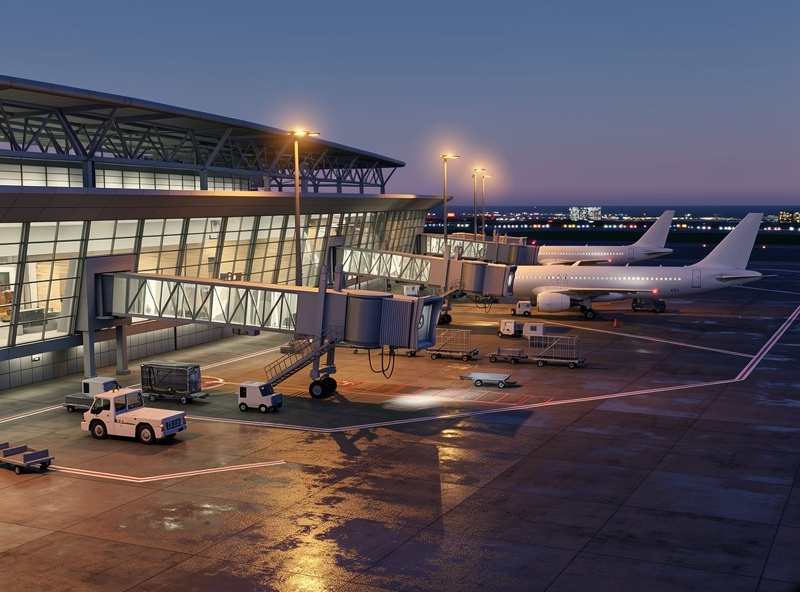
The best free airports reach roughly 80-90% of payware quality — accurate ground layouts, custom buildings, and often working jetways and lighting. What they usually lack is full interior modeling, animated service vehicles, and the last layer of polish. For most simmers, that gap is invisible from the cockpit.
The thing payware buys you is consistency and depth. A paid airport almost always has modeled interiors you can see through the terminal glass, animated ground crew, and obsessive accuracy down to the signage. The best freeware sometimes matches this for a specific airport when a talented modder cared deeply, but quality varies wildly from one free download to the next. That variance is the real difference: payware is reliably excellent, freeware is sometimes excellent.
From my deck, the practical verdict is that for any airport you fly into occasionally, freeware is more than enough — you simply will not notice the missing interior detail at taxi speed. Save the payware budget for the one field you start every session at, where you will actually live with the detail, a decision I unpack in the scenery guide. Everything else, fly free and fly often.
Which Regions Have the Best Free Airports?
Europe, North America, and Japan have the deepest free airport coverage, because that is where the largest modding communities live. A simmer based in or flying to these regions can build a complete free library, while remote regions lean harder on the bundled World Update airports.
The concentration follows the community. European modders have built out their home countries exhaustively, so German, British, Scandinavian, and Alpine airports are deep with high-quality free options. North America is similarly well-covered, and Japan benefits from both a dedicated local community and an excellent World Update. My own Nordic flying is spoiled for choice — the regional community keeps the fields I fly current and detailed without me spending anything.
If you fly somewhere with thin coverage, the bundled World Update airports become your backbone. Asobo’s regional updates include hand-built fields that, while not as numerous as the freeware hotspots, give every covered region a solid set of detailed airports for free. Check what your region’s World Update already includes before assuming you need to hunt for downloads.
How to Install Free Airports Safely
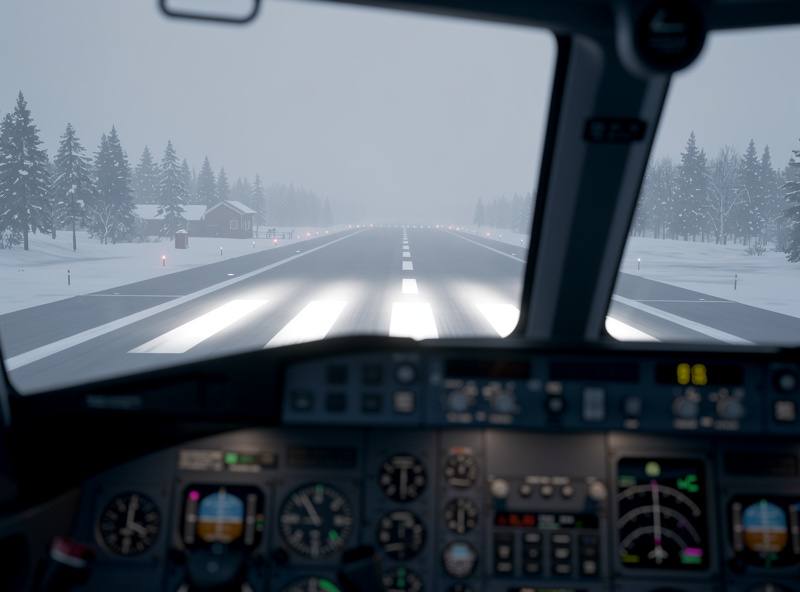
Marketplace and World Update airports install automatically and need no management. Freeware from flightsim.to is downloaded as a folder and dropped into your Community folder, which is the directory MSFS scans at startup. Install one package at a time so you can spot any that break or hurt performance.
The Community folder lives in your MSFS install path, and every subfolder inside it is one add-on the sim loads. Unzip a freeware airport, drop its folder in, restart the sim, and it appears. The discipline that matters is one at a time — I learned the hard way that bulk-dropping ten downloads and then getting a crash means you have no idea which one is the culprit. Add, test, keep or remove, repeat.
Two failure modes to watch. First, never install two scenery packages for the same airport — duplicate ground polygons cause z-fighting, that shimmering flicker on the apron. Pick one source per field. Second, after every major sim update, fly into your custom airports and check for floating buildings or sunken runways; older freeware sometimes breaks against airports the sim itself has rebuilt, and a dead add-on just slows your load time. I keep a plain text list of every freeware package and its source so I can audit and prune after each patch.
One more thing worth knowing before you go on a download spree: detailed airports lean on your graphics card, and a stacked Community folder can drag frame rates on approach. If you are running an older or lower-VRAM card, build your free library deliberately rather than all at once — and if stutters creep in, the flight sim PC build guide covers which card tier actually fixes it. Free scenery is only a bargain if your hardware can render it smoothly.
How to Pick the Right Free Airports for Your Flying
Choose free airports based on where you actually fly, not on what looks best in screenshots. Most simmers have a home base and three or four favorite destinations — that handful is your entire priority list. Build those to a high standard with free downloads and you will rarely feel the need to buy anything.
Start with your home base, the field you launch from most. That is where you will see the detail thousands of times, so it is worth digging through flightsim.to ratings to find the best free version. Then do the same for your two or three regular destinations. Once those are covered, you have built the route you actually fly into a fully detailed experience without spending a krona, and any further downloads are bonus rather than necessity.
When comparing two free versions of the same airport, I weight three things: the download rating and count (the community filters quality fast), the last-updated date (avoid abandoned packages that may break on the next patch), and the night lighting in the screenshots. That last one is my personal tiebreaker — half my flying is after sunset on the Nordic winter schedule, and an airport that goes dark and lifeless at dusk is doing half a job no matter how good it looks at noon. A free field with convincing approach and apron lighting beats a fancier one that only shines in daylight.
Free Airport Sources Compared
| Source | Cost | Quality | Management | Auto-updates | Best For |
|---|---|---|---|---|---|
| Bundled handcrafted | Free | High, consistent | None | Yes (with sim) | Already owned, fly these first |
| World Update airports | Free | High | Content Manager | Yes | Regional backbone |
| Marketplace free | Free | Varies | None | Yes | Hands-off freeware |
| flightsim.to freeware | Free | Varies, top tier excellent | Community folder, manual | No | Deepest library, home region |
Frequently Asked Questions
Are free airports in MSFS 2024 good enough?
Yes for most simmers. The best free airports reach 80-90% of payware quality with accurate layouts, custom buildings, and working lighting. The gap is interior modeling and animated service vehicles, which you rarely notice at taxi speed.
Where can I download free airports for MSFS 2024?
Three places: the in-sim Marketplace free filter, the free World Updates in the Content Manager, and flightsim.to, the largest community freeware library with thousands of rated airports. Marketplace and World Update content auto-installs; flightsim.to is manual.
How do I install freeware airports?
Download the airport folder, unzip it, and drop it into your MSFS Community folder, then restart the sim. Install one package at a time so you can identify any that break or hurt performance before adding more.
Do free airports lower frame rate?
Detailed free airports are lighter than dense payware but still add objects on approach. A 12GB-plus graphics card handles them comfortably. If a specific field stutters, lower object level-of-detail or remove the heaviest packages.
Is downloading free airports useful for real flying?
No. Flight simming is for immersion and enjoyment only. Free airports make the virtual world convincing but teach nothing about real-world airport operations or flying, which require proper training with a licensed flight instructor.