This is the single most common wrong purchase I see in flight simming, and MSFS 2024 is where it happens. Someone buys the sim because the trailers show gorgeous real-world scenery and little aircraft buzzing over their own house, they fall in love with general aviation, and then they go to a forum, ask “yoke or stick,” and get told to buy a stick because it’s cheaper and more versatile. Three weeks later their Cessna feels nervous and twitchy and they assume they’re just bad at landing. They’re not. They bought the controller that doesn’t match the aircraft MSFS 2024 was built to show off.
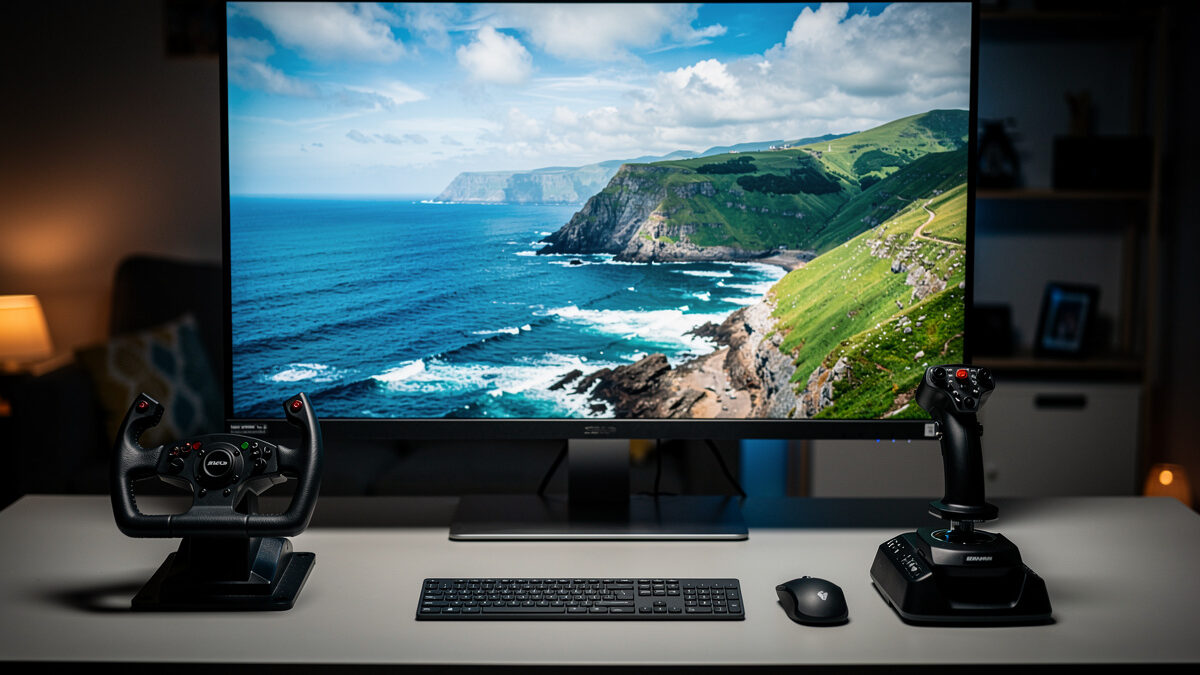
I run both on my deck — a Logitech G yoke, a Honeycomb Alpha-class yoke, and a Thrustmaster HOTAS-class stick — specifically so I can answer this question from felt experience instead of forum folklore. For the way most people actually fly MSFS 2024, the answer is a yoke. Here’s the honest reasoning, and the exception that makes a stick the right call for some of you.
What MSFS 2024 Is Built Around
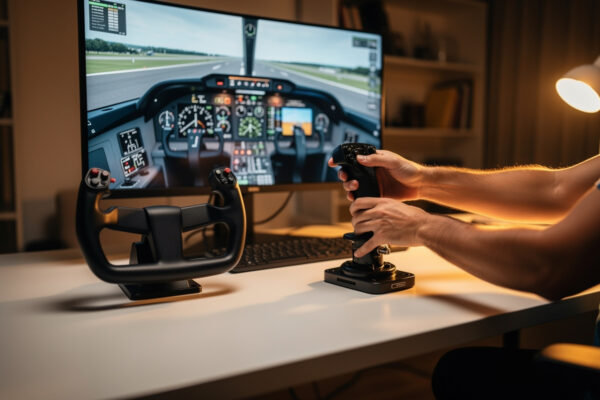
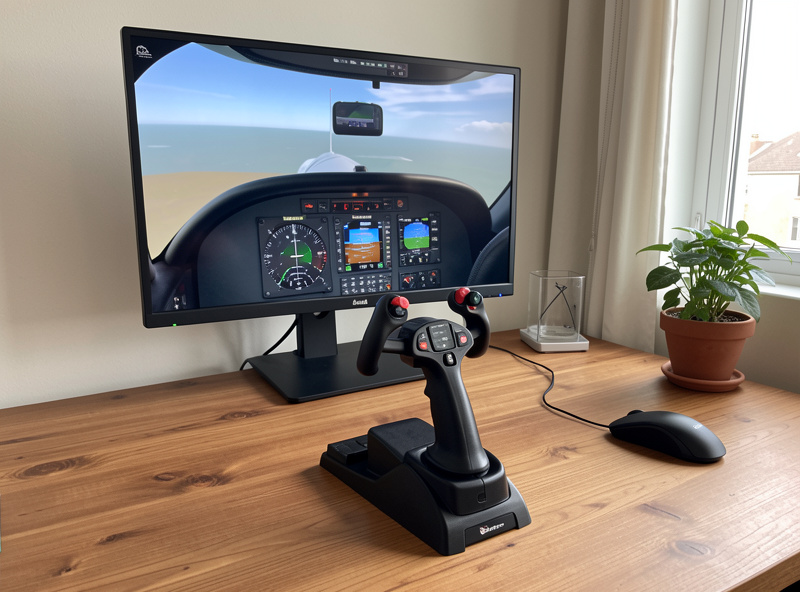
MSFS 2024 is, at its heart, a general-aviation and scenery simulator. The aircraft that ship with it and the experience it sells — flying real-world routes, sightseeing over photogrammetry cities, bush trips in light aircraft — are overwhelmingly GA flying in aircraft built around a control yoke or column. The default Cessna 152 and 172, the iconic singles, the twins: these are column aircraft. When the sim hands you a 172 over your hometown, it is handing you the exact aircraft a yoke was designed for.
That matters because a yoke flying a 172 in MSFS 2024 feels right in a way that’s hard to articulate until you’ve felt the alternative. The long travel matches the trim-and-cruise rhythm, both hands fall onto the column naturally, and the small corrections on final approach come from the wrist, not from fighting a twitchy axis. This is the immersion the sim is trying to sell, and the yoke completes it.
Why a Stick Makes the Same Aircraft Feel Wrong
Put a stick on the same 172 and the problem is immediate: the aircraft feels nervous around neutral. A stick has a short throw, so a small physical movement maps to a relatively large control deflection near centre, and a stable GA aircraft punishes that with constant overcorrection. New simmers feel this as “I keep porpoising the nose” or “I can’t hold altitude” and they blame their skill. It’s the hardware mismatch.
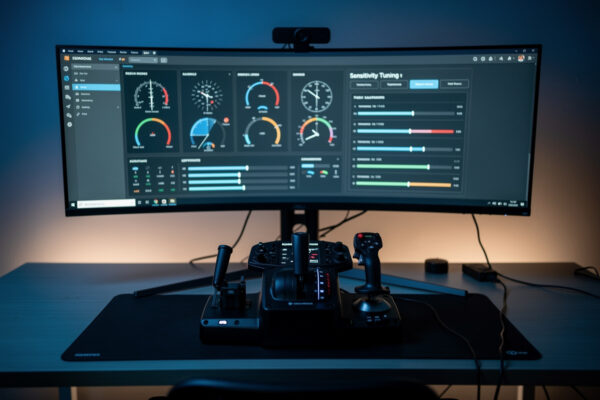
You can tame a lot of it with response curves, but you’re spending effort softening a stick to imitate a yoke’s behaviour, when you could have just bought the yoke. The curve fix is real and it helps, but it’s a patch over a tool that doesn’t natively match the job.
The Exception: When a Stick Is Right for MSFS 2024
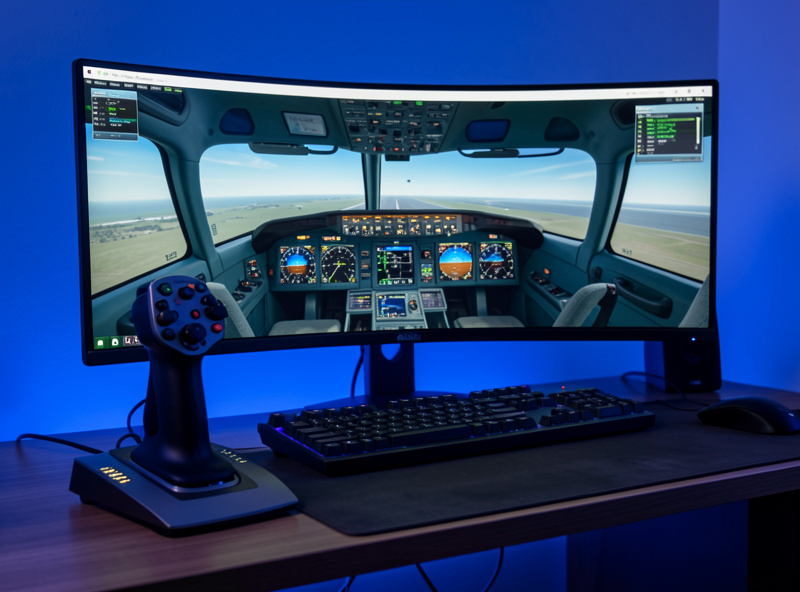
Here’s where I push back on the blanket “buy a yoke” advice. If your MSFS 2024 hours are going to be mostly in the Airbus A320 family, buy a stick — the real Airbus uses a sidestick, and a stick is the correct, authentic input for it. The short version is that fly-by-wire commands a rate, not a cable pull, and the sidestick’s small inputs are the design intent — a yoke’s long throw is the wrong muscle memory for it.
Likewise, if you bought MSFS 2024 but you know you’ll spend most of your time in fast jets or aerobatics, a stick is essential — a yoke is physically the wrong tool for a fighter. And if you genuinely fly a true mix with no clear majority, a stick is the more flexible single purchase, because a stick on a GA aircraft merely feels “different,” while a yoke on a fighter feels actively broken. The full aircraft-by-aircraft breakdown lives in my yoke vs stick guide.
The Decision Table for MSFS 2024 Specifically
This is the call boiled down to what you actually fly in this sim.
| Your main MSFS 2024 flying | Buy this | Why |
|---|---|---|
| GA singles & twins, bush trips, sightseeing | Yoke | The sim’s core experience is column aircraft |
| Boeing airliner study flying | Yoke | Boeing uses a yoke/column; authentic match |
| Airbus A320 family | Stick | Real Airbus uses a sidestick; correct input |
| Fighters / aerobatics | Stick | Yoke is physically the wrong tool |
| A true mix, no clear majority | Stick | More flexible single buy; yoke locks you to GA |
What I’d Actually Tell a New MSFS 2024 Simmer
If you’re new and unsure, ask yourself one honest question: in the next three months, will I mostly be flying little aircraft over scenery, or mostly flying airliners and jets? Most new MSFS 2024 simmers are in the first camp — that’s what the sim sells and that’s what hooks people. If that’s you, buy a yoke and don’t look back. If you already know you’re an airliner-and-jets person, buy a stick. Don’t buy for the flying you imagine doing someday; buy for the flying that’s actually filling your evenings.
And before you spend anything, a reality check from my whole approach to this hobby: a controller isn’t always the very first upgrade your setup needs. Rudder pedals and head tracking often buy more immersion per krona than the pitch-and-roll controller does. If you’re building from scratch, my upgrade order doctrine sequences it all. But if pitch and roll on a keyboard is your bottleneck, then yes — the right yoke or stick is your next big jump, and matching it to MSFS 2024’s aircraft is how you avoid the most expensive mistake in the hobby.
The Gear I Run for This Comparison
For transparency, the yoke-versus-stick verdicts here come from running both classes on my own deck. If you want to look at the controllers themselves, you can browse the current flight sim yokes and HOTAS flight sticks, and if you settle on GA flying, a set of rudder pedals will do more for your crosswind landings than upgrading the yoke ever will. As an Amazon Associate I earn from qualifying purchases.
One last frame I keep on everything I write here: flying MSFS 2024 with a yoke or a stick builds genuine sim skill and a lot of joy, but it is not flight training. The hand-eye habits transfer to the sim, not to a real cockpit. Real flying is learned with a licensed instructor in a real aircraft. Keep that line clear and the hobby stays exactly as fun as it should be.
Should I get a yoke or stick for MSFS 2024?
For most simmers, a yoke. MSFS 2024 centres on general-aviation and scenery flying in column aircraft like the Cessna 172, which a yoke matches perfectly. Choose a stick only if you mainly fly the Airbus, fighters, or a true mix.
Why does the Cessna feel twitchy with a joystick in MSFS 2024?
A stick has a short throw, so small movements map to large control deflections near centre. A stable GA aircraft overcorrects with that. A yoke’s long travel fixes it, or a response curve can soften the stick.
Can I use a stick for airliners in MSFS 2024?
For the Airbus A320 family, a stick is correct because the real aircraft uses a sidestick. For Boeing airliners, a yoke is the authentic match, though a stick will still fly them acceptably.
Is a yoke worth it just for MSFS 2024?
If your main flying is GA aircraft over real-world scenery, yes. The yoke matches the aircraft the sim was built to showcase and removes the nervous feel a stick gives a Cessna. It is the single best controller match for that flying.
Do I need a controller at all for MSFS 2024?
You can fly with mouse and keyboard, but pitch and roll feel awkward. A yoke or stick is usually the biggest single immersion jump, though rudder pedals and head tracking can buy more realism per krona depending on your setup.
Keep Reading
- Yoke vs Stick: The Full Aircraft-by-Aircraft Guide
- The Flight Sim Hardware Upgrade Order
- HOTAS vs Yoke: Which Should Be Your First Purchase?
More from This Cluster
- “The Real Cost of Switching Yoke to Stick Later”
- “Curves and Deadzones: Making Any Flight Sim Controller Disappear”
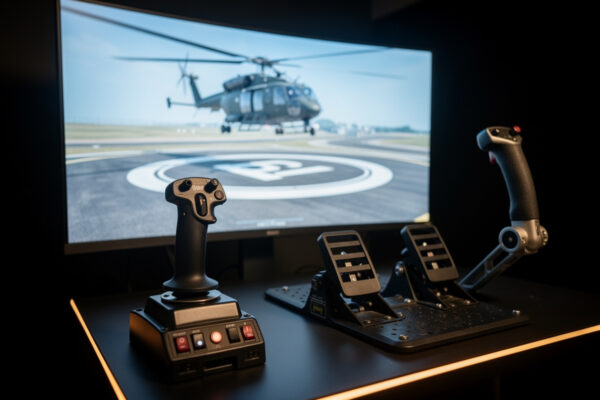
- “The Helicopter Question: Why a Stick Is Only Part of the Answer”
- “Airliner Control Logic: Why the Airbus Uses a Sidestick”
- “Why GA Aircraft Want a Yoke: The Control-Column Argument”
- “Yoke vs Stick for Flight Sim: Which to Buy for the Aircraft You Actually Fly”