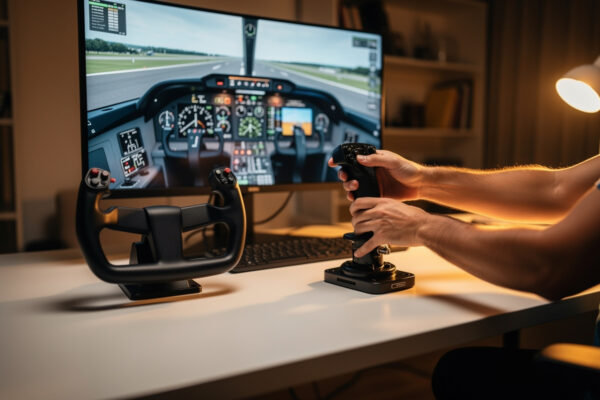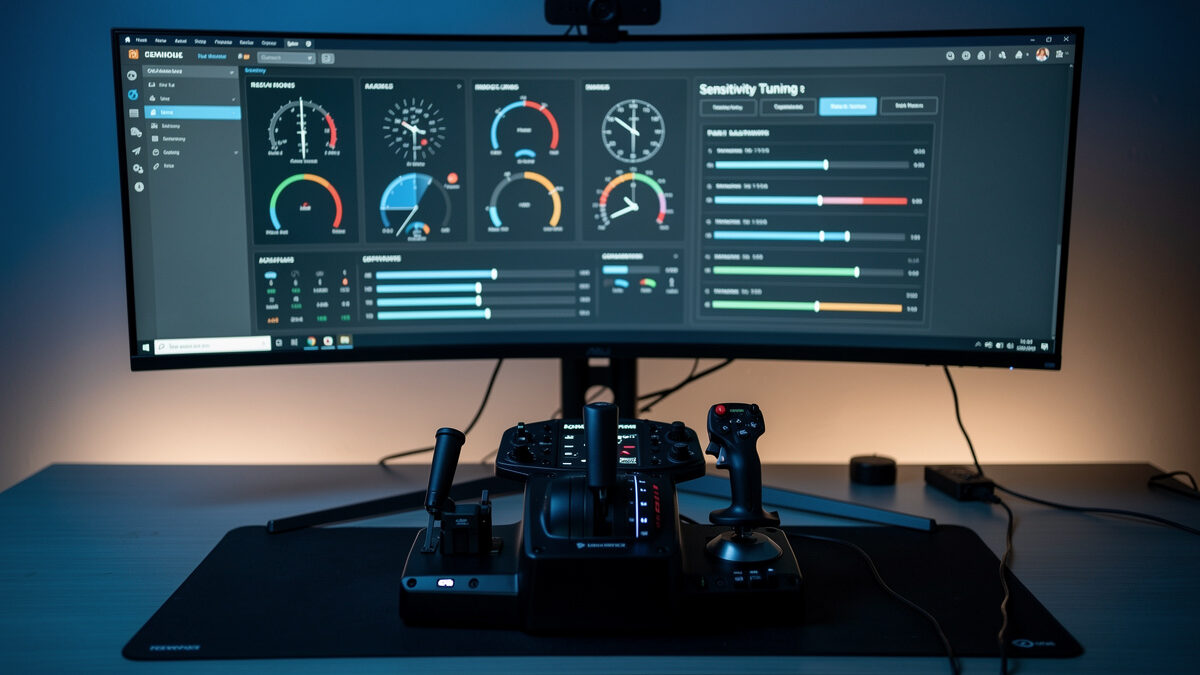
Here is the secret that ends most yoke-versus-stick arguments before they start: a controller that feels wrong out of the box is almost never bad hardware. It’s untuned. The single highest-value thing you can do after buying any yoke or stick — and it costs nothing — is set your response curves and deadzones correctly. I’ve watched simmers declare a perfectly good stick “twitchy garbage” and a fine yoke “vague and sloppy,” when ten minutes in the sensitivity menu would have made either one disappear into the flying. This is the tuning I do on every controller on my deck, and it’s the difference between fighting your hardware and forgetting it’s there.
This guide is sim-agnostic in principle, but I’ll keep it practical and grounded in how I actually dial mine in across MSFS 2024 and X-Plane 12. No magic numbers — the right settings depend on your hardware’s slop and the aircraft you fly — but a clear method you can apply to anything.
What a Deadzone Actually Does
A deadzone is a small region around the controller’s centre where input is ignored — move the stick or yoke a tiny amount and nothing happens until you cross the deadzone edge. Its job is to swallow the hardware’s centring imperfection: most controllers don’t return to exactly the same physical zero every time, and without a deadzone that wander shows up as a slow drift or a twitch when your hand is “neutral.” The deadzone hides that slop.
The trap is setting it too wide. A fat deadzone makes the aircraft feel disconnected and laggy around centre, because your first bit of real input is being eaten. On a GA aircraft, where the whole game is small trimmed corrections, an oversized deadzone is poison — it kills exactly the fine inputs the flying depends on. My rule: set the deadzone as small as you can without seeing drift or jitter when your hands are off the controls. No larger. Start at zero, and only grow it until the phantom movement stops.
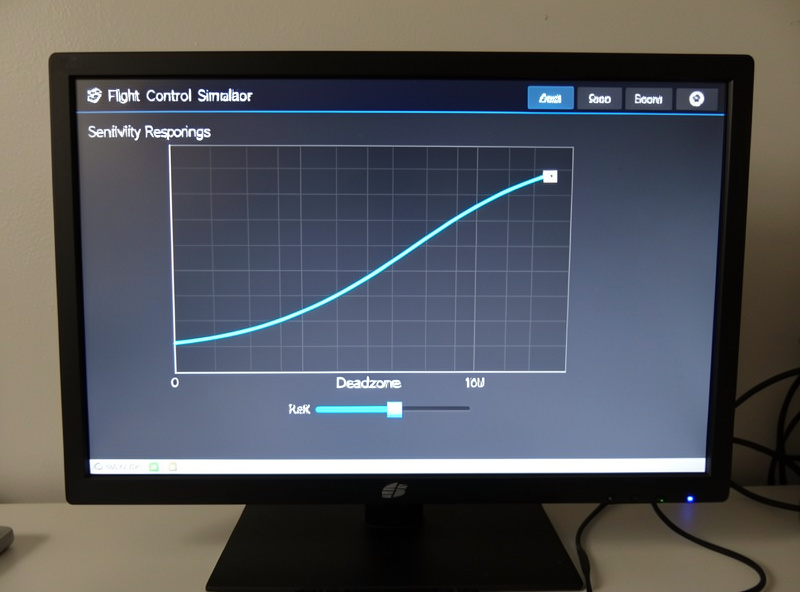
What a Response Curve Actually Does
A response curve changes how your physical movement maps to control deflection across the whole range. With a linear curve (a straight diagonal line), one degree of hand movement always equals the same amount of control deflection. With a softened, S-shaped or exponential curve, movement near centre produces less deflection than movement near the edges — the centre is calm and precise, while full input is still available when you push to the stops.
This is the single fix for “my stick is twitchy.” A stick’s short throw makes a linear curve feel hair-trigger near centre, especially on a stable aircraft. Adding a gentle curve calms that centre region so small hand movements produce small, controllable changes, while you keep full authority at the extremes for when you actually need it. It doesn’t reduce your control — it redistributes your precision to where you live most of the time, which is near neutral.
How I Dial In a Stick
For a stick, I start by zeroing the deadzone, then add just enough to kill any centre jitter — sticks with hall-effect sensors often need almost none. Then I add a moderate sensitivity curve on pitch and roll, enough to make the centre noticeably calmer without making the controls feel mushy or lazy at full deflection. I fly a few approaches, and if the aircraft still feels nervous on final, I deepen the curve slightly; if it feels lazy or disconnected, I ease it back. The target is an aircraft that holds attitude with light, small inputs and still rolls crisply when I commit to a turn.
The aircraft matters here. A fighter wants less curve — you want a stick that responds fast. A stable GA aircraft or an airliner wants more curve to tame the twitch. This is part of why the controller-to-aircraft match in my yoke vs stick guide matters: tuning helps a stick fly a GA aircraft, but you’re shaping the curve to imitate a yoke’s natural calm. Worth knowing when you decide which to buy.
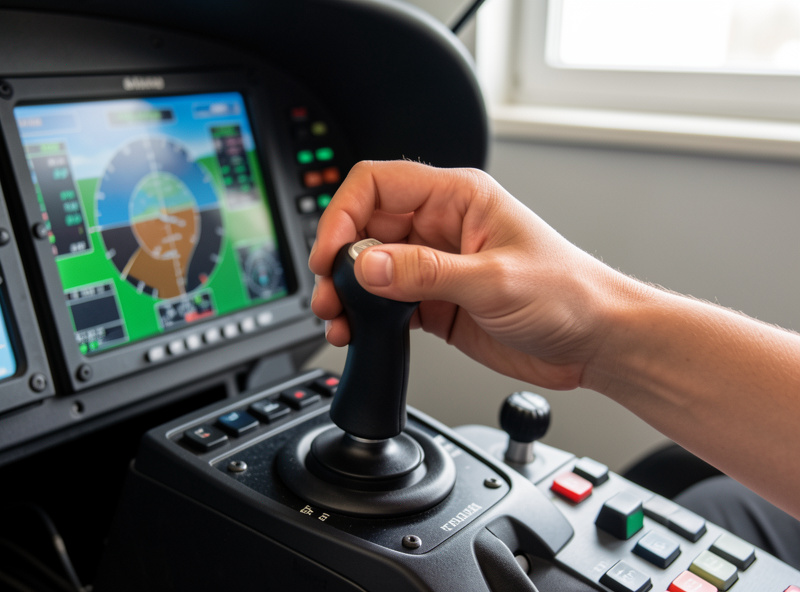
How I Dial In a Yoke
A yoke is a different problem. Its long travel already gives you natural precision near centre, so it usually wants little or no response curve — a near-linear setup feels right because the hardware is doing the calming that a stick needs software to fake. The thing a yoke needs is a small deadzone. Yokes can have a bit of centring slop, and the temptation is to crank the deadzone to hide it, but that murders the tiny trimmed inputs GA flying lives on. I keep the yoke deadzone as small as the hardware’s return-to-centre allows, accept a hair of slop if I have to, and leave the curve close to linear.
If a yoke feels vague, the usual culprits are too much deadzone or a flexing mount, not the curve. Tighten the deadzone first, make sure the yoke is solidly mounted so it isn’t physically wobbling, and only then touch the curve. Nine times out of ten a “sloppy” yoke is a deadzone-and-mount problem, not a hardware failing.
There’s one more yoke-specific thing worth checking: axis assignment and reversal. Some yokes need pitch or roll inverted depending on how the sim reads them, and a yoke that “fights you” — pushes when you pull — is almost always a reversed axis, not a tuning issue. Verify each axis moves the control surface the right way in the sim’s control test view before you ever touch a curve. It sounds obvious, but I’ve seen people spend an hour fighting a perfectly good yoke that simply had pitch inverted. Get the assignment right first, then the deadzone, then the curve — in that order, every time.
Per-Axis Tuning: Pitch, Roll, and Yaw Aren’t the Same
One mistake I see constantly is treating every axis the same. They aren’t, and the sim lets you tune them separately for a reason. Pitch usually wants the gentlest hand, because pitch is where overcontrol hurts most — a porpoising nose on approach is almost always too little curve on pitch. Roll can often take a touch less curve than pitch, because crisp roll response feels good and rarely causes the same instability. Yaw, if you’re using rudder pedals or a twist axis, wants its own treatment entirely: a small deadzone to stop your resting feet or wrist from dragging the rudder, and usually a near-linear curve so your crosswind corrections are predictable.
When I set up a new controller I tune pitch first, get the aircraft holding altitude with light inputs, then move to roll, then yaw last. Doing them one at a time means you actually know which change fixed which problem. Tune all three at once and you’re guessing. This per-axis discipline is the part most people skip, and it’s why their “tuned” controller still feels off — they softened everything equally instead of matching each axis to its job.
Sensitivity Isn’t a Difficulty Setting
There’s a misconception worth killing: adding a response curve is not “making the aircraft easier” in a way that’s cheating or unrealistic. A real control column or sidestick has its own natural feel — control loading, breakout force, the way effort scales with deflection — that a cheap desktop controller doesn’t replicate. The response curve is partly compensating for that missing physicality. You’re not dumbing the aircraft down; you’re shaping a simple input device to behave more like the loaded control the aircraft was designed around. That’s why a well-tuned curve makes the flying feel more authentic, not less.
The same logic applies to why I don’t chase other simmers’ exact settings. Their controller has different centring slop, different spring rates, a different mount, and they fly different aircraft. A number that’s perfect on their hall-effect stick on a fighter is wrong on my entry stick on a Cessna. Borrow the method, never the numbers — that’s the whole craft of this.
The Method, Not the Numbers
I deliberately won’t hand you a single magic setting, because the right values depend on your specific controller’s slop and the aircraft you fly. What’s universal is the method: deadzone as small as possible without drift, then curve to taste — more curve for a twitchy stick on a stable aircraft, near-linear for a yoke or for a fighter on a stick. Change one thing, fly a circuit, judge it, adjust. Ten minutes of this turns a “bad” controller into one that disappears.
And the line I keep on everything here: dialling in your curves makes you a smoother, more precise sim pilot, and that’s a genuinely satisfying craft. It is not flight training, and the settings that feel right in the sim are about your hardware, not about a real aircraft’s controls. Real flying is learned with a licensed instructor. Tune your deadzones because it makes the hobby better — and keep that frame clear.
Keep Reading
- Yoke vs Stick: The Full Aircraft-by-Aircraft Guide
- Yoke or Stick for MSFS 2024
- Why GA Aircraft Want a Yoke
- Why the Airbus Uses a Sidestick
More from This Cluster
- “The Real Cost of Switching Yoke to Stick Later”
- “The Helicopter Question: Why a Stick Is Only Part of the Answer”
- “Airliner Control Logic: Why the Airbus Uses a Sidestick”
- “Why GA Aircraft Want a Yoke: The Control-Column Argument”
- “Yoke or Stick for MSFS 2024: The Most Common Wrong Purchase”
- “Yoke vs Stick for Flight Sim: Which to Buy for the Aircraft You Actually Fly”