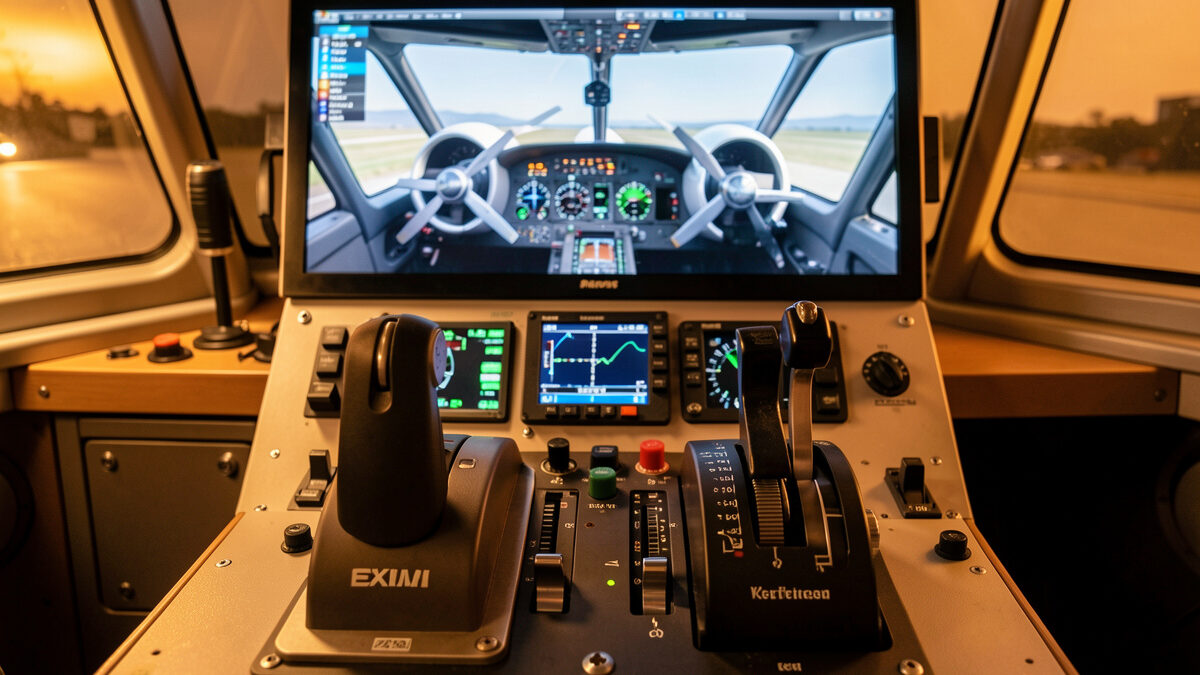
To set up a twin-engine aircraft in a flight sim, bind two physical throttle levers to throttle 1 and throttle 2 as separate axes, not a combined throttle. That single change unlocks asymmetric power, differential taxi, and realistic engine-out handling, which is the entire skill set twin flying is built on. On my deck it took ten minutes per sim to get right.
As an Amazon Associate I earn from qualifying purchases.
This is a sim setup guide written from my own quadrant, not a flight lesson. I run a six-lever Bravo-class quadrant next to two yokes on my home deck, and I fly twins in both MSFS 2024 and X-Plane 12. The most common mistake I see is people owning a multi-lever quadrant and still flying twins on a single combined throttle, throwing away the reason to own the hardware. If you have not chosen a quadrant yet, read the throttle quadrant guide first; this article assumes you have two or more physical levers to work with.
Why twins need two physical levers
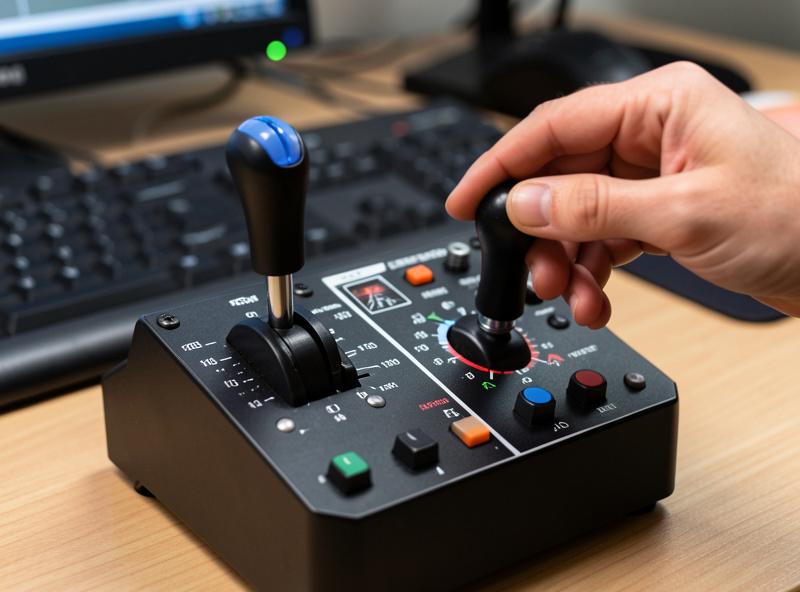
A twin-engine aircraft has two independent throttles for a reason: you manage each engine separately on the ground, in an engine failure, and during single-engine approaches. A combined throttle axis physically cannot represent asymmetric power, so the most important twin skills become impossible to practice.
With two levers bound to throttle 1 and throttle 2, you can split power to steer on the ground using differential thrust, pull one engine to idle to simulate a failure, and feed in asymmetric power on a single-engine approach. This is the difference between flying a twin and flying a single with two engines drawn on it. The same one-control-per-axis logic underpins my whole quadrant philosophy and is why I argue against combined-axis shortcuts.
Binding two throttles in MSFS 2024
In MSFS 2024, open Controls, filter by your quadrant, and assign your first lever to Throttle 1 Axis and your second lever to Throttle 2 Axis. Do not use the generic Throttle Axis, which controls both engines together. Calibrate each lever range and add a small idle deadzone.
Once both axes are bound separately, MSFS reads each engine independently and your differential-thrust taxi and engine-out drills work immediately. I keep the two throttle levers physically next to each other on the quadrant so my hand treats them as a pair. If you want reverse on a twin jet, set the reverse region on both levers as described in the reverse thrust detent guide, because each engine reverses on its own lever.
Binding two throttles in X-Plane 12
X-Plane 12 is more literal. In the joystick settings, assign your first lever to throttle for engine 1 and the second to throttle for engine 2, then shape the response curve per lever if a sensitive turboprop needs it. X-Plane treats each engine axis as a first-class control, so the setup is clean once you find the right command.
The practical difference from MSFS is that X-Plane wants you to set reverse in the response curve rather than a dedicated zone, and it exposes per-engine commands more directly, which I prefer for engine-failure practice. As a daily user of both sims, I find X-Plane slightly more honest for multi-engine work once configured, while MSFS is faster to set up. Either way the principle is identical: one physical lever per engine.
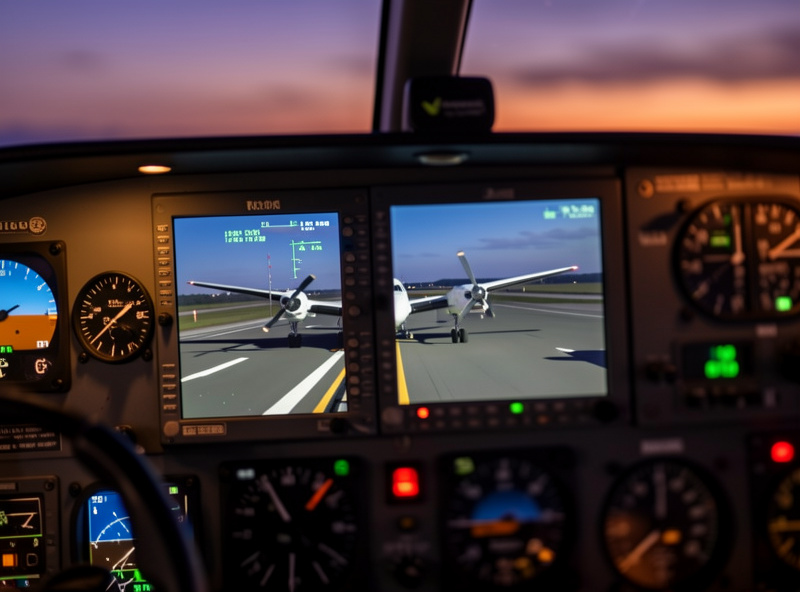
Differential thrust for ground steering
One of the first things independent throttles unlock is steering on the ground with thrust alone. By pushing one engine ahead of the other you generate a turn without touching the rudder, which is how many twins maneuver in tight ramps. With a combined axis this is simply impossible to practice.
On my deck I taxi twins by leading with the outside engine through a turn and easing the inside one, then balancing the levers back to straight. It feels clumsy for the first few sessions and then becomes second nature, exactly the kind of hands-on skill a quadrant exists to teach. It also makes you appreciate how much of real twin handling lives in the throttles rather than the yoke, which is a point I keep coming back to across the whole quadrant guide. If your levers are not perfectly matched, differential taxi exposes it immediately, so calibration matters here more than almost anywhere else.
Propeller and condition levers on turboprops
Twin turboprops add a layer most simmers ignore: the condition or propeller levers that set RPM and feathering. On a six-lever quadrant you bind two levers to the throttles and assign the remaining levers to prop or condition, so a twin turboprop genuinely uses four or more of your levers at once.
The setup that works for me is throttle 1 and throttle 2 in the center pair, condition or prop levers outboard, so my hand learns a fixed geography. Feathering a failed engine then becomes a physical pull rather than a menu click, which is the kind of immersion that justifies a multi-lever quadrant for turboprop fans. This is also where lever-head shapes help: matching the handle to the function stops me grabbing the wrong lever in a hurry. Keep the assignments labeled, using the panel labeling guide, because a turboprop twin uses enough levers that memory alone slips.
Three and four engines on a six-lever quadrant
A six-lever quadrant handles twins perfectly but forces compromises on three- and four-engine aircraft. You have six levers, so a four-engine airliner cannot get fully independent throttle, prop, and mixture per engine. The realistic approach is to group engines for cruise and accept the limitation.
The mapping I use depends on the aircraft. The table below shows how I allocate physical levers across engine counts on a six-lever unit. For four-engine jets I bind two levers to all four throttles for normal flight and keep the others for spoilers and flaps, which covers everything except simultaneous independent control of all four, a thing few simmers actually need.
| Aircraft type | Throttle levers used | Mapping approach | Engine-out practice |
|---|---|---|---|
| Single piston | 1 | Throttle, plus prop and mixture on spare levers | Not applicable |
| Twin piston | 2 | Throttle 1 and 2 independent | Full, pull one lever to idle |
| Twin turboprop | 2 | Throttle 1 and 2, condition levers on spares | Full |
| Four-engine jet | 2 grouped | Two levers each driving two engines | Partial, by lever pair |
Simulating an engine failure
The payoff of independent levers is realistic engine-out practice. To simulate a failure on my deck I pull one throttle to idle, or use the sim failure menu, then fly the asymmetric handling: rudder into the live engine, manage the yaw, and trim it out. Two levers make the recovery muscle memory, not theory.
Good rudder control matters as much as the throttles here, because asymmetric thrust is a yaw problem first. This is exactly where pedals earn their place, which is why I argue rudder pedals come before a better yoke in the upgrade order. Pair independent throttle levers with real pedals and engine-out drills stop being a keyboard abstraction and start training the coordination twins demand.
Flying the single-engine approach
Once your levers are set up, the single-engine approach is where twin practice gets interesting in the sim. With one engine at idle you carry asymmetric power on the live lever, hold rudder into the good engine, and manage a higher approach speed because your climb performance is gone if you need to go around.
Having the live engine on its own physical lever changes how this feels. You modulate that one throttle precisely while your other hand flies, and the go-around decision becomes a real hands-on moment rather than a keystroke. I keep my approach speeds and configuration honest by flying the same circuit repeatedly, which is exactly the kind of practice over gear-buying I argue for across the site. Independent levers turn the single-engine approach from an abstract checklist into a coordination drill you can actually feel.
Common twin-engine setup mistakes
The biggest mistake is leaving both engines on a combined throttle axis, which silently disables every asymmetric skill. The second is forgetting to calibrate each lever separately so the engines do not match at the same lever position. The third is ignoring the condition or prop levers on turboprops.
I also see people skip the idle deadzone, so one engine sits at two percent power while the other is truly idle, which makes ground handling maddening. Calibrate both levers, add the deadzone to each, and verify that both engines read identically across the full range before you fly. A few minutes of setup, using the same curves and deadzones discipline I apply to every axis, prevents all of it.
Further reading
If this guide helped, the natural next steps on my deck are the throttle quadrant guide for the hardware overview, my Bravo throttle quadrant long-term review for the unit I run twins on, the reverse thrust detent guide for jet operations, and the best throttle quadrant for 2026 if you are still shopping. A capable multi-lever throttle quadrant is the one piece of hardware that makes twin flying real rather than simulated-on-a-single.