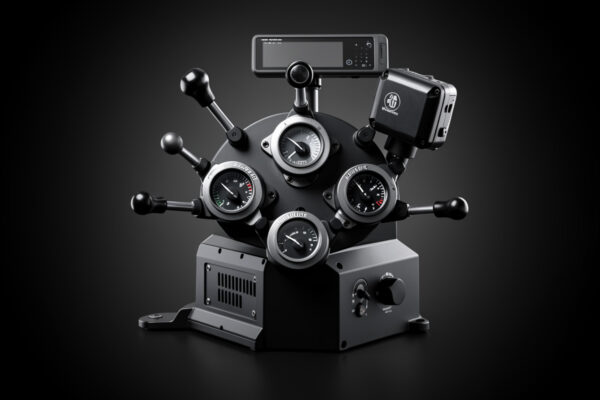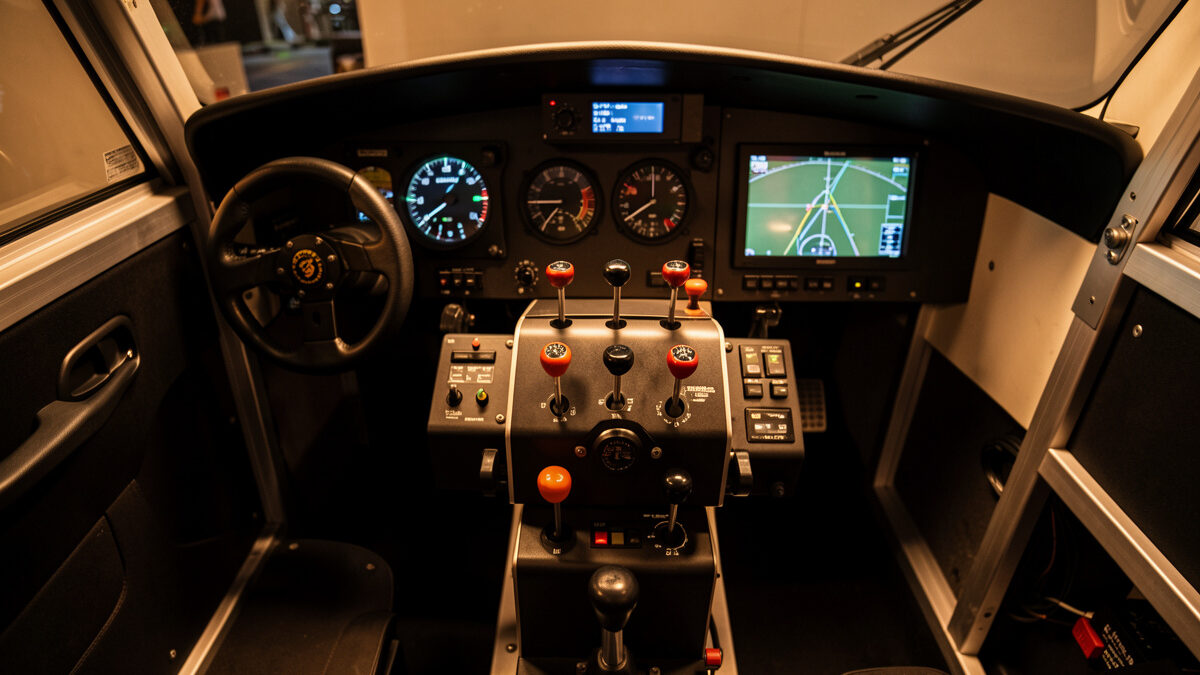
A flight sim throttle quadrant is a separate bank of physical levers that replaces the single throttle axis on your stick or yoke, and for airliner and twin-engine flying it is the upgrade that moves the keyboard out of the loop. On my deck a six-lever quadrant cut the number of bound keystrokes during a turnaround from roughly a dozen to zero.
As an Amazon Associate I earn from qualifying purchases.
I run a Honeycomb Bravo-class quadrant on my home flight deck next to two yokes and a HOTAS-class stick, and I have wired my own button boxes on the same bench. This guide is the throttle-quadrant knowledge I wish someone had handed me before I bought my first one: what the hardware actually does for immersion, where it belongs in your upgrade order, how detents and reverse-thrust gates work, and how to set the thing up in MSFS 2024 and X-Plane 12 so the levers disappear and you just fly. Everything here is from the simulator chair. I build cockpits and log frame-times; I am not a real-world pilot, and nothing below is real-flight instruction.
What a throttle quadrant actually does on a sim deck
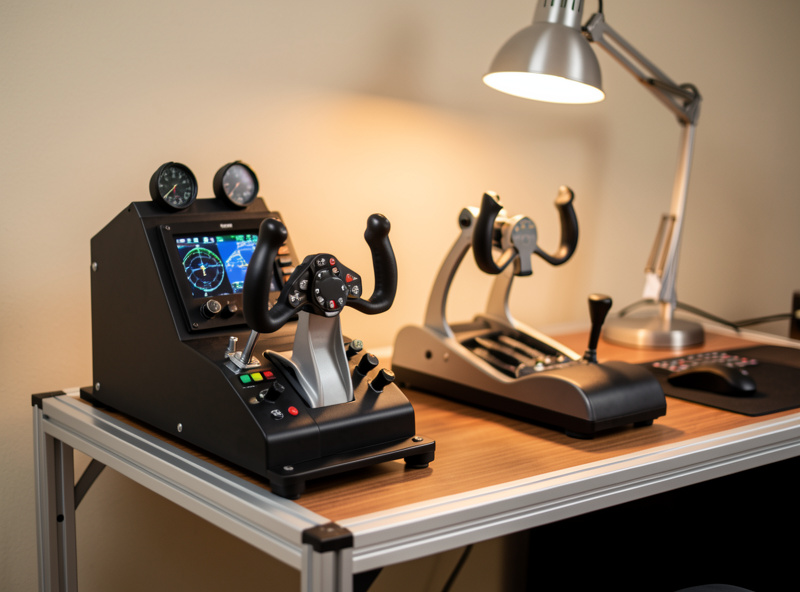
A quadrant gives you one physical lever per controllable axis: throttles, propeller pitch, mixture, and often flaps and spoilers. Instead of one shared throttle slider, you get four to six independent levers your hand falls onto without looking, which is the entire point at hour three of a long-haul.
The difference is muscle memory. With a single throttle axis you are constantly remapping your mental model of what that one lever controls right now. With a dedicated quadrant, the prop levers are always the prop levers and the mixture is always to the right of them. When I moved from the throttle wheel on my first yoke to a real quadrant, my workload during a complex approach dropped because my hand stopped hunting. That is the same lesson I learned on the racing rig years earlier: separate physical controls beat one overloaded axis every time. If you are still deciding where this fits against pedals and head tracking, start with my flight sim hardware upgrade order.
Where the quadrant belongs in your upgrade order
The throttle quadrant is the third or fourth purchase for most simmers, not the first. My tested sequence is rudder pedals, then head tracking, then the quadrant, then panels. Pedals fix your landings and head tracking buys the most immersion per krona before a quadrant earns its place.
I am deliberately anti-gear-hoarding about this. A quadrant is a genuine quality-of-life jump, but only after the cheaper upgrades that change how you fly are already in. If you have not yet sorted your feet, read why rudder pedals come before a better yoke first. If you fly mostly visually and your immersion feels flat, head tracking is the best-value upgrade and it is cheaper than most quadrants. The quadrant makes the most sense once you have committed to airliners, twins, or complex GA singles where you are managing prop and mixture, not just a single throttle. For a broad spend plan see what 200 vs 600 USD actually buys.
Single-lever, GA, and airliner quadrants are different tools
Quadrants split into three rough classes: a single or twin GA-style quadrant for piston aircraft, a multi-axis general quadrant with six configurable levers, and aircraft-specific airliner throttles with detent gates. The right one depends entirely on what you fly, not on lever count for its own sake.
If you live in a Cessna 172 or a Baron, a GA-oriented quadrant with throttle, prop, and mixture levers maps one-to-one to the aircraft and feels correct. If you bounce between a turboprop, an airliner, and a warbird, a six-lever configurable quadrant like the Bravo-class unit is the flexible choice because you reassign levers per aircraft profile. If you fly one airliner seriously, a dedicated airliner throttle with sculpted handles and a TO/GA detent will out-immerse a generic quadrant for that specific jet. This maps onto the same yoke versus stick by aircraft type logic, and it connects to why the Airbus uses a sidestick while Boeing keeps the column. I own the configurable route because my hangar is mixed.
Detents, reverse thrust, and why the gate matters
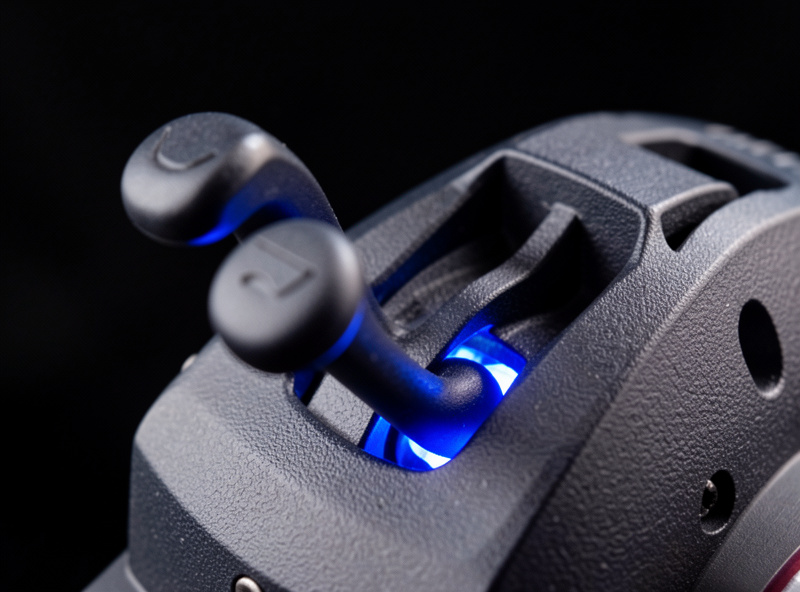
A detent is a physical notch the lever clicks into so your hand can find a setting by feel: idle, climb, flex, or the reverse-thrust gate behind idle. On a good quadrant the reverse detent requires lifting the lever over a gate, which stops you slamming into reverse in flight exactly as the real interlock does.
This is the single most misunderstood part of quadrant setup. Many simmers map reverse thrust to a button and never feel it; the whole immersion gain of a quadrant is feeling idle, then the gate, then reverse as one continuous backward pull. Getting the calibration right so the sim reads the gate as the idle-to-reverse transition takes a few minutes and is worth it. I wrote a dedicated walkthrough: the flight sim reverse thrust detent guide covers the gate, the deadzone you want around idle, and the per-sim binding. Detents also matter for the climb and flex settings airliner pilots in the sim use, which is why a quadrant with configurable detent positions beats fixed ones for a mixed fleet.
Twin-engine and multi-engine setups
For twins you want two independent throttle levers so you can split power, simulate an engine-out, and taxi with differential thrust. A single combined throttle axis cannot do asymmetric power, which is the entire skill set twin flying is built around. Two physical levers make it intuitive.
Setting up two-, three-, and four-engine aircraft on a six-lever quadrant means deciding which physical levers become throttles for which engines, and whether you bind a single lever to all engines for cruise then split for emergencies. This is fiddly enough that I gave it its own article: the twin engine flight sim throttle setup guide walks through the per-engine binding in MSFS 2024 and X-Plane 12, the four-engine compromise on a six-lever unit, and how I handle a simulated engine failure on my deck. If you mostly fly singles today but plan to move up to a King Air or a piston twin, buy the quadrant that can grow into that rather than a fixed single-throttle unit.
Mounting the quadrant so it does not walk
A quadrant you fight is a quadrant you stop using. Most ship with a desk clamp that works until you pull hard into reverse and the unit slides. The fix is either the clamp torqued properly against a solid desk edge or a dedicated mount point on a rig frame, which is where I ended up.
On a desk, mount the quadrant on the side of your dominant hand at roughly the same height as the yoke or stick base so your forearm is level. Cheap quadrants flex more in the clamp, so check it is biting real desk and not a thin overhang. When I migrated from a desk to an aluminium-profile frame, giving the quadrant its own bracket was one of the bigger comfort wins because it stopped the micro-movements that break immersion. If you are heading that way, see the desk-mount to rig migration guide and, once it is mounted, keep the labels readable with the panel labeling guide. A quadrant lives next to your button boxes and panels, so plan the whole right-hand zone together.
Throttle quadrant options compared
There is no single best quadrant, only the best for your fleet and budget. The table below compares the classes I have used or set up, by what actually changes how you fly rather than marketing bullet points. Lever count, detents, and mounting are the deciders.
| Class | Levers | Reverse detent | Best for | Approx. price band |
|---|---|---|---|---|
| Entry GA quadrant | 2 to 3 | No true gate | Single-engine piston flying | Low (around 60 to 90 USD) |
| Logitech-class quadrant | 3 (modular) | Button-mapped only | GA on a budget, stackable units | Low to mid |
| Configurable 6-lever (Bravo-class) | 6 plus axis | Software detent | Mixed fleet: GA, turboprop, airliner | Mid (around 250 USD) |
| Dedicated airliner throttle | 2 to 4 sculpted | Physical TO/GA gate | One airliner flown seriously | Mid to high |
| DIY quadrant | Your choice | You build the gate | Builders who want exact layout | Variable |
If you want my current ranked picks with the reasoning, the best throttle quadrant for flight sim in 2026 article breaks down each unit, and my Bravo throttle quadrant long-term review covers what a year of use actually exposed.
Calibration, curves, and deadzones
A new quadrant almost never reads correctly out of the box. You will see idle that is not quite idle, a few percent of throttle at the bottom of travel, or a twitchy top end. Five minutes of calibration and a small idle deadzone fixes all of it and is the step most people skip.
Calibrate the full range first so the sim knows your lever endpoints, then add a deadzone of two to four percent at the idle end so the engines actually settle to idle when you pull all the way back. I generally leave throttle response linear because a throttle is not a flight control, but I do shape prop and mixture slightly if the aircraft is sensitive. The principles are the same ones I use on every axis on the deck, laid out in curves and deadzones for flight sim controllers. Get this right once per aircraft profile and the quadrant feels like part of the airplane instead of a USB peripheral.

Setting it up in MSFS 2024 versus X-Plane 12
Both sims read a quadrant as a set of axes you assign by lever, but they handle detents and reverse differently. MSFS 2024 has a built-in reverse-thrust toggle and a configurable idle/reverse zone; X-Plane 12 is more literal and wants you to set the reverse region in the joystick response curve.
In MSFS 2024 I assign each lever to its axis, enable the reverse-thrust option for jets, and set the lower portion of travel as the reverse region so the physical gate matches the sim. In X-Plane 12 I assign the throttle axis and then drag the response curve so the bottom slice of lever travel is reverse, which gives the same felt result with a different menu path. As a daily user of both, I find MSFS easier for airliner detents and X-Plane more honest once configured. The full per-sim steps for the gate live in the reverse thrust detent guide, and a quadrant pairs naturally with a dedicated radio and autopilot panel once you are building out the airliner workflow.
Where a quadrant fits with panels and button boxes
A throttle quadrant is the anchor of the right-hand zone, but it rarely lives alone for long. Once the levers are physical, the next keyboard reaches are gear, lights, and autopilot, which is what drives most simmers toward panels and DIY button boxes. Planning the zone together saves a rebuild later.
I wired my own button boxes on the same bench that holds the quadrant, and the labeling and wiring lessons carried straight over. If you want to extend past the quadrant, the DIY button box guide and the button box wiring matrix guide cover the build, and the flight sim PC guide makes sure the machine behind all of it can actually drive the sim at the settings you want. A quadrant does not need a strong PC, but the airliners you buy it for absolutely do, so check the GPU guidance for 1440p if you are building out at the same time.
Common throttle quadrant mistakes
The same handful of errors cost simmers most of the immersion a quadrant should buy. The biggest is leaving idle uncalibrated so the engines never fully spool down, which makes every taxi and landing feel wrong. A two to four percent idle deadzone fixes it in under a minute.
The second mistake is mapping reverse thrust to a button while owning a quadrant that can do a software gate, which throws away the best tactile feature you paid for. The third is mounting the unit on a flimsy desk overhang so it walks under load and the clamp creeps loose mid-flight. The fourth is buying a fixed single-throttle quadrant and then wanting to fly twins six months later, which is the avoidable purchase my whole upgrade procrastination argument is built to prevent. And the fifth, quieter one is over-shaping the throttle response curve: a throttle is not a flight control, so a linear response is almost always correct and a heavy curve just makes power management vague. Get those five right and a mid-tier quadrant outperforms an expensive one that is set up badly.
How long a quadrant lasts and when to upgrade
A decent quadrant is a multi-year purchase. The levers are simple potentiometers and Hall-sensor axes with few failure points, and on my deck the same unit has handled thousands of cycles without drift worth recalibrating. Unlike a PC, a quadrant rarely becomes obsolete because aircraft control logic does not change.
The honest reasons to upgrade are growing into a fleet your current quadrant cannot map, like moving from singles to twins, or wanting a true physical detent gate after living with a software one. Resolution and immersion gains are real but smaller than the jump from no quadrant to any quadrant. This is the opposite of the PC side of the hobby, where the hardware genuinely ages out under new sim versions. If your quadrant still maps everything you fly and calibrates clean, the money is better spent on pedals, head tracking, or a panel than on a newer quadrant. That is the upgrade-order discipline that keeps this hobby from becoming a shopping habit, and it is the same logic behind choosing your first controller carefully in the first place.
What I actually recommend
For most simmers with a mixed fleet, a configurable six-lever quadrant is the right buy because it grows with you across GA, turboprops, and airliners. If you fly only singles, save the money and get a GA quadrant; if you fly one jet seriously, a dedicated airliner throttle wins for that aircraft.
My day-to-day unit is a Honeycomb Bravo-class quadrant because the six configurable levers and software detents cover everything I fly, and the autopilot module on top earns its desk space. On a tighter budget a modular Logitech-class throttle quadrant stacks to add levers as you grow, and if you have settled on one airliner a dedicated TCA-style airliner throttle gives you the sculpted handles and physical detents that a generic unit cannot. Whatever you choose, buy for the fleet you fly, not the one you imagine flying.
Frequently Asked Questions
Do I need a throttle quadrant for flight sim?
Not at first. A throttle quadrant matters most for airliners, twins, and complex piston aircraft where you manage prop and mixture. For simple single-engine flying the throttle axis on a yoke is enough. It is usually the third or fourth hardware upgrade, after pedals and head tracking.
How many levers does a flight sim throttle quadrant need?
For single-engine piston flying, three levers covering throttle, prop, and mixture is plenty. For a mixed fleet that includes turboprops and airliners, a six-lever configurable quadrant is the flexible choice because you reassign the levers per aircraft profile.
What is a reverse thrust detent and do I need one?
A reverse detent is a physical gate behind idle that your lever must lift over to enter reverse, mimicking the real interlock. It is not essential, but it makes jet operations far more immersive than mapping reverse to a button. A software detent on a configurable quadrant gives most of the benefit.
Can one throttle quadrant handle twin and four-engine aircraft?
Yes. A six-lever quadrant handles twins natively with two throttle levers, and four-engine aircraft by either grouping engines onto fewer levers for cruise or accepting a compromise mapping. Dedicated per-engine control on all four engines needs more levers than most consumer quadrants provide.
Does a throttle quadrant work in both MSFS 2024 and X-Plane 12?
Yes. Both sims read the quadrant as standard axes you assign per lever. MSFS 2024 has a built-in reverse-thrust zone that is easy to configure, while X-Plane 12 wants you to set the reverse region in the joystick response curve. The hardware is identical; only the menu path differs.
Where should I mount a throttle quadrant?
Mount it on your dominant-hand side at roughly the same height as the yoke or stick base so your forearm stays level. On a desk, make sure the clamp bites solid desk, not a thin overhang, or it will slide when you pull into reverse. A rig frame with a dedicated bracket is the most stable option.