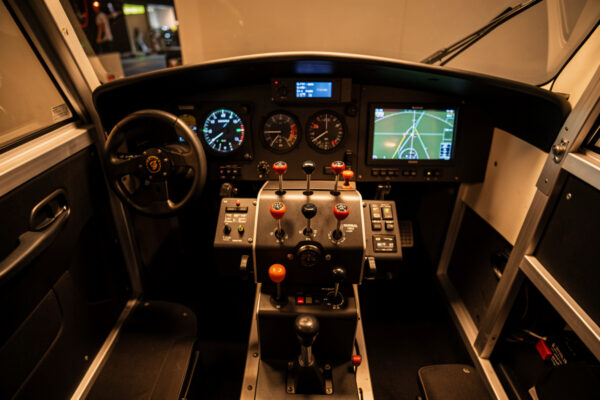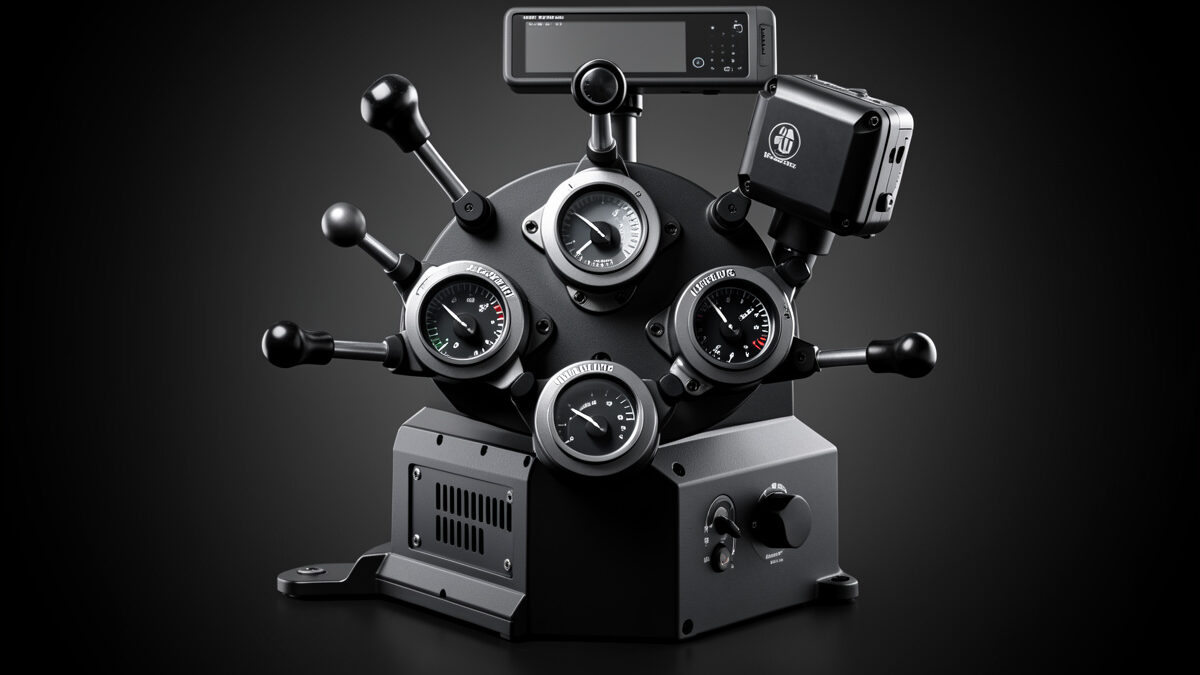
After a year on my deck, the Honeycomb Bravo-class throttle quadrant is the controller I would replace first if it broke, because it took the most keystrokes out of my flying. Six configurable levers, a software reverse detent, and an autopilot module turned my airliner and twin workflow from keyboard-hunting into hands-on-levers flying.
As an Amazon Associate I earn from qualifying purchases.
This is a long-term sim-use review, not a flight test. I fly MSFS 2024 daily and X-Plane 12 for flight-model work, and the Bravo-class quadrant has been bolted to my rig through hundreds of hours of GA, turboprop, and airliner flying. What follows is what a year of real use exposed that an unboxing video never will: where it shines, where it annoys, and who should skip it. If you are still choosing a class of quadrant, start with the throttle quadrant guide; this article is the deep dive on one unit I actually own.
What you actually get
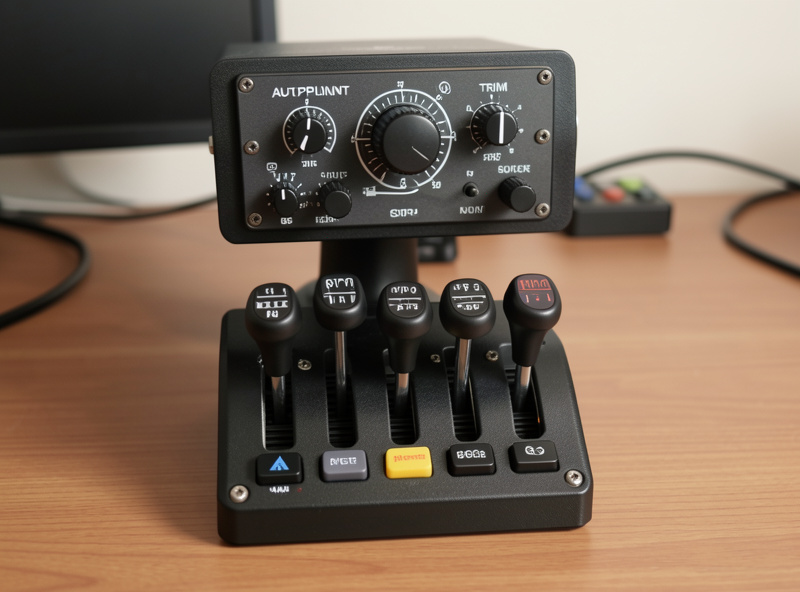
The Bravo-class unit is a six-lever quadrant with swappable lever heads, a row of toggle switches across the bottom, an autopilot module up top with a trim wheel and mode buttons, and an annunciator panel of warning lights. It is one box doing the job of a quadrant plus a small autopilot panel.
That combination is why it earns its desk space. The six levers cover throttle, prop, and mixture for singles and twins with room to spare, and you swap the lever-head shapes to match GA or airliner aircraft. The autopilot module means heading, altitude, and vertical-speed changes happen on physical knobs instead of mouse clicks, which is the part I underestimated before buying. On my deck the annunciator lights are genuinely useful for gear and low-fuel warnings in aircraft that support them.
A year of use: the levers
The lever feel held up. After a year of cycling the throttles thousands of times, none of my axes have developed drift worth recalibrating, and the detents still click into place cleanly. The action is firm rather than smooth-and-loose, which I prefer because my hand finds positions by feel.
The lever heads are the cleverest part. Swapping between the GA-style knobs and the airliner-style handles takes seconds and genuinely changes how the unit feels per aircraft. My one criticism is that the lever travel is shorter than a real quadrant, so very fine power adjustments in a sensitive turboprop need a small response curve to tame, exactly as I describe in curves and deadzones. For airliners and most GA the throw is plenty.
The reverse detent in practice
The software reverse detent is the feature I use every landing. The bottom of lever travel is configured as the reverse region, so a single continuous pull goes idle, over the gate, into reverse, mirroring the real interlock by feel. It is not a hard physical gate, but in use it is convincing.
Getting it right took five minutes of calibration the first time. You set the idle and reverse zones so the sim reads the lower slice of travel as reverse, then add a small idle deadzone so the engines settle. Once dialed in, jet operations feel correct and I stopped thinking about reverse as a separate button press. I wrote the full procedure in the reverse thrust detent guide because it is the step most new owners skip and then wonder why the unit feels flat.
Twins and the autopilot module
For twins the Bravo-class quadrant is excellent: two physical throttle levers let me split power, simulate an engine-out, and taxi with differential thrust the way twin flying demands. Four-engine aircraft need a compromise mapping because you have six levers, not eight, but it works for cruise.
The autopilot module is the sleeper feature. Dialing altitude and heading on physical knobs while hand-flying the departure is the kind of immersion that a button box alone does not give you. The mode buttons map cleanly in MSFS 2024 and take a little more setup in X-Plane 12. If you fly multi-engine aircraft, pair this review with the twin engine throttle setup guide for the per-engine binding detail.
How it compares
The Bravo-class unit is not the only option, and it is not the best for everyone. If you only ever fly single-engine pistons, a cheaper GA quadrant does the throttle-prop-mixture job for less. If you fly one airliner seriously, a dedicated airliner throttle has true physical detents the Bravo approximates in software.
| Unit | Levers | Autopilot module | Reverse | Best for |
|---|---|---|---|---|
| Bravo-class quadrant | 6 swappable | Yes, built in | Software detent | Mixed fleet, one-box solution |
| Logitech-class quadrant | 3, stackable | No | Button-mapped | GA on a budget |
| Dedicated airliner throttle | 2 to 4 sculpted | No | Physical gate | One jet flown seriously |
For the full field ranked, see the best throttle quadrant for flight sim in 2026. The Bravo-class unit wins the mixed-fleet category for me because no single competitor combines six levers, an autopilot module, and a usable reverse detent in one box at the price.

Setup and software out of the box
First-time setup took me under twenty minutes. You plug in, calibrate the full lever range so the sim knows your endpoints, assign each lever to its axis, and set the reverse region. The configuration software handles firmware and lets you remap the toggle switches and autopilot buttons per profile.
The thing nobody tells you is that the defaults are generic and the unit feels mediocre until you build a profile per aircraft. Five minutes of per-aircraft calibration, a small idle deadzone, and matching the lever heads to the airplane is what turns it from a USB box into part of the cockpit. I keep separate profiles for my GA singles, my turboprop, and my airliners, and switching between them is the difference between levers that fight me and levers that disappear. If you are new to per-aircraft tuning, the curves and deadzones guide covers the response shaping, and the panel labeling guide helps once you start assigning the toggle row to real functions.
Niggles after a year
Two things still bother me. The unit is large and heavy, so a flimsy desk clamp lets it walk under a hard reverse pull until you mount it properly. And the annunciator lights only work on aircraft that expose the right variables, so on some payware they stay dark.
Neither is a dealbreaker. I solved the movement by giving the quadrant its own bracket when I built my aluminium profile rig, and the dark annunciators are an aircraft-support issue rather than a hardware fault. After a year I have not found a reason to look at a different quadrant for the way I fly.
Who should buy it
Buy the Bravo-class quadrant if you fly a mixed fleet and want one box that handles throttles, an autopilot module, and reverse in software. Skip it if you only fly single-engine pistons, where a cheaper quadrant is enough, or if you fly one jet and want a true physical detent.
It sits correctly as a third or fourth upgrade in my hardware upgrade order, after pedals and head tracking. If that describes you, my day-to-day pick is a Honeycomb Bravo-class throttle quadrant, and if you want to add a matching control column the same ecosystem includes an Alpha-class yoke I also run. Pair either with a solid sim PC so the airliners you bought it for run smoothly.
Frequently Asked Questions
Is the Bravo-class throttle quadrant worth it?
For a mixed fleet, yes. It combines six configurable levers, a built-in autopilot module, and a software reverse detent in one box, which no single competitor matches at the price. If you only fly single-engine pistons, a cheaper GA quadrant is enough.
Does the Bravo quadrant have a real reverse thrust detent?
It uses a software detent rather than a hard physical gate. The lower slice of lever travel is configured as the reverse region, so a single continuous pull goes idle, over the gate, into reverse. In use it is convincing once calibrated.
Can the Bravo quadrant handle four-engine aircraft?
Yes, with a compromise. It has six levers, so four-engine aircraft need grouped engine mapping for cruise rather than fully independent control of all four. Twins are handled natively with two independent throttle levers.
Does the Bravo quadrant work in X-Plane 12?
Yes. The levers read as standard axes and the autopilot module maps with a little more setup than in MSFS 2024. The reverse region is set in the joystick response curve rather than a dedicated toggle, but the felt result is the same.
How durable is the Bravo quadrant long term?
On my deck a year of use cycled the levers thousands of times with no drift worth recalibrating and clean detents. The axes are simple sensors with few failure points, so a quadrant like this is a multi-year purchase rather than something that ages out.