Flight sim desk mount flex comes from three places — the clamp jaw, the mount arm, and the desk itself — and fixing only one of them is why most “upgraded” mounts still wobble. On my deck, the move that finally killed the flex wasn’t a pricier clamp; it was a short mount with a backing plate against a desk that didn’t bend. That combination matters more than any single product.
This is the comparison I wish I’d had before I bought my first three mounting solutions, two of which I returned. A yoke or stick that shifts a couple of millimetres when you load it doesn’t feel like much until you’re flying a crosswind approach and your sight picture twitches with every correction. The goal of a desk mount is to make the controller feel bolted to the planet. Here’s what actually achieves that, ranked by how they fail.
Where the Flex Actually Comes From
Most desk-mount flex is leverage, not weak materials — a long mounting arm turns a small wobble at the base into a large one at your hands. A clamp that feels rock-solid empty can flex visibly once a yoke is mounted on a tall bracket, because the controller’s height multiplies every tiny movement at the jaw. Understanding this changes what you buy: you want the controller mounted low and close to the clamp, not raised on a tower.
The three flex sources stack. The clamp jaw can twist if it grips a thin desk lip or if its contact pads are small. The mount arm or riser flexes in proportion to its length. And the desk itself — especially a hollow-core IKEA-style top — bows under a hard pull no matter how good the clamp is. You have to address whichever is weakest, because the flex you feel is always the worst link in that chain. If your desk top flexes, the best clamp in the world just transmits that bow faithfully to your hands.
Clamp Mounts vs Bolt-Through vs Dedicated Plates
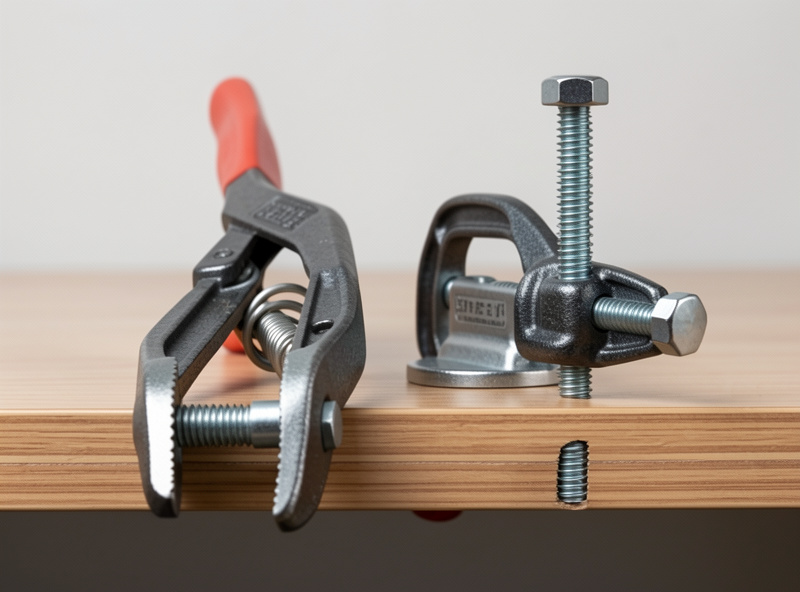
The three honest categories are spring-clamp mounts, screw-clamp mounts, and bolt-through or dedicated mounting plates — and they trade convenience for rigidity almost linearly. Spring clamps are fastest to fit and the first to flex; bolt-through is the most rigid and the least friendly to a desk you don’t want holes in.
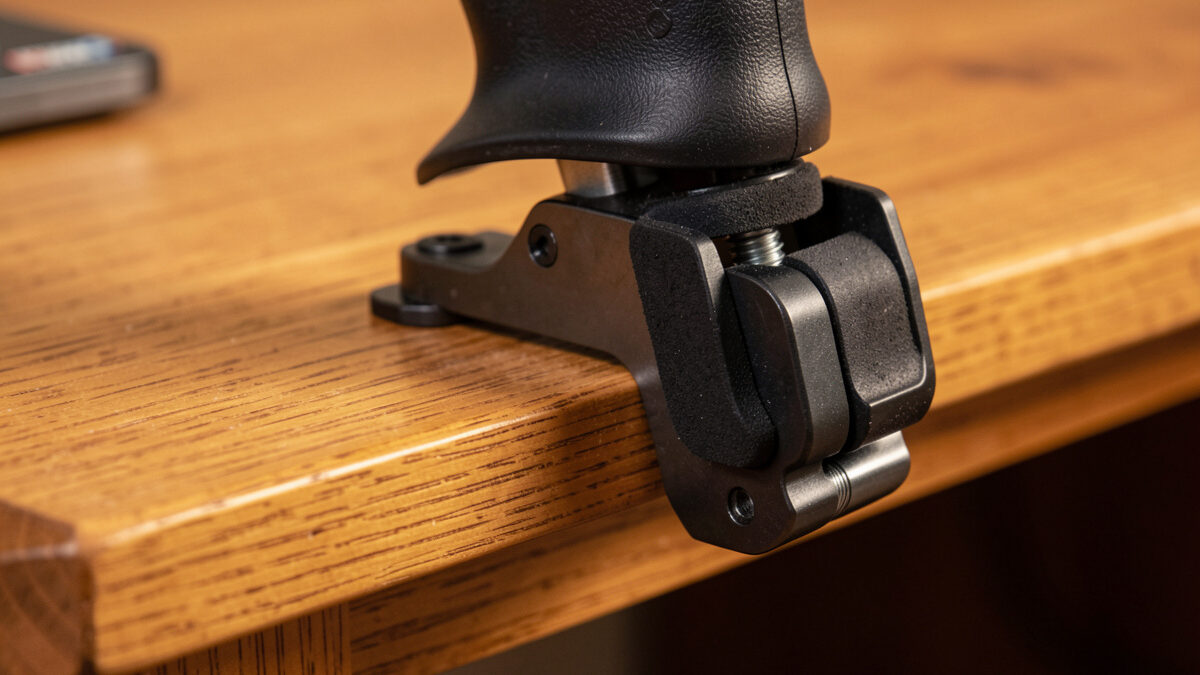
Spring-clamp mounts (the integrated clamps on entry yokes) are fine for a permanently-placed single controller on a heavy desk. They’re convenient and they’re the reason most people think their controller “is mounted.” Screw-clamp mounts with a wide jaw and large rubber pads grip far better and are the sweet spot for most simmers — they distribute the load and bite a thicker desk lip. Bolt-through plates and dedicated mount brackets that screw or clamp to the desk’s underside are the rigidity ceiling for a desk setup; they put the load into the desk’s structure rather than pinching its edge. The catch is they need a desk you’re willing to modify or one with a suitable frame to grab.
| Mount type | Rigidity | Desk-friendly | Best for | Flex failure mode |
|---|---|---|---|---|
| Spring clamp (integrated) | Low–medium | Excellent (no marks) | Single controller, heavy desk | Jaw twist under hard pull |
| Screw clamp, wide jaw | Medium–high | Very good | Most simmers, yoke or stick | Desk-top bow if top is thin |
| Bolt-through / dedicated plate | High | Poor (holes/underside) | Permanent setups, heavy use | Almost none; limited by desk |
| Free-standing mount stand | Medium | Excellent | Renters, no-mark setups | Tips/slides without ballast |
The Backing-Plate Trick That Costs Almost Nothing
A thin steel or plywood backing plate under a clamp roughly doubles the effective grip area and is the cheapest anti-flex upgrade there is. The reason a clamp flexes on a thin desk is that all the load concentrates on a small contact patch that lets the top bow locally. Slip a stiff plate between the clamp and the desk and that load spreads, the local bowing stops, and a mediocre clamp suddenly behaves like a good one.
I run a piece of 6mm plywood the size of a paperback under my screw clamp, with a strip of grippy mat on each face. It cost the price of a coffee and it removed more flex than swapping clamps ever did. This is the single best-value fix on this page, and it’s the one no product page will sell you because there’s no product to sell. If you only do one thing after reading this, do this one before you buy anything. A pack of wide-jaw desk mount clamps paired with a backing plate handles almost any single-controller setup. As an Amazon Associate I earn from qualifying purchases.
When the Desk Is the Problem, Not the Mount
If your desk top visibly bows when you pull the yoke, no clamp upgrade will fix it — the flex is in the furniture. This is the moment a lot of people waste money buying their third mount when the real fault is an 18mm hollow-core top that simply isn’t stiff enough for the leverage a mounted yoke applies. The clamp is doing its job; the desk is the weak link.
You’ve got three honest options at that point. Add a stiffening rail or a second board under the mount area to kill the bow locally. Move the mount to a corner or over a leg, where the top is best supported and flexes least. Or accept that you’ve hit the wall this whole site is about and start planning the move off the desk entirely — which is exactly what the desk-to-rig migration guide walks through. A flexing desk is the most common trigger for the jump to a frame, and once you’ve done the backing-plate trick and still feel movement, the desk is telling you something. The geometry of getting pedals to behave under that same desk is its own problem, covered in the under-desk pedal geometry guide.
Free-Standing Stands for Renters and No-Mark Setups
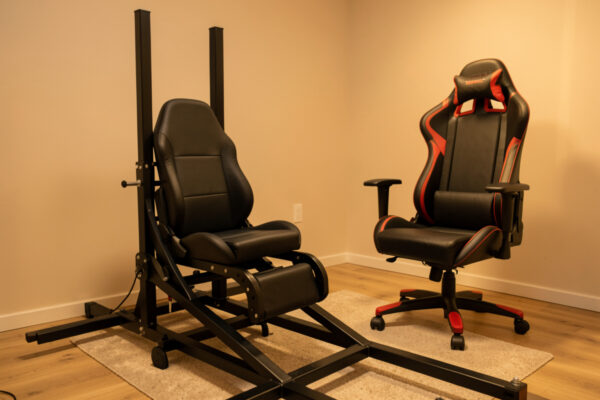
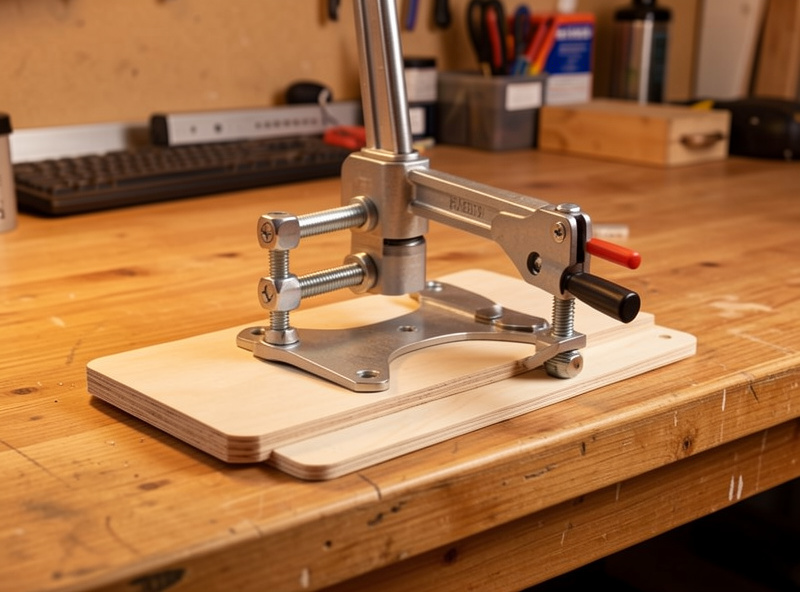
A free-standing mount stand sidesteps desk flex entirely by not touching the desk — but it trades that for needing ballast so it doesn’t tip or slide. If you rent, or your desk is glass, or you simply won’t drill or clamp anything, a floor stand or a weighted mount column is the honest answer. The flex moves from the desk to the stand’s own base, and a wide, ballasted base is what keeps it planted.
The trick with stands is the same as with rigs: the load wants to go straight down into a wide footprint, not out along an arm. A tall thin stand with a yoke way out front will rock; a low stand with weight at the base and the controller close in will hold. In practice a free-standing solution is a half-step toward a rig anyway, and if you find yourself adding ballast and bracing to a stand, that’s the budget and effort that a partial profile frame would have absorbed more rigidly. It’s worth reading the honest rig cost breakdown before sinking money into a heavily-ballasted stand, because the numbers often favour just building the frame.
How This Fits the Bigger Upgrade Picture
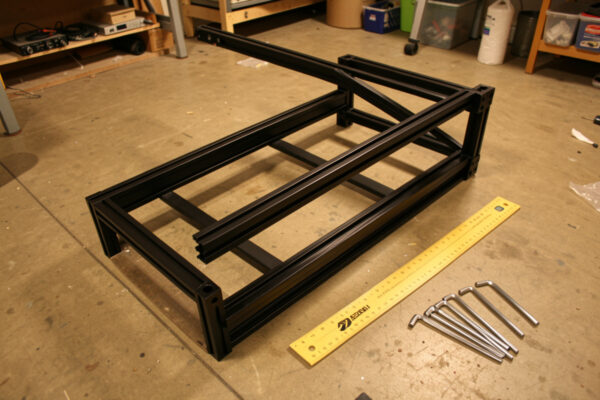
A non-flexing desk mount is a finish line worth reaching, but it’s also a waypoint — the same rigidity logic scales straight into a rig. Everything that kills flex on a desk (short mounts, backing plates, load into structure not edges) is exactly what you’ll do on an aluminium frame, just more thoroughly. T-slot extrusion from makers like 8020 Inc exists precisely to carry loads through structure rather than pinched edges, which is why every desk fix here translates straight onto a frame. Getting it right on the desk first means you understand the problem before you spend on the solution.
If you’ve maxed out the desk and the controller still moves, you’re ready for the next conversation. The aluminium profile rig guide is where the desk’s lessons grow into a frame, and the hardware upgrade order puts the mount decision in context with everything else competing for your budget. A solid mount on a solid desk beats a flimsy rig — don’t jump to a frame to fix a problem a backing plate would have solved.
Frequently Asked Questions
Why does my flight sim yoke still flex after buying a better clamp?
Because the flex is usually leverage or the desk, not the clamp. A tall mount multiplies a tiny wobble at the jaw into a big one at your hands, and a thin desk top bows under the pull no matter how good the clamp is. Mount low and add a backing plate first.
What is the cheapest way to stop desk mount flex?
A stiff backing plate under the clamp. A piece of 6mm plywood or thin steel the size of a paperback, with grip mat on each face, roughly doubles the contact area and stops the desk top bowing locally. It removes more flex than most clamp upgrades for the price of a coffee.
Are spring clamps or screw clamps better for a flight sim controller?
Screw clamps with a wide jaw and large rubber pads are more rigid and grip a thicker desk lip better. Spring clamps are convenient and fine for a single controller on a heavy desk, but they twist first under a hard pull. For most simmers the wide-jaw screw clamp is the sweet spot.
Can I mount a yoke without drilling my desk?
Yes. Use a wide-jaw screw clamp with a backing plate, or a ballasted free-standing stand that does not touch the desk at all. Both avoid holes. The stand trades desk flex for needing a wide, weighted base so it cannot tip or slide under input.
When should I stop upgrading mounts and build a rig instead?
When the desk top itself bows under a hard pull and a backing plate has not fixed it. That means the furniture, not the mount, is the limit. At that point a partial profile frame is usually better value than a third clamp or a heavily ballasted stand.
Does mounting height affect flex?
Strongly. Height is leverage. A controller raised on a tall bracket amplifies every small movement at the clamp, so the same mount feels far more solid with the controller low and close to the jaw. Keep the mount short and the controller near the desk surface.