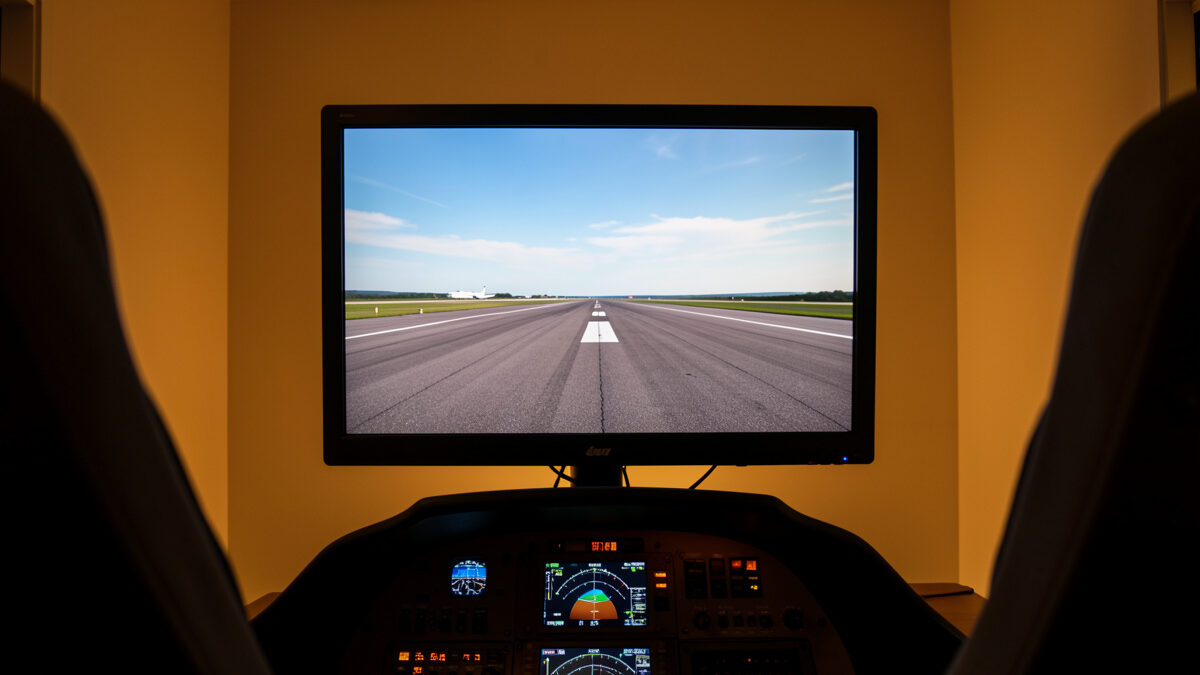
The right flight sim monitor mounting height puts the horizon line of the screen at or just below your seated eye level — typically meaning the screen’s vertical centre sits a little above where desktop ergonomics would put it — for most seated builders, roughly 5 to 10 cm higher than the office-monitor position. On my deck, raising the panel so the in-sim horizon met my natural gaze did more for immersion than going bigger ever did, because your eyes stop fighting the geometry and start believing it.
This is the measurement most people get wrong because they copy office-monitor advice, where the top of the screen sits at eye level to protect your neck during text work. Flight sim is a different job. You’re looking at a horizon and a sky, and you want to sit in that scene the way you’d sit in a cockpit — eyeline on the horizon, panel and instruments falling away below. Get the height right and a modest screen feels like a window; get it wrong and the biggest monitor in the world feels like a TV on a shelf.
Why Flight Sim Breaks the Office-Monitor Rule
Office ergonomics put the top of the screen at eye level to keep your gaze slightly downward for long reading sessions — but in flight sim your primary visual target is the horizon, which sits near the vertical middle of the view, not the top. If you mount for office work, the in-sim horizon ends up low in your field of view and you spend the flight looking down at your own world. Raising the screen so the horizon meets your eyeline fixes that instantly.
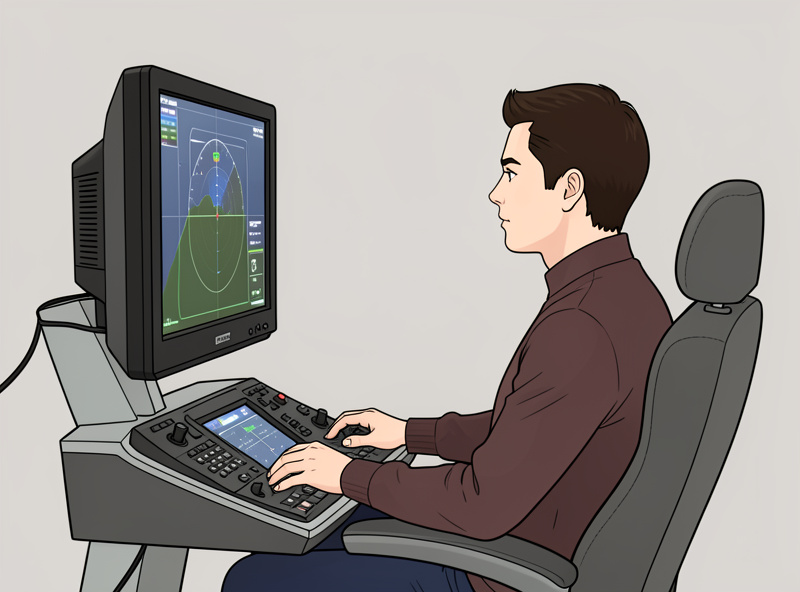
The practical rule I use: sit as you fly, look dead ahead, and that gaze line should land on or just above the vertical centre of the screen. For most people in a normal chair that means lifting the monitor a few centimetres above the desktop-ergonomic position. It feels slightly high when you first sit down for the desktop out of habit, and completely natural the moment you start flying. Trust the flying position, not the spreadsheet position.
Single Monitor: The Numbers That Work
For a single monitor, mount it so the on-screen horizon meets your eye level and the screen is roughly an arm’s length away — close enough to fill your view, far enough that you’re not scanning your head across it. Distance and height interact: a larger panel needs to sit a touch further back so its centre still aligns with your gaze without you craning. The centre of the screen, not the top, is the anchor.
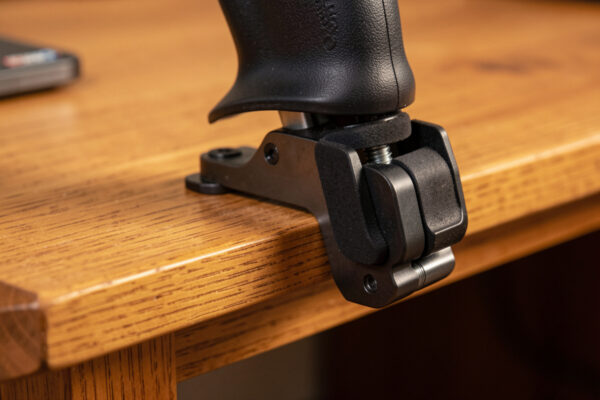
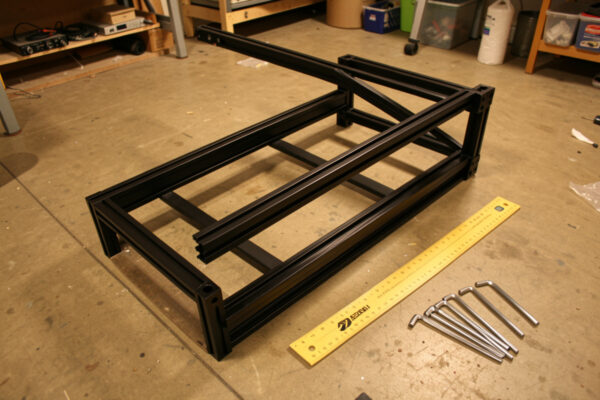
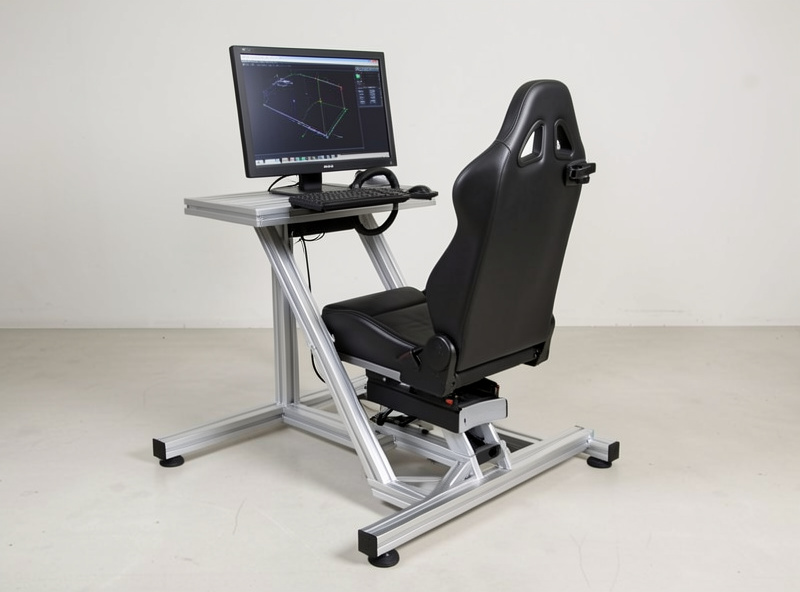
Tilt matters too. A small upward tilt of the screen face — five to ten degrees — keeps the panel perpendicular to your line of sight when it’s mounted high, which keeps brightness and colour even top to bottom. If you’ve mounted the screen high and it looks washed out at the bottom, it’s tilt, not the panel. A VESA arm — most monitors carry the 100×100 mm or 75×75 mm hole pattern set by the VESA standard — makes dialling in that height and tilt far easier than a fixed desk stand. This all gets easier on a rig, where the monitor upright holds the height and tilt rigidly instead of you trusting a desk arm; the build side is covered in the aluminium profile rig guide.
| Setup | Vertical anchor | Distance | Tilt | Note |
|---|---|---|---|---|
| Single monitor | Horizon at eye level (screen centre) | ~arm’s length | 5–10° up if mounted high | Centre is the anchor, not the top |
| Ultrawide | Horizon at eye level | Slightly closer to wrap vision | Slight up-tilt | Curve helps edge geometry |
| Triple monitors | Centre screen horizon at eye level | Arm’s length to centre | Sides angled ~45–60° inward | Match all three heights exactly |
| Projector | Horizon at eye level on screen | Throw-dependent | Keystone-corrected | Biggest sense of scale |
Triple Monitors: Height Is About Matching, Not Just Lifting
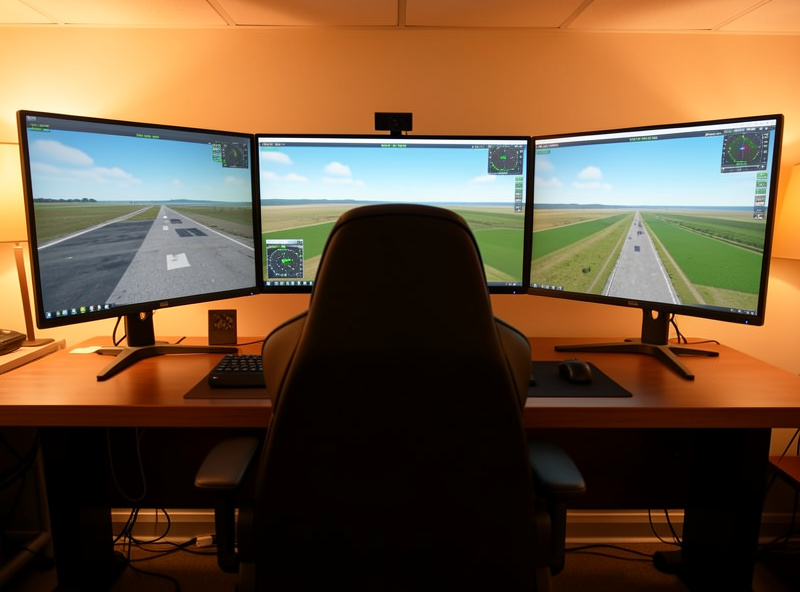
With triples, the centre screen follows the single-monitor rule and the two side screens must match its height and tilt exactly, or the horizon will step up or down as your view pans across them. The immersion of triples comes from a continuous horizon line wrapping around you; a few millimetres of height mismatch between panels breaks that line and your eye catches the seam every time. I mounted my own first triple set a couple of millimetres out and didn’t notice until a night flight over a lit city, when the horizon visibly stair-stepped at each seam — I re-shimmed all three to a single laser line the next morning, and it has stayed honest since. Matching heights is more important than the absolute height you pick.
Angle the side panels inward — somewhere around 45 to 60 degrees works for most desk and rig distances — so they wrap your peripheral vision instead of sitting flat like a billboard. The closer you sit, the more aggressive the angle should be. This is exactly the kind of decision that pushes people toward a frame, because holding three matched, angled panels steady is more than a desk wants to do. If you’re weighing triples against the alternatives, the VR versus triple screens trade-off is worth reading before you commit to three uprights’ worth of build.
The Seat Connection Nobody Mentions
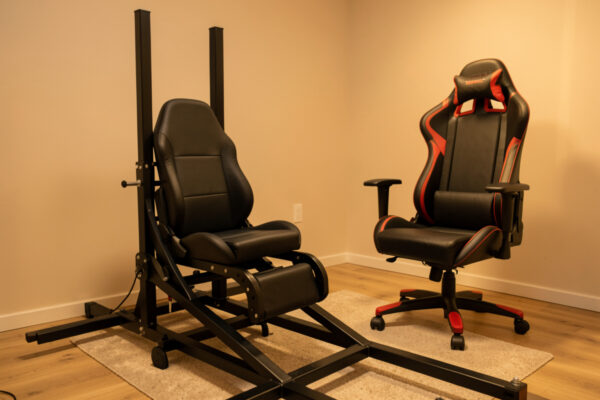
Monitor height is meaningless without a fixed seat height, because the whole measurement references your eye level — and if your chair height drifts session to session, so does the correct screen position. This is the hidden reason rigs improve the sight picture: a fixed seat means your eyeline lands in the same place every flight, so the height you dialled in stays right. On a wheely office chair that you raise and lower, the perfect monitor height is only perfect until someone else adjusts the chair.
This is why I set the seat first and the monitor last on any build. The seat is the datum; the screen height is derived from it. If you’re still choosing what to sit in, the trade-offs between a chair and a fixed cockpit seat — and what each does to a stable eyeline — are covered in the chair versus cockpit seat guide. Lock the seat, then set the screen to it, and the height stops being a moving target.
Head Tracking Changes the Math
If you run head tracking, the static monitor height matters slightly less, because leaning and looking shift your view dynamically — but the neutral, eyes-forward position should still put the horizon at eye level. Head tracking lets you glance down at a panel or up through the canopy by moving your head, which forgives a screen that’s a little off-centre. It doesn’t replace getting the neutral height right; it just makes the rest of the view reachable.
For most simmers, head tracking plus a single well-placed monitor beats triples for both immersion and cost, which is the case I make in the head tracking value guide. If that’s your path, mount one screen at the proper height, add the tracker, and skip the complexity of matching three panels entirely. Where all of this sits in the larger build sequence is laid out in the desk-to-rig migration guide, and the cost of each monitor route is broken down in the rig upgrade cost guide.
Frequently Asked Questions
How high should a flight sim monitor be mounted?
Mount it so the in-sim horizon meets your seated eye level, which usually means the vertical centre of the screen sits at eye height. That is a little higher than office-monitor advice, because flight sim’s main visual target is the horizon near the middle of the view, not text at the top.
Why does flight sim want the monitor higher than office work?
Office ergonomics put the top of the screen at eye level for downward reading. In flight sim your gaze targets the horizon, which sits near the screen’s centre, so the panel needs to come up so that horizon meets your eyeline instead of sitting low in your view.
How do I set the height for triple monitors?
Set the centre screen so its horizon meets eye level, then match the two side screens to exactly the same height and tilt. Mismatched panel heights break the continuous horizon line and your eye catches the seam. Angle the sides roughly 45 to 60 degrees inward to wrap your vision.
Does monitor distance matter as much as height?
They work together. Aim for about an arm’s length, with larger panels sitting slightly further back so the screen centre still aligns with your gaze without craning. Too close and you scan your head across the view; too far and a single screen stops filling enough of it.
Does head tracking change the ideal monitor height?
It relaxes it slightly, because leaning and looking shift your view dynamically. But your neutral, eyes-forward position should still put the horizon at eye level. Head tracking makes an off-centre screen forgivable; it does not remove the need to get the neutral height right.