Twin-Engine Throttle Setup Guide for Flight Sim
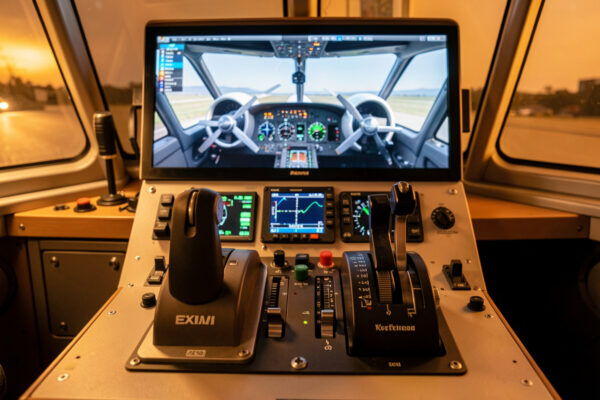
To set up a twin-engine aircraft in a flight sim, bind two physical throttle levers to throttle 1 and throttle 2 as separate axes, not...
Read StoryYokes, rudder pedals, and throttle quadrants—honest hardware guides for home sim pilots, from first stick to full cockpit.
 Editor's Choice
To set up a twin-engine aircraft in a flight sim, bind two physical throttle levers to throttle 1 and throttle…
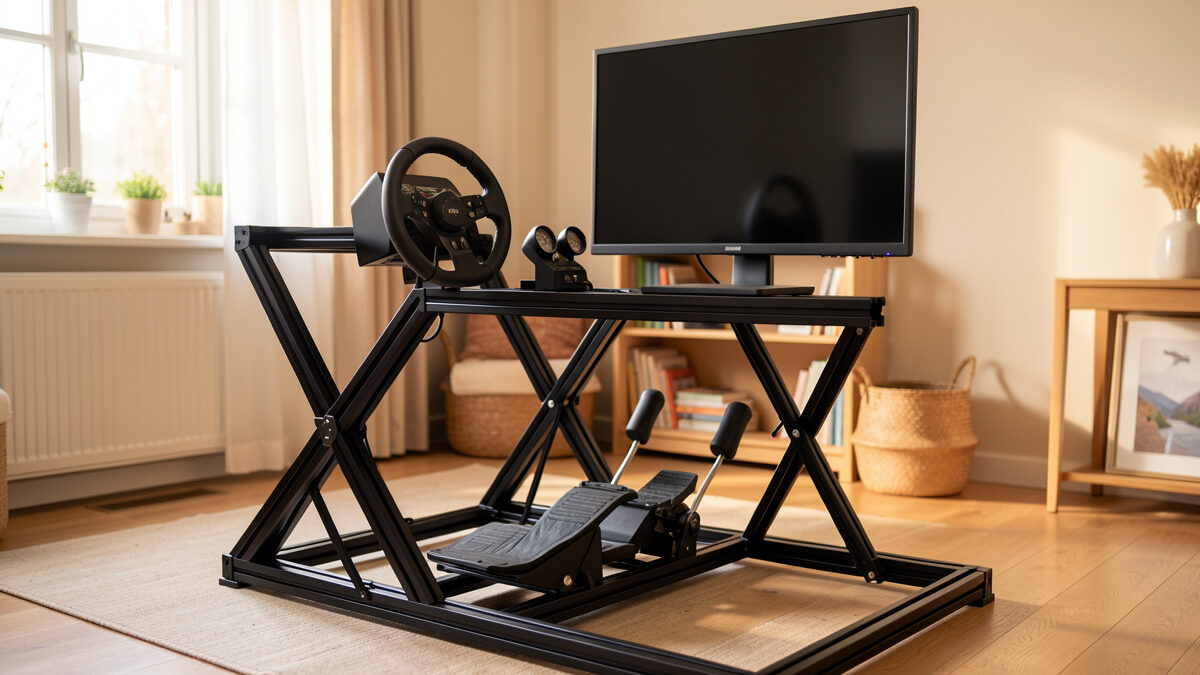
A flight sim rig migration is the move from a controller clamped to your desk…
The best first aircraft to learn in flight sim is a simple…
Every home cockpit starts the same way: a desk, a sim, and one controller. Whether you fly VR-first, chase helicopters, or want a full airliner deck, the upgrade path runs in three stages. Prices below are for reference.
Sim basics and your first yoke or stick. A Logitech G Yoke System (~$199) is plenty to get airborne in MSFS 2024 or X-Plane 12. Typical desk-pilot budget: $200–$600.
Rudder pedals, throttle quadrants, button boxes, and head tracking. A Thrustmaster TCA Captain Pack (~$399) covers the airliner side. Serious sim corner: $600–$2,000.
Dedicated rigs, multi-display, and motion. Think Honeycomb Alpha + Bravo (~$599) bolted to a frame that never gets packed away. Dedicated cockpit territory: $2,000+.
To set up a twin-engine aircraft in a flight sim, bind two physical throttle levers to throttle 1 and throttle 2 as separate axes, not...
Read StoryA flight sim rig migration is the move from a controller clamped to your desk to a dedicated frame built around the seat, and the...
Read StoryThe best first aircraft to learn in flight sim is a simple piston single — fixed gear, one engine, analog gauges, no autopilot doing your...
Read StoryThe right flight sim monitor mounting height puts the horizon line of the screen at or just below your seated eye level — typically meaning...
Read Story