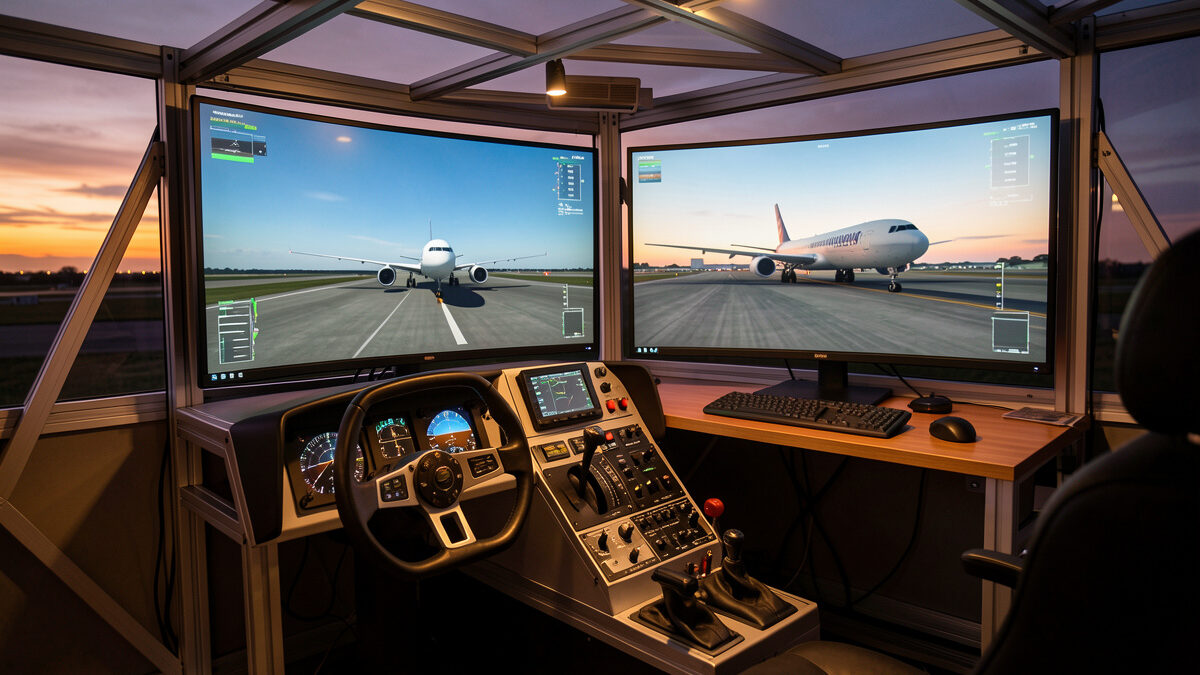
For most home simmers in 2026, MSFS 2024 is the better daily driver for scenery, weather, and out-the-window immersion, while X-Plane 12 still wins on flight-model honesty and tinkerability. On my deck I run both, and after years of building this hobby up tier by tier, the choice comes down to whether you fly to look at the world or to feel the aeroplane.
That is the short version, and it is genuinely the answer for the majority of people who message me. But “which sim” is the wrong first question for a lot of builders, because the two simulators have drifted toward each other over the last few releases while keeping very different cores. This guide walks the full comparison the way I actually weigh it from the builder’s chair: flight model, world and scenery, the payware ecosystems, study-level depth, hardware cost, and the option nobody mentions enough — just running both. Everything here is sim-to-sim. I am a cockpit builder, not a flight instructor, so when something touches real-world flying I will say plainly what real pilots report rather than pretend I am one.
The two sims at a glance
X-Plane 12, from Laminar Research, and Microsoft Flight Simulator 2024, from Asobo and Microsoft, are the two serious civilian desktop simulators in 2026. They cost roughly the same as a single AAA game for the base package, and both will happily eat every frame your GPU can produce. The headline difference is heritage: X-Plane was built around computing aerodynamic forces from the aircraft’s shape, while the modern MSFS line was rebuilt around a photoreal streamed planet.
In practice that means a first session in each feels very different. Fire up MSFS 2024 and the first thing that hits you is the world — satellite terrain, photogrammetry cities, live weather pulled from real data, traffic, and lighting that makes a sunset approach genuinely stop you mid-checklist. Fire up X-Plane 12 and the first thing you notice is the aeroplane: how it settles into ground effect, how the tail wags in a gust, how trim actually loads up. Neither is “more realistic” in some absolute sense — they are realistic about different things, and which one you want depends on what kind of simming makes you lose three hours without noticing.
Flight model: the deepest real difference
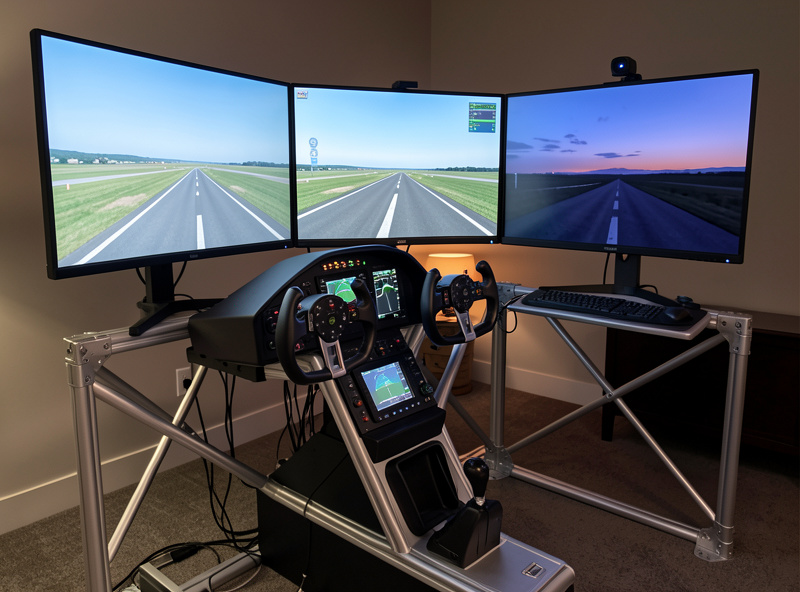
If you only care about one thing, care about this. X-Plane computes lift and drag using blade-element theory — it chops each wing and surface into sections and sums the forces every frame from the actual geometry. MSFS 2024 uses a heavily modernised model that blends lookup tables with computational-fluid-dynamics-derived data, far ahead of the old “flight model in a spreadsheet” reputation the franchise carried for years. Both produce convincing flight; they get there by different routes, and the edges feel different.
On my deck, with rudder pedals and a yoke that has real travel, X-Plane still gives me the more honest secondary cues — adverse yaw you have to step on, a stall that breaks rather than mushes, and a crosswind landing that punishes a lazy crab. MSFS 2024 has closed most of that gap and pulls ahead on engine and systems modelling for its in-house airliners. The honest builder’s take is that the default-aircraft gap is now small enough that hardware and your control curve setup matter more than the engine underneath. I go much deeper on exactly where they diverge in the dedicated X-Plane vs MSFS flight model breakdown, because this is the question that gets the most armchair myth attached to it.
One thing worth saying up front, because it comes up constantly: neither sim, on any hardware you can buy, is a substitute for real flight training. Real-world instructors are clear that desktop sims help with procedures, instrument scan, and muscle-memory for flows, not stick-and-rudder transfer to an actual aeroplane. Treat the flight-model debate as a hobby-quality debate, which is exactly what it is.
World and scenery: where MSFS pulls away
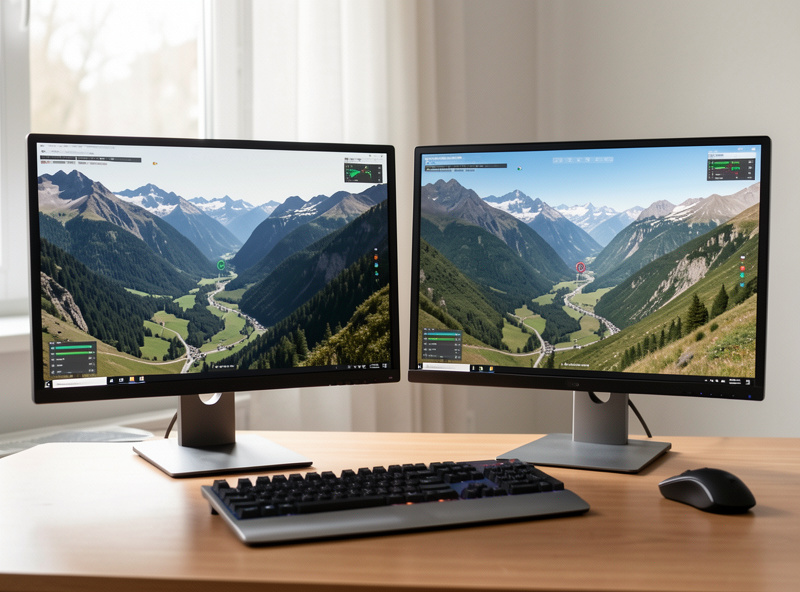
This is the least controversial part of the comparison. MSFS 2024 streams a satellite-derived planet with photogrammetry in major cities, live and historical weather, real-time traffic, and a lighting engine that makes “just go sightseeing” a legitimate way to spend an evening. When the real Swedish winter grounds everything outside, firing up a dusk circuit over a city I know, rendered from real terrain, is the single biggest immersion payoff in the hobby. X-Plane 12 improved its default scenery a lot and has gorgeous water and clouds, but out of the box it cannot match the sheer “that’s actually there” density of MSFS without leaning on add-on scenery and orthophoto packages.
Where X-Plane fights back is consistency and offline behaviour: its world does not depend on a streaming connection the same way, and many builders prefer its scenery system for stability on long flights. If your internet is flaky or capped, that matters more than the brochure suggests. For how scenery layers stack up and what is worth paying for, my flight sim scenery guide and the piece on best freeware scenery for MSFS 2024 cover the ground, along with whether payware airports are worth it.
Payware ecosystems: the part that decides your wallet
The base sim is the cheap part. Where you actually spend money over the years is add-on aircraft, scenery, and utilities — and the two ecosystems have different shapes. MSFS 2024 has the in-sim Marketplace plus the big third-party stores, a huge installed base, and therefore the widest selection of new payware, especially scenery and modern airliners. X-Plane has a smaller but famously deep developer community, a tradition of high-fidelity systems aircraft, and a freeware culture that punches well above its weight.
The trap to avoid is buying the sim first and discovering the aircraft you actually want lives on the other one. If your dream is a specific study-level airliner, check which platform its best-regarded version runs on before you commit. I lay out the full store-by-store, money-over-time picture in the payware ecosystems compared guide — it is the single most useful thing to read before your first purchase, because it is the decision you cannot easily undo without re-buying everything.
Study-level aircraft: depth versus breadth
“Study-level” means an add-on that models the real aircraft’s systems deeply enough that you fly it by the actual procedures — failures, electrical buses, FMS programming, the lot. Both sims have study-level options now, but their cultures differ. X-Plane built its reputation partly on a few legendary systems aircraft and a community that prizes that depth; MSFS 2024 has more study-level airliners arriving faster thanks to its market size, plus a strong in-house systems push.
My honest position as a simmer: study-level depth is wonderful and also where the procrastination trap bites hardest — plenty of people buy the most complex tube on the market and then fly it once. If you genuinely want to learn one aircraft cold, X-Plane’s deepest titles are still a benchmark, and I make the case for that path in X-Plane for study-level aircraft. Whichever sim you choose, a DIY button box and a proper throttle quadrant do more for study-level immersion than another payware purchase, because flows want real switches.
Hardware and performance: frame-time, not frames
Both sims are demanding, and both reward the same hardware priorities, which is good news if you already built for one. In my frame-time logs, MSFS 2024 is the more CPU- and streaming-sensitive of the two — dense photogrammetry cities are where you see the 1% lows tank and the stutter creep in. X-Plane 12 tends to be steadier in cruise but can lean hard on the GPU with heavy clouds and orthophoto scenery. The thing I keep telling people is to chase frame-time consistency, not a big average fps number, because a smooth 35 beats a stuttery 60 every single time in a cockpit.
If you are speccing or upgrading a machine to run either, the priorities are the same ones I cover across the PC build content: a strong CPU and fast RAM matter more than people expect, VRAM is the quiet decider at higher resolutions, and the bottleneck is rarely where beginners think. Start with the flight sim PC build guide and the real MSFS 2024 system requirements, then read CPU vs GPU bound in flight sim and the best GPU for 1440p before you spend. RAM questions are answered in 32GB vs 64GB.
Multiplayer, ATC, and flying with others
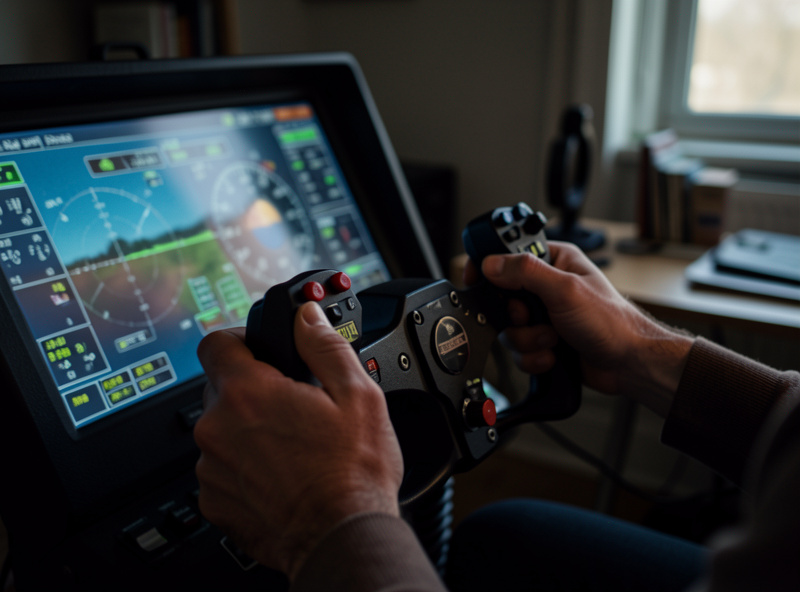
Most of my hours are single-player, but the online side genuinely separates the two for some builders. MSFS 2024 ships with built-in multiplayer and a busy live-traffic layer, so the world feels populated even when you are just boring holes in the sky alone. X-Plane leans more on third-party multiplayer and shared-cockpit solutions, which the community has built out well but which take a little more setup. Both connect to the big virtual air-traffic-control networks that simmers use, so if flying controlled approaches with real human controllers is your thing, neither locks you out of it.
The practical builder’s note here: networked flying is the one place where your PC’s connection and the other peripherals on your desk start to matter together. If you fly online a lot, a stable wired connection beats a faster flaky one, and a button box for radios and transponder codes keeps your hands off the keyboard while you are talking to a controller. That is a hardware win that pays off identically in either sim, which is the recurring theme of this whole comparison.
The tinkerer’s tax: mods and maintenance
X-Plane has a deserved reputation as the tinkerer’s sim. Its plugin system, open file formats, and scripting culture mean that if you like getting under the bonnet — editing aircraft, writing little Lua utilities, building custom datarefs into a panel — it rewards you. That is the same instinct that has me soldering button boxes at the bench, so I will admit a bias: I enjoy the fiddling, and X-Plane gives me more surface to fiddle with. MSFS 2024 is more modular and add-on-driven than open-ended; you install packages rather than rewire the sim, which is honestly the right call for most people who just want to fly.
The cost of all that openness is maintenance. The more you mod a sim, the more you are also signing up to troubleshoot it after every update, and both platforms break add-ons on major patches from time to time. My rule on my own deck is to keep the primary sim relatively clean and reliable and do the heavy experimenting on the secondary one, so a broken plugin never costs me an evening I wanted to spend actually flying. If you have ever spent a Saturday fixing your rig instead of using it, you already know why that rule exists.
How I actually split my flying between the two
Here is the unglamorous truth from my own logbook. I use MSFS 2024 for sightseeing, for short VFR hops around scenery I want to see, and for showing the hobby to anyone who walks past the deck — it is the better salesman. I use X-Plane 12 when I want to practise crosswind technique, fly a deep systems aircraft, or just feel an aeroplane that fights back a little more honestly in the gusts. Neither is gathering dust, and switching between them costs me nothing but a couple of minutes re-checking that my curves are bound the way I like in each.
That split only works because the deck underneath is sim-agnostic. The same yoke, the same TPR-class pedals, the same Bravo-class quadrant, the same head tracker — all of it serves both sims without a single change to the wiring. That is the argument I keep landing on: spend on the deck once, and the sim choice stops being a fork in the road and becomes a setting you flip depending on your mood. If you are still building that deck, the first hardware to buy after the keyboard matters far more than which loading screen you stare at while it boots.
VR, head tracking, and immersion in each sim
Both simulators support VR and head tracking, and on my deck the head tracker is the daily driver while the VR headset comes out for special occasions. The short version: X-Plane 12 has long had a reputation for stable, well-implemented VR, and MSFS 2024 looks staggering in a headset but asks more of your GPU to stay smooth. For a TrackIR-class infrared tracker the two behave near-identically, because the tracker just feeds head movement the sim treats as a camera input.
If I had to spend one immersion krona it would go on head tracking long before VR or a second sim, and it genuinely does not matter which simulator you run — the payoff is the same. Being able to glance toward the runway on base leg, or lean to find a switch on the overhead, does more for the feeling of sitting in an aeroplane than any scenery upgrade. The platform-level point is simple: neither sim locks you out of the best immersion-per-krona upgrade in the hobby, so do not let it sway your choice.
VR is the bigger swing. In a headset MSFS 2024’s world is breathtaking and X-Plane 12’s flight feel turns uncannily physical, but both demand serious GPU headroom and a tolerance for tweaking settings. My honest advice is to get the deck and head tracking right first, then try VR once the rest of your setup is dialled in — going straight to VR on an under-built rig is the fastest route to a stutter-induced headache.
Your first week in either sim
Whichever you pick, your first week should be about the aircraft, not the add-ons. Fly the default single-engine trainer both sims ship with around an airport you know, and keep at it until taxi, takeoff, a circuit, and a landing feel repeatable. Resist buying anything; the defaults in both X-Plane 12 and MSFS 2024 are good enough to learn on, and spending money before you can land is the classic beginner mistake.
Spend the first evening on setup rather than flying, because it pays back every session afterwards. Bind your controls, set sensible curves and deadzones, and switch on the assists you need while turning off the ones that fight you — then leave it alone. The single most common reason a beginner bounces off either sim is an un-tuned controller making the aeroplane feel twitchy and unfair, which reads as “bad flight model” when it is really a setup problem you can fix in ten minutes.
By the end of the week you will know which camp you are in. If you spent the hours sightseeing and screenshotting, you are a world-first simmer and MSFS 2024 is home. If you spent them chasing a greaser landing and reading about systems, you lean X-Plane 12. That self-knowledge, earned cheaply on the default aircraft, is worth more than any review — including this one — because it tells you exactly where your own money should go next.
Head-to-head comparison
| Factor | X-Plane 12 | MSFS 2024 |
|---|---|---|
| Flight model core | Blade-element theory from geometry | Modernised tables + CFD-derived data |
| Default scenery | Good, improving; offline-stable | Streamed satellite + photogrammetry, class-leading |
| Weather | Capable, scriptable | Live real-world weather, deeper presentation |
| Payware selection | Smaller, deep, strong freeware | Largest, fastest-growing, Marketplace built in |
| Study-level aircraft | Benchmark systems titles | More options, arriving faster |
| Performance character | Steady cruise, GPU-leaning | CPU/streaming-sensitive in dense cities |
| Offline use | Strong | Limited without streaming |
| Best for | Feeling the aeroplane, tinkering | Seeing the world, breadth, modern airliners |
So which should you actually buy?
Buy MSFS 2024 first if you want the widest world, the most jaw-dropping scenery, the biggest add-on catalogue, and a sim that sells the hobby to you every time you load it. Buy X-Plane 12 first if flight feel and tinkering are why you are here, if your connection is unreliable, or if the specific deep aircraft you want lives there. And if you are even slightly the type who runs more than one of anything — and as a builder, you probably are — read running both X-Plane and MSFS, because keeping both installed is cheaper and saner than the forum wars suggest, and it lets you use each sim for what it is best at.
Whatever you pick, the hardware in front of the screen changes your experience more than the logo on the loading screen. Rudder pedals, head tracking, and a real throttle move the immersion needle further than swapping sims ever will — that is the whole argument of my hardware upgrade order, and it is doubly true here. If you only have budget for one move this month, make it head tracking or rudder pedals, not a second simulator. Dial in your control curves and deadzones first, and decide yoke vs stick for the aircraft you actually fly. The sim is the canvas; your deck is the brush.
Frequently Asked Questions
Is X-Plane or MSFS more realistic?
It depends on what you mean. X-Plane 12 models flight forces from aircraft geometry and gives more honest secondary handling cues; MSFS 2024 leads on scenery, weather, and many airliner systems. For default aircraft the gap is now small, and neither replaces real flight training.
Can I run X-Plane 12 and MSFS 2024 on the same PC?
Yes. Both install and run independently on the same machine and share the same hardware priorities, so a PC built for one runs the other well. Many builders, including me, keep both installed and use each for what it does best.
Which sim needs a more powerful PC?
They are similarly demanding but stress different parts. MSFS 2024 is more CPU- and streaming-sensitive in dense photogrammetry cities, while X-Plane 12 leans harder on the GPU with heavy clouds and orthophoto scenery. Chase frame-time consistency, not peak fps.
Does my hardware work in both simulators?
Yes. Yokes, throttles, rudder pedals, head trackers, and VR headsets are recognised by both X-Plane 12 and MSFS 2024. You bind and set curves separately in each, but the same physical deck serves both sims without rewiring.
Should a beginner start with X-Plane or MSFS?
Most beginners are happier starting with MSFS 2024 because the world and presentation keep you flying long enough to learn. Choose X-Plane 12 first if flight feel is your priority, your internet is unreliable, or the specific aircraft you want lives there.
Is it worth buying both sims?
For a committed hobbyist, yes. The base sims are inexpensive relative to the hours you log, and each excels at something the other does not. The real cost is add-ons, so plan your payware around one primary sim and treat the second as a complement.